70 • Operations Sam4s SPS-300 OP Manual v1.35
Post Tender
Post tendering means computing change after the sale has been totaled and the drawer is open.
This feature is useful when a customer changes the amount of the tender or when a "quick
change artist" confuses a clerk. Normally, this function is not allowed. If you wish to allow post
tendering, you must set the appropriate system option. See "System Option Programming" in the
"Program Mode Programming" chapter. (A separate system option determines whether the
drawer opens on the post tender.)
1. Register the items you wish to sell.
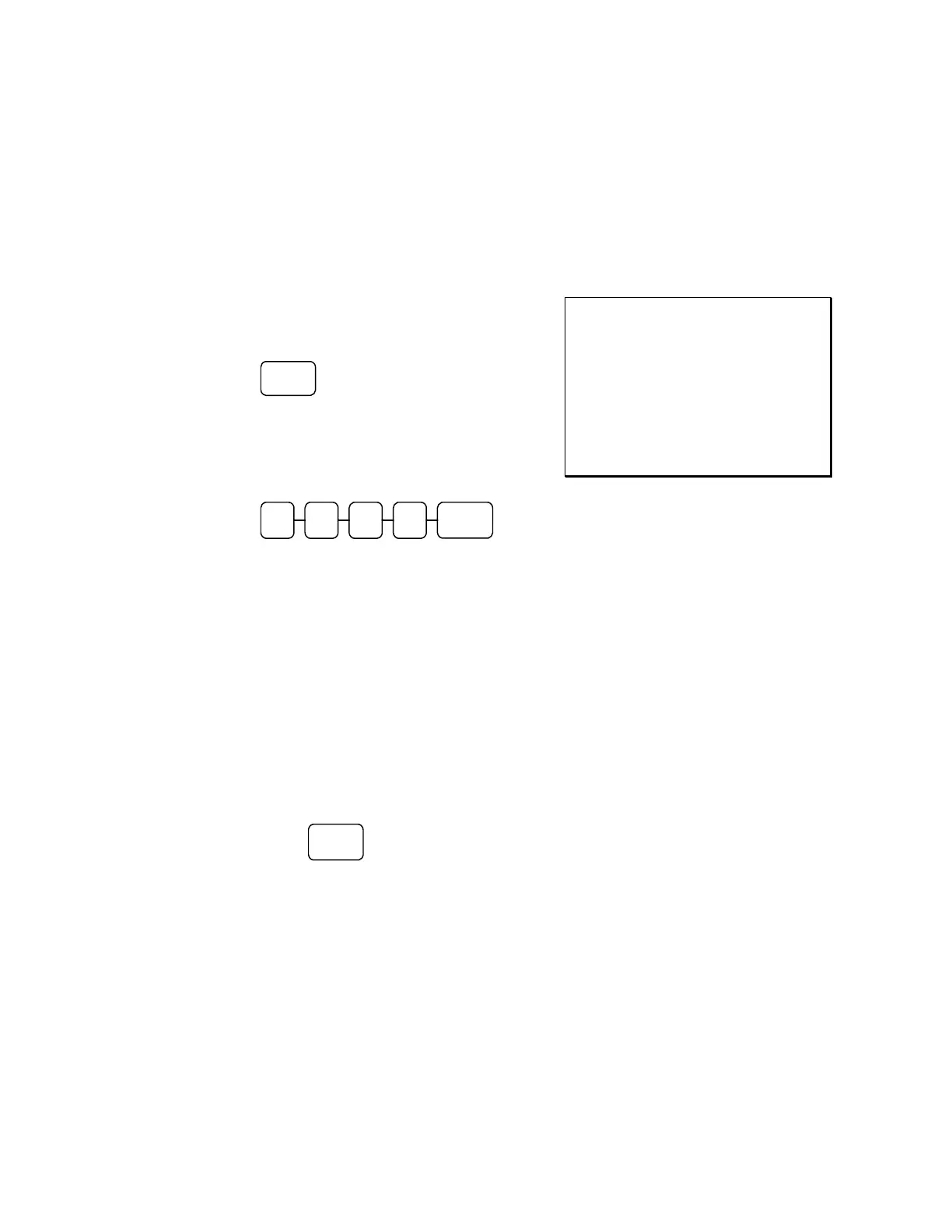
2. Press CASH:
CASH
3. The display will indicate the total of the
cash sale.
4. Enter the amount of the new tender, Press
CASH:
CASH 0 0 2 0
5. The display will indicate the change due.
THANK-YOU
CALL AGAIN
DATE 06/05/2011 SUN TIME 08:33
PLU1 T1 $2.00
TAX1 $0.12
CASH $2.12
CLERK 1 No.000011 00001
Receipt On/Off and Receipt on Request
When a receipt is not normally issued, you can turn the receipt function off. See "Stop Register
Printing" in the "X-Mode" chapter.
If the receipt is off, you can still issue a receipt after the sale has been completed.
Printing a Receipt after the Sale
♦ After the sale has been totaled, but before the next transaction is started, press
CASH:
CASH



 To Next Page