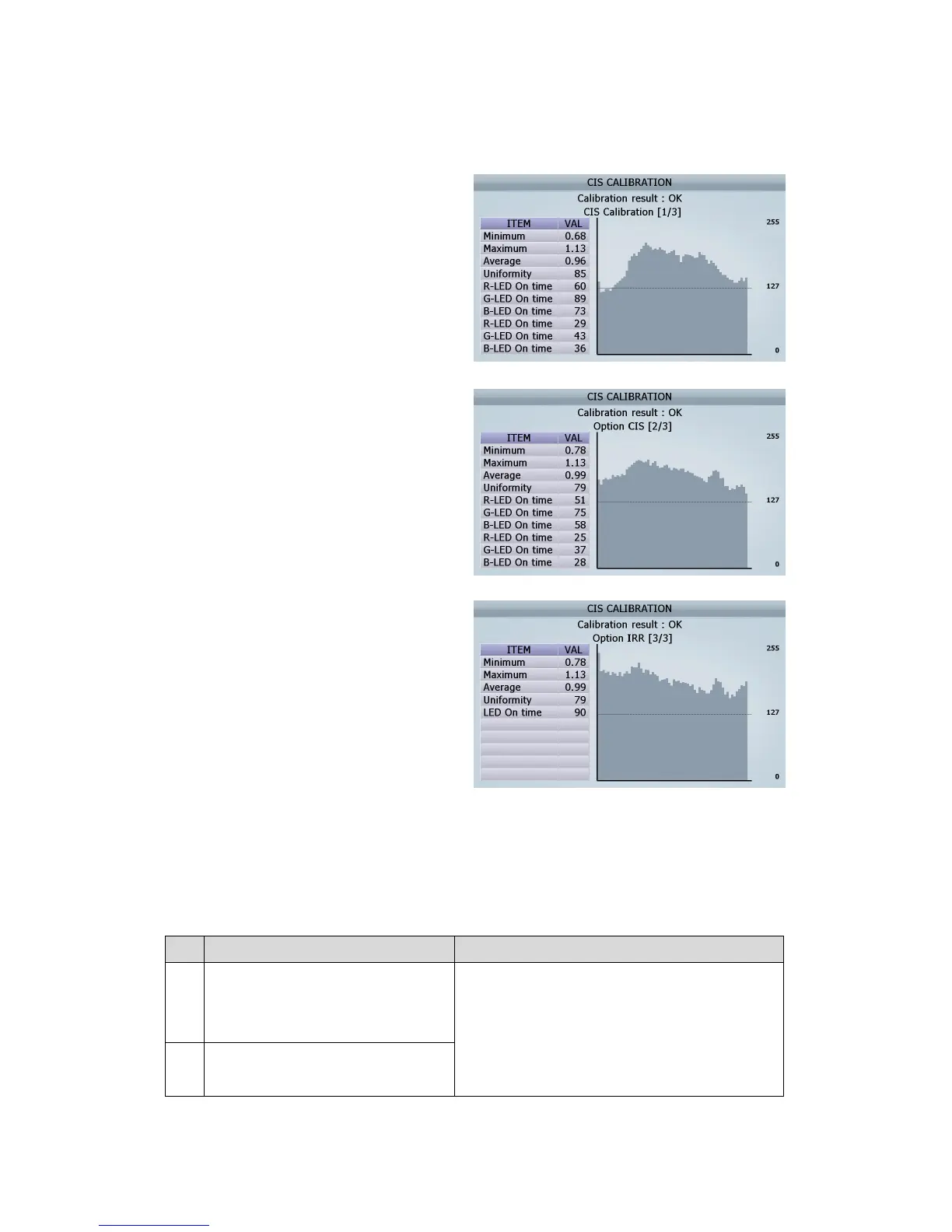
[6] Check if CIS Calibration result is “OK” or “NG”
① The result of CIS Calibration
② The result of Option CIS Calibration
② The result of Option CIS IRR Calibration
[7] After doing calibration, Open the Rear Door B and the Rear Middle Cover, and then take out the sheet.
[The detail information for CIS Calibration’s NG]
No.
The Cause expected Action to be taken
1
Min NG: If the number of calibration
whose value is lower than 65% of
average is more than 40
1. Need to clean CIS sensors (CIS1 and Opt CIS)
2. Need to check CIS’s defect
3. Need to check Image board’s defect
2
Average NG: if the average voltage is
more than 1V ± 10%.
(FIG 9-14)



 To Next Page