4.5
Date Code 20020903 SEL-587Z Instruction Manual
Control Logic
Local Control Switches (NLBn, SLBn, CLBn, PLBn)
Local Control Switches (NLBn, SLBn, CLBn, PLBn)
Local control switches (local bits) emulate traditional panel switches and are
operated via the front-panel pushbuttons and display. By pushing the CNTRL
pushbutton, the front-panel pushbuttons are reassigned new functions to
behave as panel switches (see Local Control on page 8.8 in Section 8: Front-
Panel Interface). Local control switches differ from remote control switches
in that you can only operate the local control switch via the front-panel
pushbuttons and display; you can only operate the remote control switches via
serial communications.
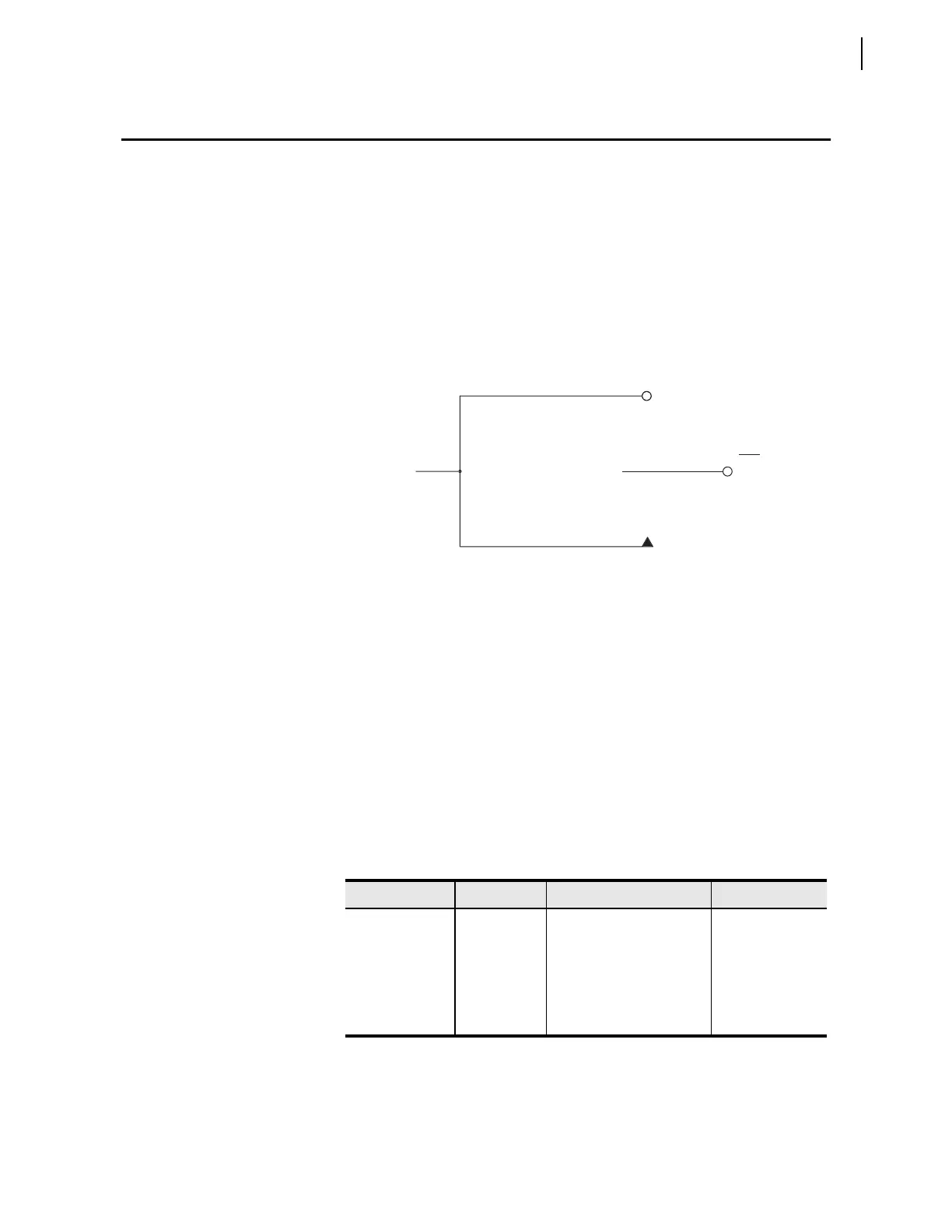
Figure 4.3 Local Control Switches Drive Local Bits LB1 Through LB8.
There are eight local control switches; the output of each switch (one switch is
shown in Figure 4.3) is a Relay Word bit (local bit LBn, n = 1 through 8). Use
these local bits in SEL
OGIC control equations.
To enable the local bits, enter a text string, called “labels,” using the SET T
command. Making corresponding label settings enables other positions of the
same local control switch. Each label is displayed on the front panel according
to the step in the procedure. For example, assume the NLB1 label is “HV
BRKR.” During the circular display, the message “HV BRKR” is shown on
the display. Choose meaningful, unambiguous labels, as these identify the
switch and communicate the switch “instructions” to the operator.
Table 4.1 Control Switch Position,
Label Settings, and Local Control Switch State
Switch Position Label Setting Setting Definition Logic State
N/A NLBn “Name” LBn–Enable
Switch
N/A
CLOSED SLBn “Set” Local Bit LBn logical 1
OPEN CLBn “Clear” Local Bit LBn logical 0
MOMENTARY PLBn “Pulse” Local Bit LBn logical 1 for one
processing interval
ON
ositio
maintaine
lo
ical
osition
OFF
ositio
maintaine
o
ica
osition
MOMENTARY
ositio
(lo
ical 1 for one
rocessin
interval
Lo
ical
LBn
(n=1 through 8)
Relay
Word
Bit



 To Next Page