Page 267
STAT
IM
2000/2000S Service Guide
96-106775 Rev 5.0
13. Installation
STATIM 5000/5000S/5000 G4 Service Guide
Setting up a BACKUP
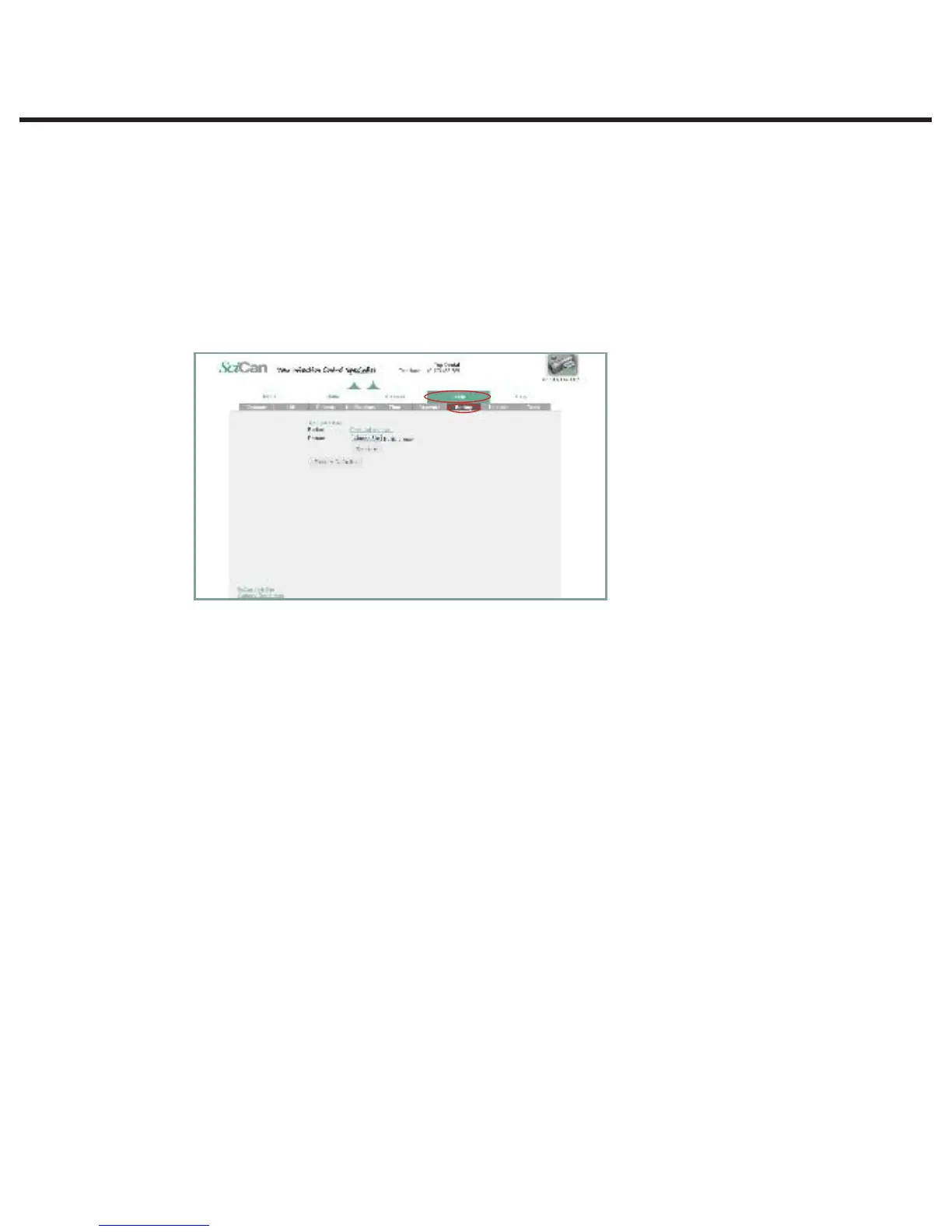
1. From the SETUP page, use the BACKUP tab to back up all the configurable changes
and Contacts information made on the STAT
IM
’s web portal by storing a file on the office
computer.
NOTE: For security reasons, your email password will not be saved.
2. Click download settings to automatically store all settings in a file on the computer (TIP: Use
the Save function on the computer to choose a specific location, otherwise it will load the file
in a default location preset by the browser).
3. To restore settings, click Choose file and browse for the file on the computer, select it and
click Restore.
Page 18
STATIM 5000 G4 Service Guide
Connecting to a Network
Setting up a BACKUP
1. From the SETUP page, use the BACKUP tab to back up all the configurable changes
and Contacts information made on the STATIM’s web portal by storing a file on the office
computer.
NOTE: For security reasons, your email password will not be saved.
2. Click download settings to automatically store all settings in a file on the computer (TIP:
Use the Save function on the computer to choose a specific location, otherwise it will load
the file in a default location preset by the browser).
3. To restore settings, click Choose file and browse for the file on the computer, select it and
click Restore.



 To Next Page