Page 268
STAT
IM
2000/2000S Service Guide
96-106775 Rev 5.0
13. Installation
Using TESTS
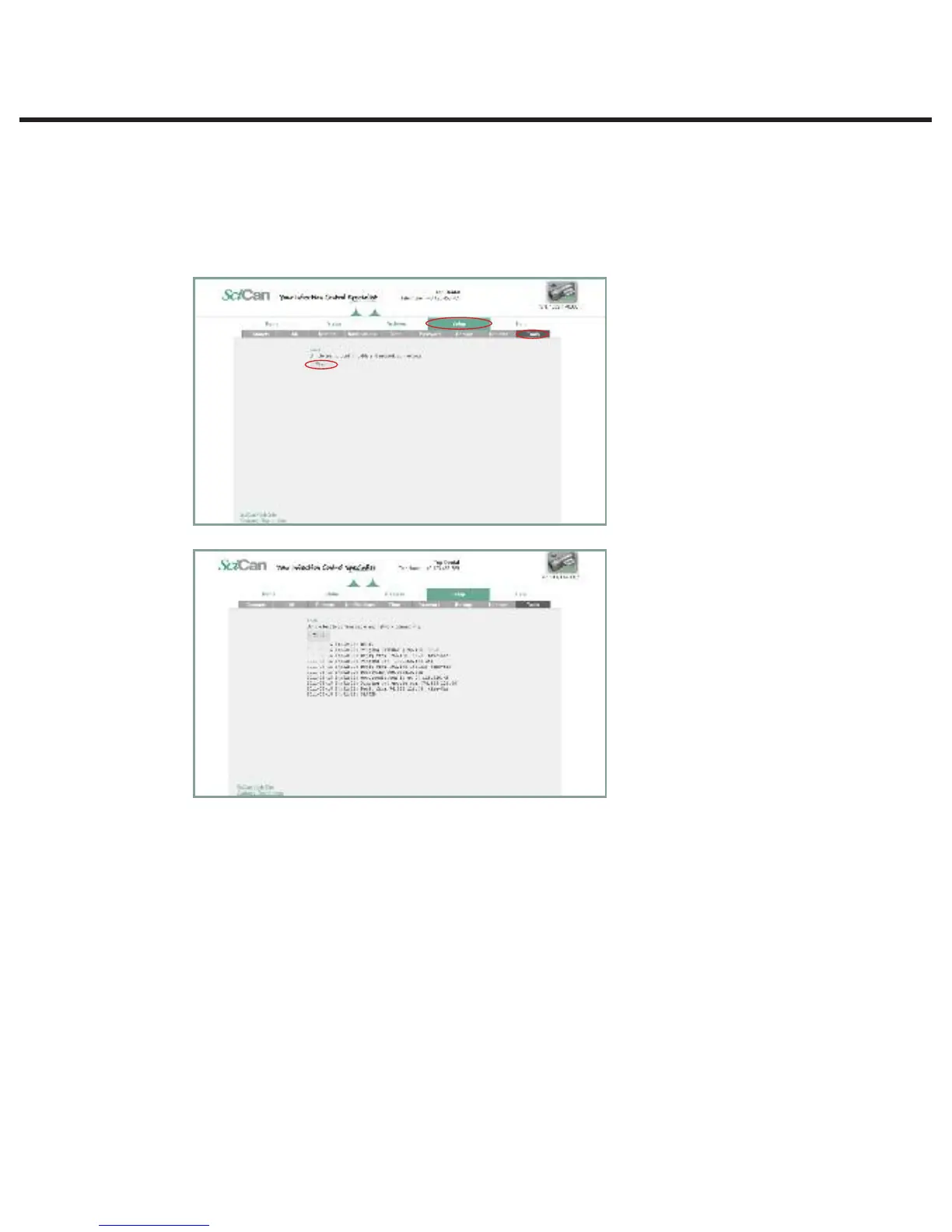
1. From the SETUP page, click on the TOOLS tab.
2. From here you can run a simple pass or fail test to check the network connectivity. The results
will confirm whether you are accessing the Internet, accessing a router and whether the unit
has a proper IP address.
Page 19
STATIM 5000 G4 Service Guide
Connecting to a Network
Using TESTS
1. From the SETUP page, click on the TOOLS tab.
2. From here you can run a simple pass or fail test to check the network connectivity.
The results will confirm whether you are accessing the Internet, accessing a router
and whether the unit has a proper IP address.
STATIM 5000/5000S/5000 G4 Service Guide



 To Next Page