Mirra Manual for Windows Release 2.2 15
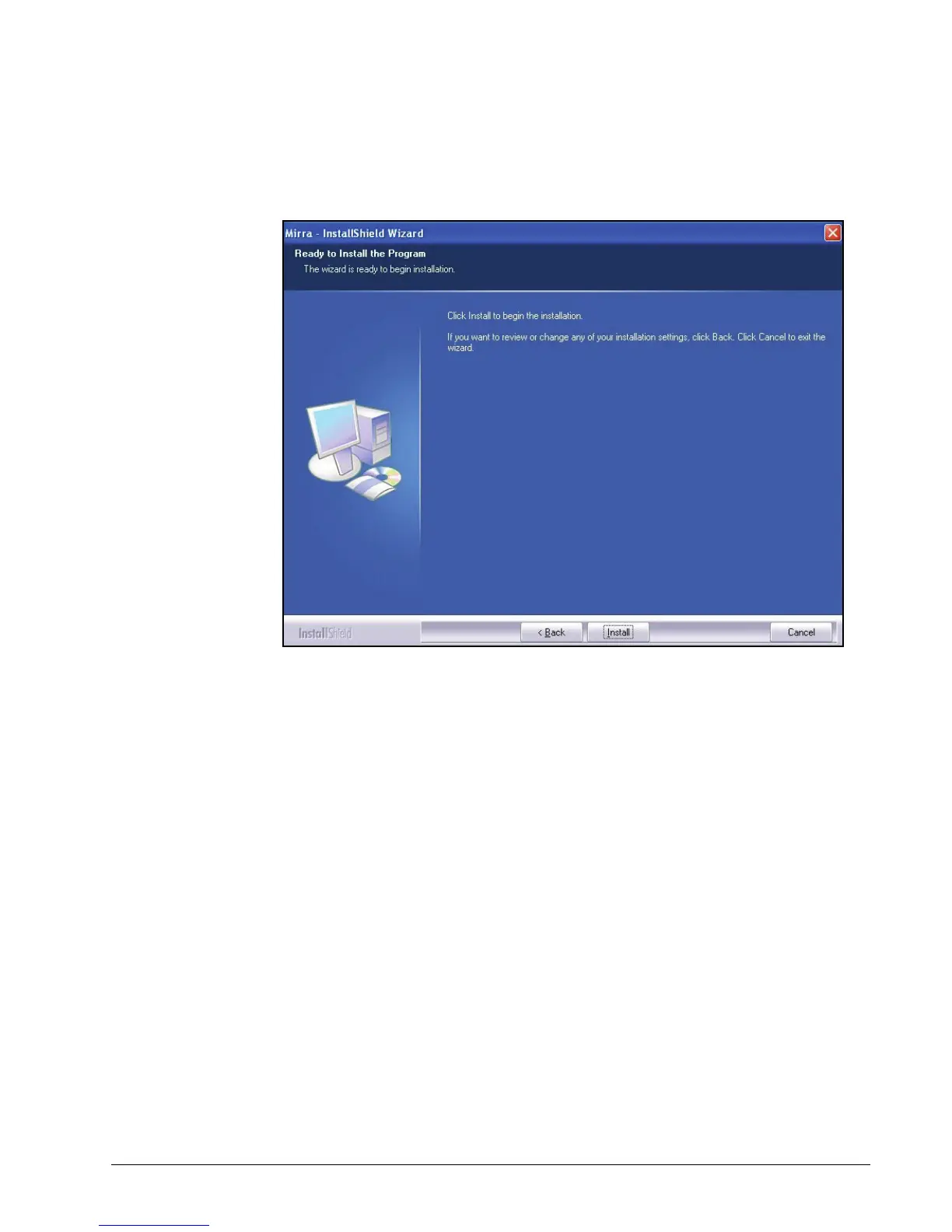
The Ready to Install window allows you one more chance to change the
folder in which your Mirra software will be installed:
Figure 3~8 Ready to Install
Step 9: To review or change any previous settings, click Back and make your
changes.
When you’re satisfied with your settings, click Install to begin the
installation.



 To Next Page