Mirra Manual for Windows Release 2.2 16
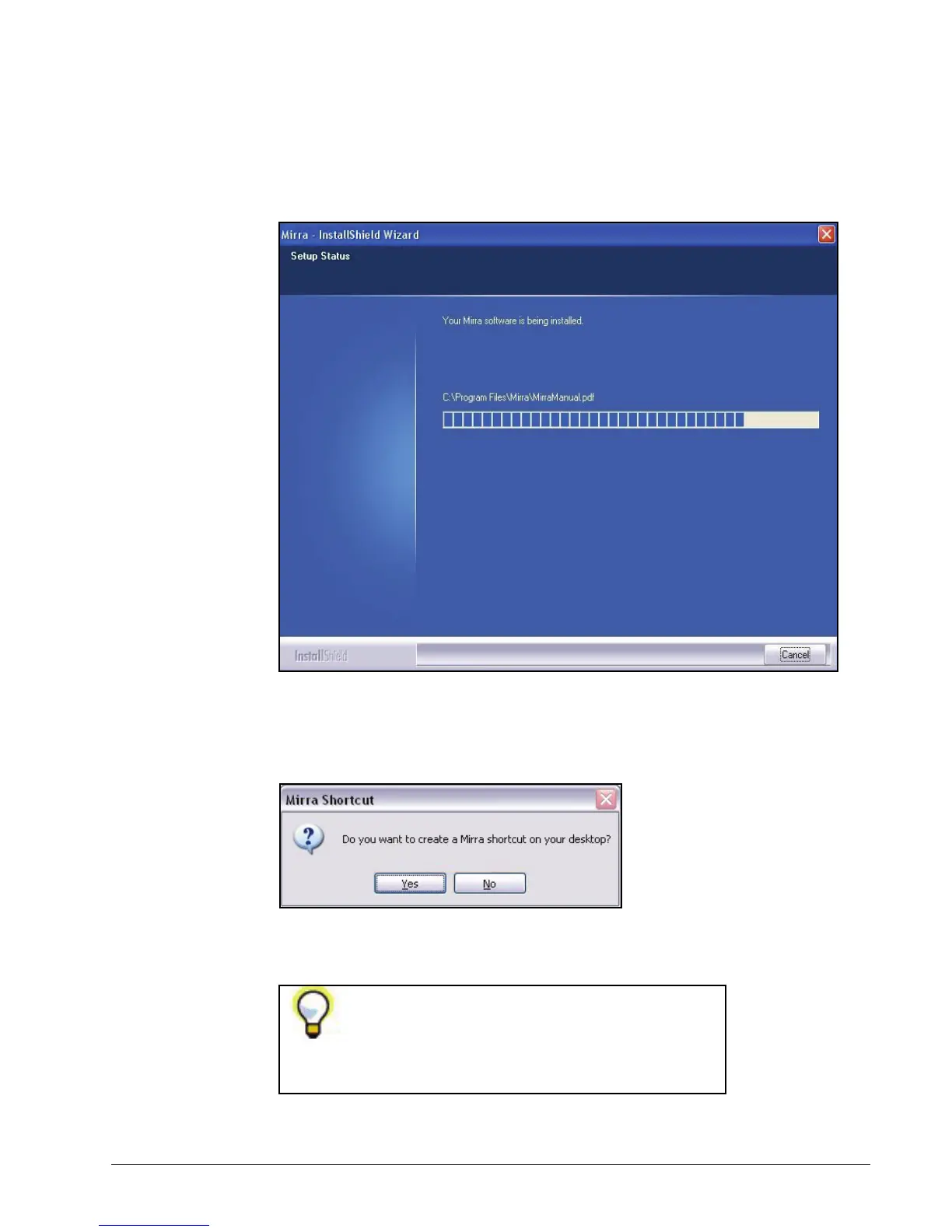
The Setup Status window keeps you informed of the progress of the
installation:
Figure 3~9 Setup Status
During the installation, you’re asked if you want a Mirra shortcut on your
desktop:
Figure 3~10 Create Desktop Shortcut
Once your Mirra installation is complete, a Mirra
icon automatically appears in your System Tray.
However, many people like to use a larger desktop
icon to open the Mirra software.



 To Next Page