Mirra Manual for Windows Release 2.2 17
Step 10: Choose whether you want a Mirra shortcut on your desktop.
If you select Yes, a Mirra icon appears on your desktop:
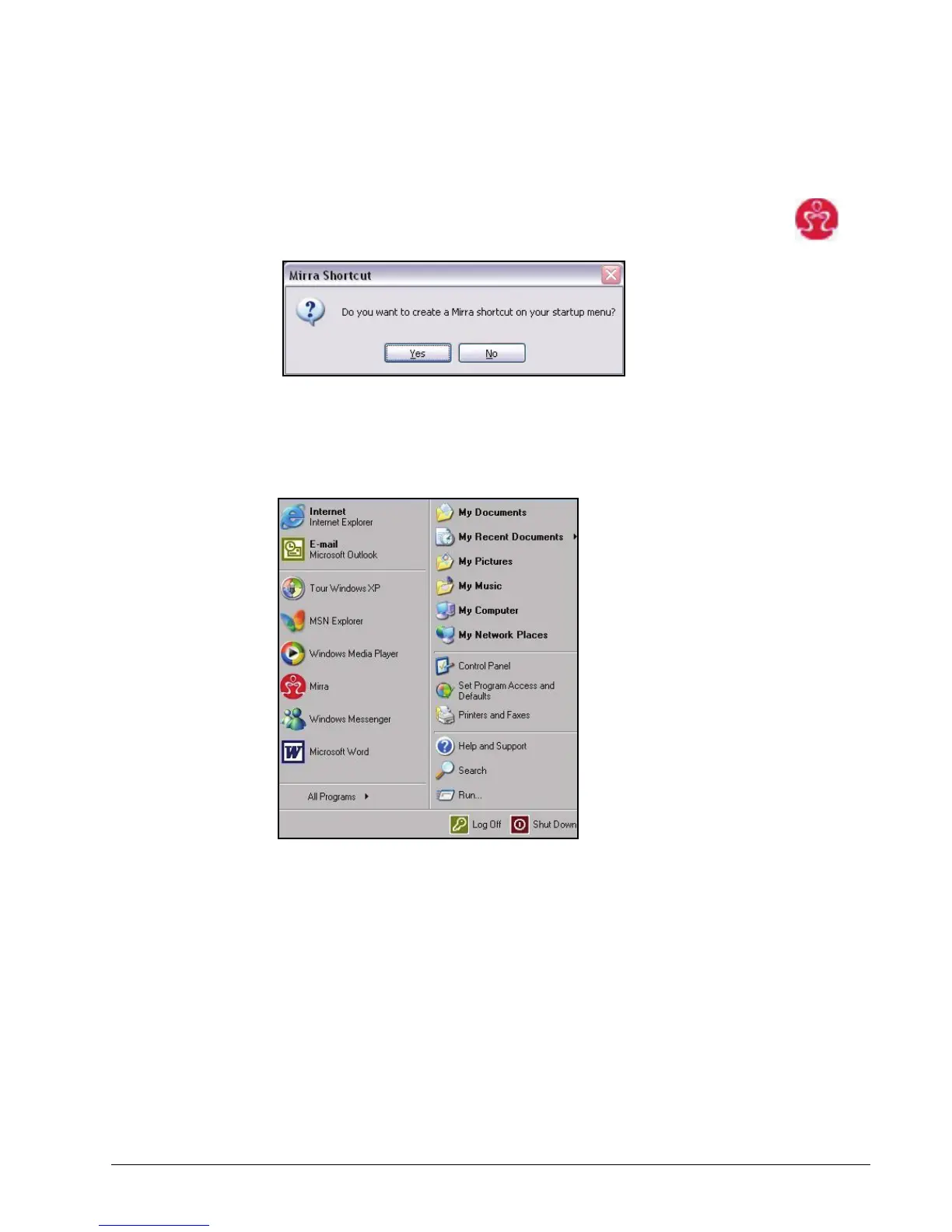
You’re asked if you want a Mirra shortcut on your startup menu:
Figure 3~11 Create Startup Menu Shortcut
Step 11: Choose whether you want a Mirra shortcut on your startup menu.
If you select Yes, a Mirra icon appears on your startup menu:
Figure 3~12 Startup Menu Mirra Shortcut



 To Next Page