Mirra Manual for Windows Release 2.2 27
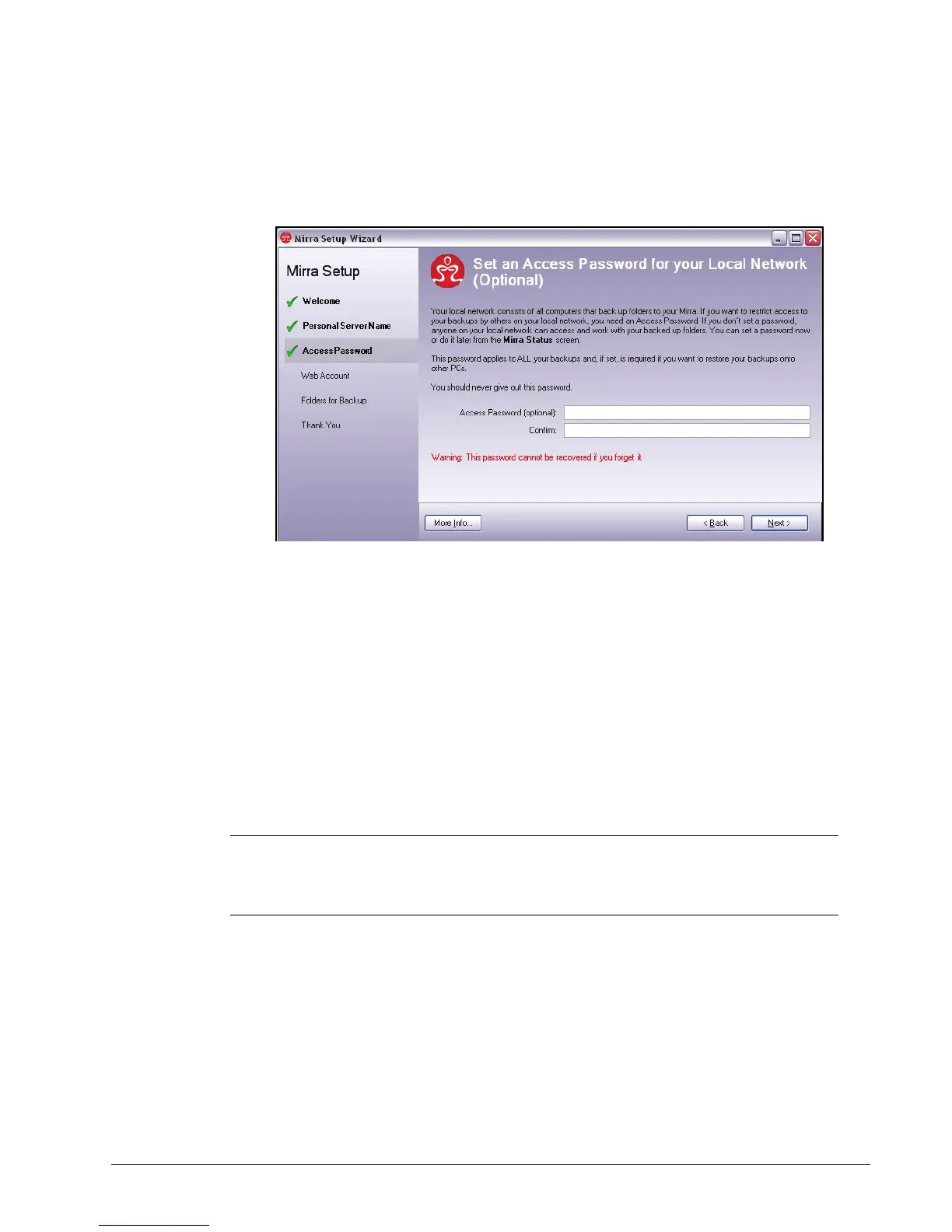
The Access Password window offers the option of password protection for
your folders:
Figure 3~24 Access Password
If other computers are connected to your Mirra and you don't set a
password, any Mirra user can use the Backup & Restore screen to access,
edit, or delete your backed up folders.
• You can set a password now or do it later from the Status screen.
• If you set an Access Password, it applies to all your folders; you cannot assign
it to some folders and not to others.
• If you set a password, you won’t need to enter it to open your own folders on your
own computer. But you will have to enter it if you want to access a backed up
folder from a different computer than the one on which you created the
password.
Caution: Mirra cannot recover your Access Password for you. If you forget your
Access Password, you won’t be able to restore folders from your Personal
Server to a computer.
Step 3: If you wish, enter and confirm a password and click Next.
Note: The Next button is disabled if your two password entries do not match one another.



 To Next Page