Mirra Manual for Windows Release 2.2 28
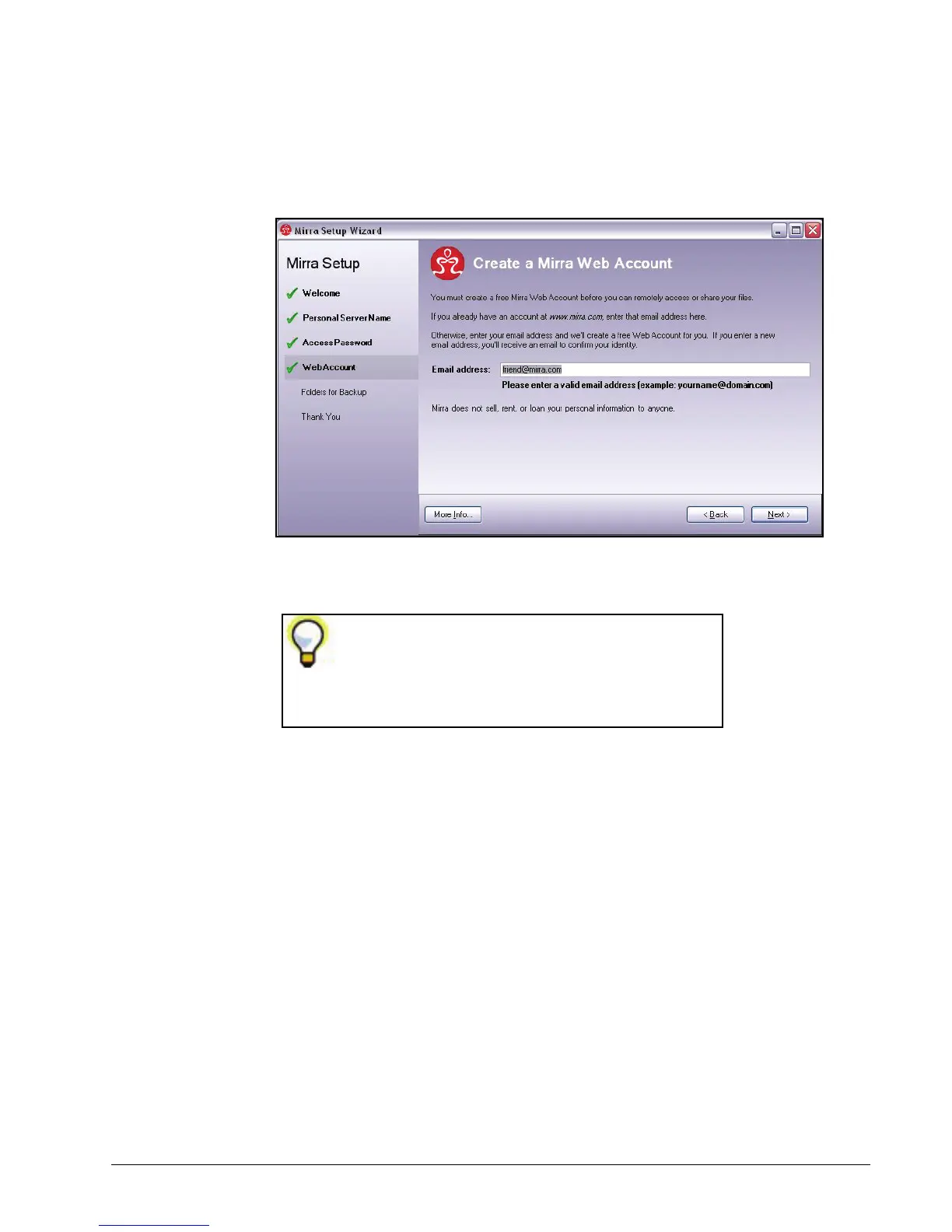
The Create a Mirra Web Account window helps you create a free Mirra Web
Account:
Figure 3~25 Create a Mirra Web Account
Step 4: If you’ve previously created a Mirra Web Account, enter the email address
you used to create that account.
If you’re creating a new Web Account, enter the email address you want to
associate with this Personal Server. After you finish the Setup Wizard,
you’ll complete the creation of your Web Account (see
Creating a New Web
Account
).
Note: The Next button is disabled if you enter an invalid email address.
Step 5: Click Next.
Although you can use Mirra’s Backup & Restore
feature without creating a Mirra Web Account,
you must create a Web Account in order to use
the Web Access and Folder Sharing features.



 To Next Page