Mirra Manual for Windows Release 2.2 29
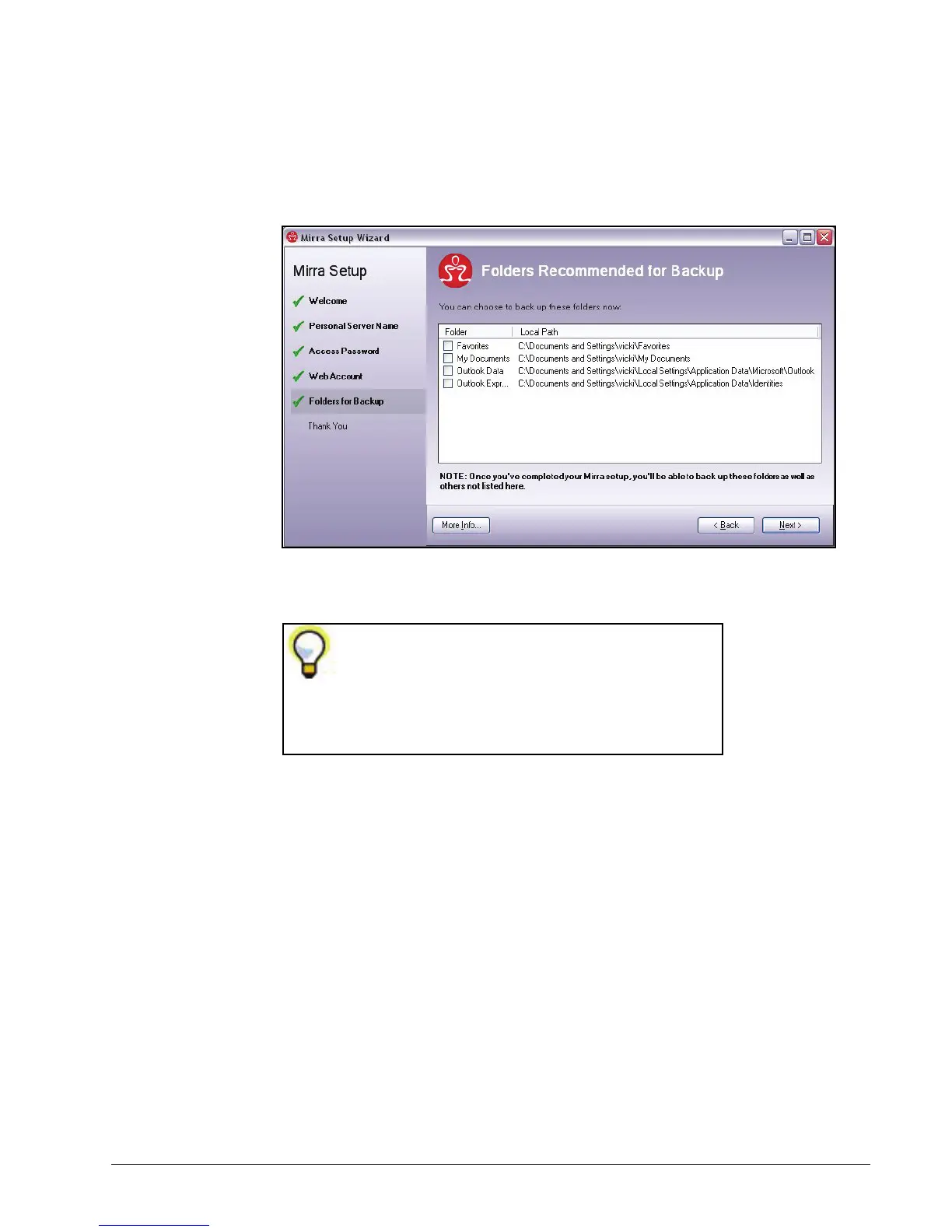
The Folders Recommended for Backup window allows you to select some
basic folders for backup:
Figure 3~26 Select Folders for Backup
Step 6: Select the folders you want to back up to your Personal Server and click
Next.
The folders listed in the Folders Recommended for
Backup window are those most frequently
selected for backup. Once you’ve completed this
setup, you’ll be able to back up other folders not
listed in this window.



 To Next Page