Mirra Manual for Windows Release 2.2 76
To restore your backed up folders from your Mirra to a recovered or new computer,
Step 1: Reinstall and set up the Mirra PC software on your recovered computer or
on a new computer.
Step 2: On your desktop, open the Backup & Restore screen.
A list of your pre-crash backed up folders is displayed.
Step 3: Select a folder and click Restore to this computer in the Backup Tasks
menu.
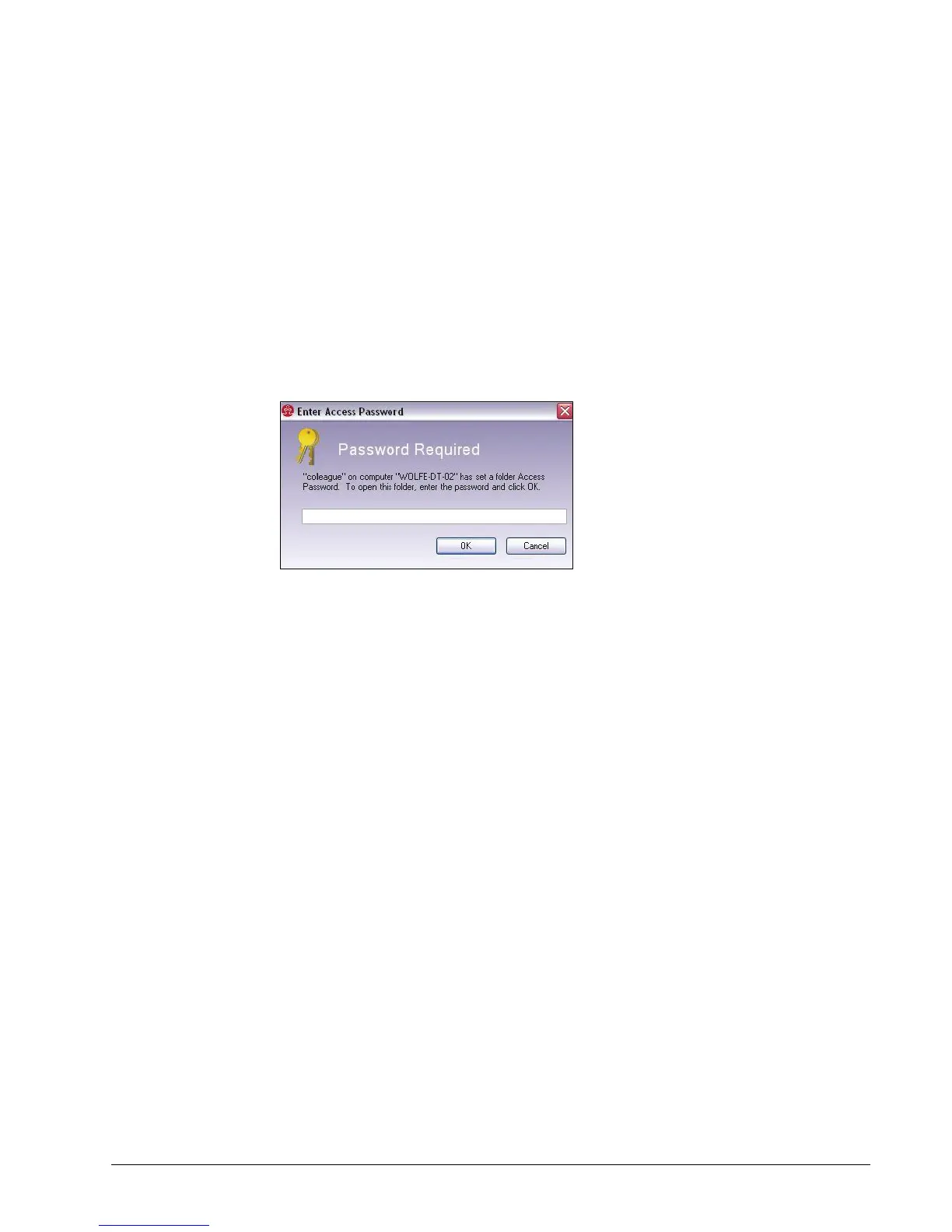
If the folder was password protected, the Access Password window opens:
Figure 5~17 Access Password Window
Step 4: Enter your Access Password and click OK.



 To Next Page