Mirra Manual for Windows Release 2.2 77
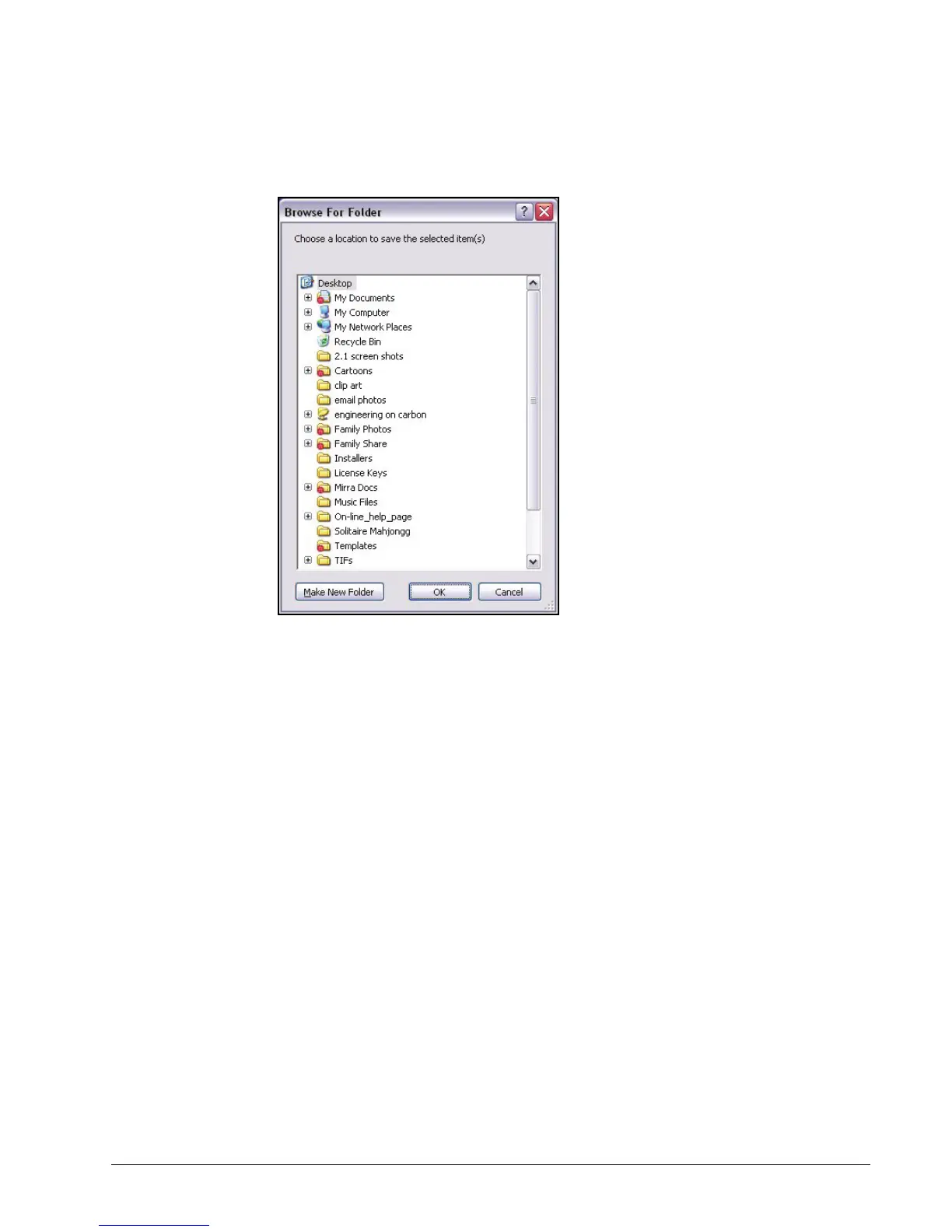
A Browse for Folder window opens:
Figure 5~18 Browse for Folder
Step 5: Select a location for the folder and click OK.
The folder is restored at the selected location.
Step 6: Repeat Steps 3 through 5 until all your folders have been restore on your
new computer.
Step 7: Select the restored folders for backup (see
Selecting Folders for Backup
).
Step 8: Once you confirm that each folder has been completely restored and
backed up, delete the static copy from your Mirra to avoid confusion and
redundancy.



 To Next Page