Car menu
Turning angle of steered wheels.
Coolant temperature.
Lubricating oil temperature
Only the altimeter and 2 more of these items
of information can be displayed at the same
time, but the user chooses which to display,
and in what order, by moving their finger ver-
tically over the dials.
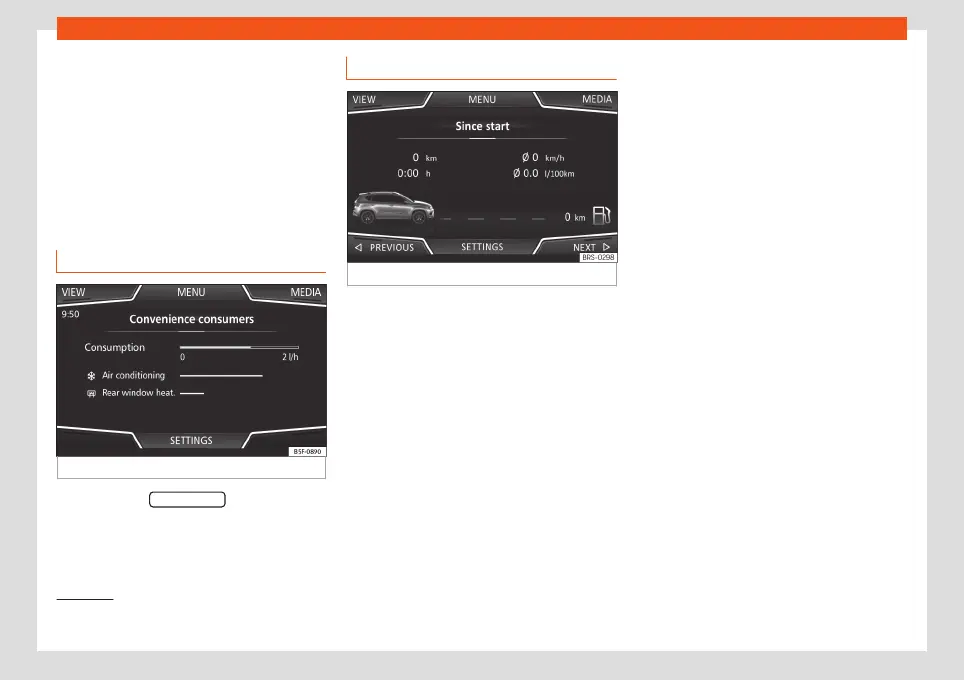
Consumers
Fig. 62
Convenience consumers.
By pressing the CONSUMERS button, informa-
tion on the status of the vehicle's main con-
sumption devices is obtained. It is shown via a
consumption indicator bar in l/h (gal/h)
1)
.
3.
4.
5.
Driving data
Fig. 63
Driving data.
The onboard computer is equipped with 3
memories that work automatically. In these
memories you can see the distance travelled,
average speed, time passed, average con-
sumption and autonomy of the vehicle.
1. Since start
Indicates and stores the values of the journey
completed and the consumption from when
the ignition is switched on to when it is switch-
ed off.
2. Since refuelling
Display and storage of the values for the jour-
ney and the consumption. By refuelling, the
memory will be erased automatically.
3. Long-term
The memory records the values for a specific
number of partial trips, up to a total of 19
hours and 59 minutes or 99 hours and 59 mi-
nutes, or 1999.9 km (or miles) for 9999 km (or
miles), depending on the model of instrument
panel.
When one of these values is reached (de-
pending on the version of the instrument pan-
el), the memory is automatically deleted and
it starts counting from 0 again.
1)
In the case of Gas (CNG) vehicles, the units are
in kg/h.
76



 To Next Page