Navigation
Navigation announcements (audible rec-
ommendations for the driver)
Once the route has been calculated, the sys-
tem gives the first navigation announcement.
Up to 3 navigation announcements are given
before a turn, e.g. “Prepare to turn left”, “Turn
left in 300 metres” and “Now turn left”.
●
Press the adjustment knob
›››
Fig. 2
12
to
listen to the last audible navigation instruc-
tion.
The distances indicated largely depend on
the type of road and the speed at which you
are driving. For instance, navigation an-
nouncements are given much earlier on mo-
torways than on urban roads.
Appropriate navigation announcements are
also given on multi-lane roads, branching
roads and at roundabouts, for example: “At
the roundabout, take the second exit.”
A navigation announcement informs you
when you have reached your “destination”.
A navigation announcement informing you
that you have reached the “destination area”
is given if the exact destination cannot be
reached because it is located in a non-digi-
tised area. It also indicates the cardinal point
and the distance to the previously defined
destination. Navigation resumes “offroad”.
During dynamic route guidance, you re-
ceive information about reported traffic con-
gestion on the route. An additional navigation
announcement is given if the route is recalcu-
lated due to traffic congestion.
During a navigation announcement, you can
change its volume using the
›››
Fig. 2
10
button up to a predefined minimum or maxi-
mum volume. The following navigation rec-
ommendations will then be made at the ad-
justed volume.
For other adjustments to the navigation rec-
ommendations, see
Navigation announce-
ments settings.
›››
page 69.
Note
If you miss a turning during route guidance
and are currently unable to turn back, keep
on driving until the navigation system of-
fers a new route.
Note
The quality of the navigation recommenda-
tions given by the Infotainment system de-
pends on the navigation data available and
any reported traffic problems.
Route
In the Navigation main menu, press the Route
function button.
The Route function button is only displayed
with route guidance activated.
Function button: function
Stop route guidance : Aborts current route guidance.
Enter destination : To enter a new destination or a new
stopover
›››
page 60.
Congestion ahead : To exclude a section (of 0.2 to 10
km in length) from the current route, e.g. to avoid
congestion. To cancel the exclusion, press the Route
function button and then Cancel congestion .
Change route
a)
: The map of the calculated route ap-
pears and by holding a finger on the route and drag-
ging the finger across said map, the route is changed
to the road(s) that you want and the new route is then
recalculated.
Route details : View route information for current route.
a)
Only available for the model: Navi System Plus
My destinations (destination mem-
ory)
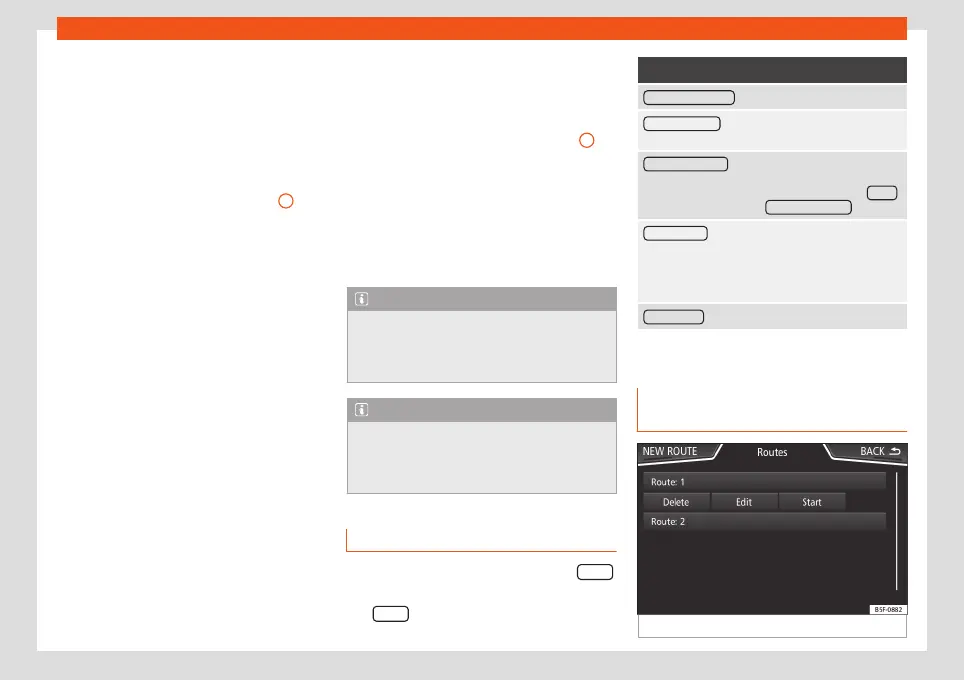
Fig. 47
List of stored routes.
62



 To Next Page