Audio and Media Mode
●
The Infotainment system screen only dis-
plays the image when the vehicle is stop-
ped. Whilst in motion, the screen discon-
nects (the image), but the audio remains
active.
Video settings (DVD)
3 Only available for the model: Navi System Plus
In the DVD mode main menu, press the
SETTINGS function button and then select the
option Video settings (DVD).
Function button: function
Format : To select the screen format. If Automatic is
selected, it adjusts automatically to the optimal for-
mat for the screen.
Audio channel : select language for acoustic voice
output.
Subtitles : To select the subtitle language.
Enter/change PIN for parental settings : Parental settings
password.
Parental settings : To select the level of protection for
DVD playback.
The options in the Video setup (DVD) menu
may vary depending on the DVD or the chap-
ter currently being played.
The available audio language channels and
subtitles depend on the inserted DVD.
All or a part of the DVD video content may be
protected by means of a password (PIN) if the
DVD is compatible with parental settings. Fur-
thermore, the level of protection can be set
according to age with 1 being the least re-
strictive (appropriate for all audiences) and 8,
the most restrictive (adults).
Media settings
●
Select the MEDIA main menu by pressing
the Infotainment button
.
●
Press the SETTINGS function button to open
the
Media Settings
menu.
Function button: function
Sound : Sound settings
›››
page 93.
Manage jukebox
a)
: To import files to the jukebox or de-
lete stored files
›››
page 52.
Mix/Repeat including subfolders : Subfolders will be
included in the selected playback mode
›››
page 39.
Bluetooth® : Bluetooth
®
settings
›››
page 89
WLAN
a)
: WLAN settings
›››
page 54.
Video settings : Settings for playback of DVD videos or
files.
Function button: function
Remove safely : In order to prepare the external data
storage devices for their removal or disconnection.
See also
›››
page 49, Inserting or ejecting a mem-
ory card and
›››
page 49, External data storage
device connected to USB port
.
Traffic programme (TP) : The TP function (traffic news
station tracking) is active
›››
page 36.
a)
Only available for the model: “Navi System Plus”.
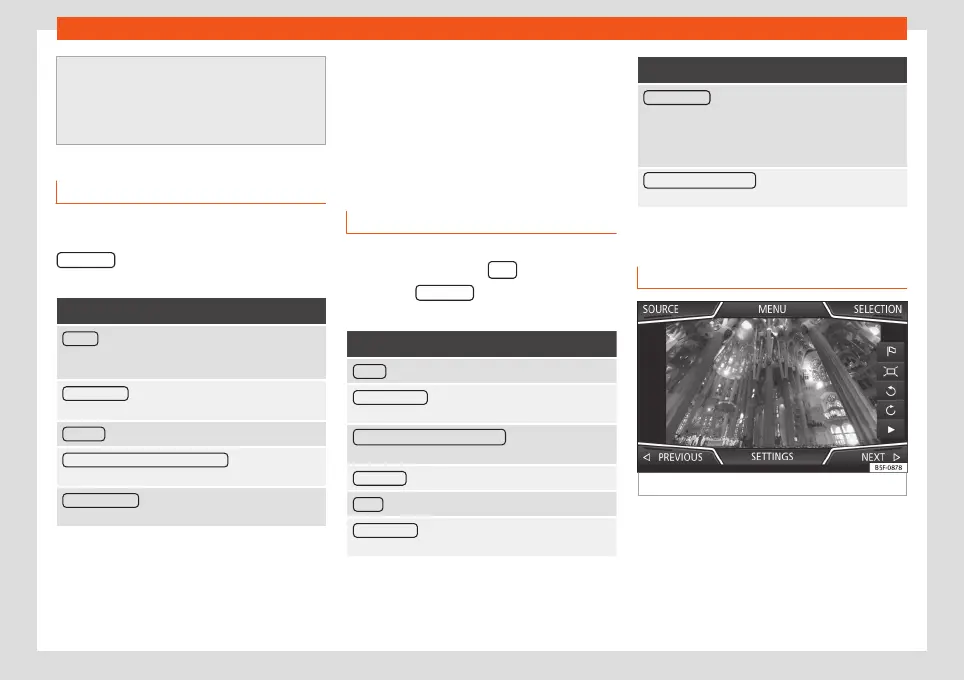
Images
Fig. 42
Images main menu.
Using the Images menu, image files can be
viewed (e.g. photos) individually or as a slide-
show.
The image files must be stored on a compati-
ble data storage device (e.g., a CD or an SD
card).
56



 To Next Page