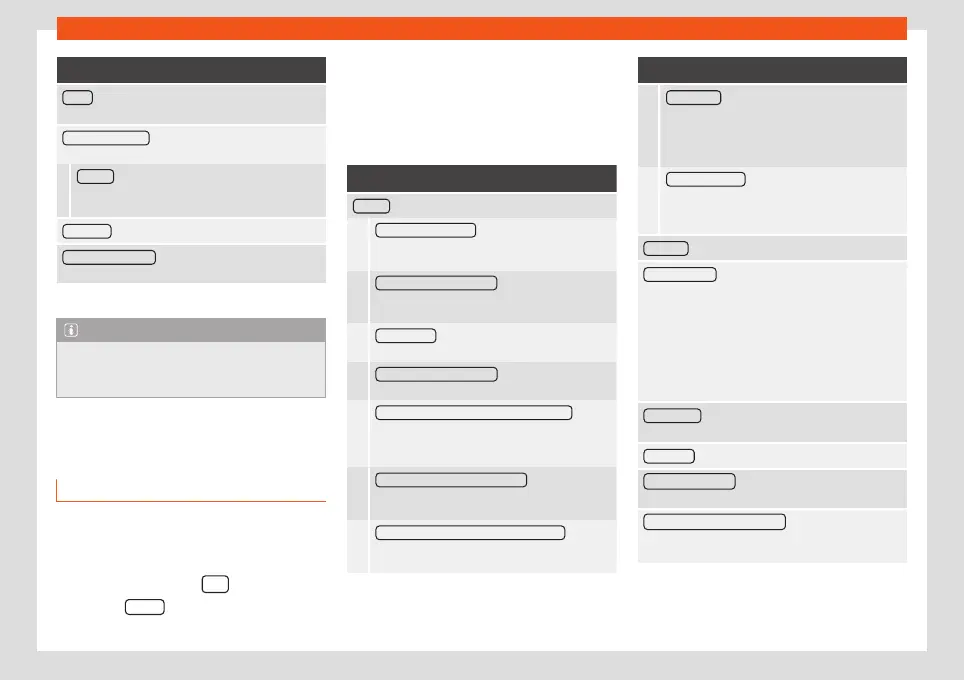
Setup
Function button: function
WLAN
a)
: To adjust the WLAN mobile hotspot settings
›››
page 54.
System information : Viewing system information (de-
vice number, hardware and software versions).
Update : To update navigation data
›››
page 58
Do not remove the memory card while the navi-
gation data is being installed.
Copyright : Copyright information.
Configuration wizard : Open the wizard to configure the
initial setup of the Infotainment system.
a)
Only available for the model: “Navi System Plus”.
Note
For the proper functioning of the Infotain-
ment system it is important that the date
and time set in the vehicle are correct.
Sound and volume settings
Making settings
The selection of possible settings will depend
on the country, the unit in question and the
vehicle equipment.
●
Press the infotainment
button.
●
Press the
Sound
function button to open
the main
Sound settings
menu.
●
Press the function button on the main menu
corresponding to one where changes are to
be made. All settings are applied instantane-
ously.
Overview of screen and function buttons
Function button: function
Volume : To adjust the volume settings.
Radio announcements : To set the playback vol-
ume of announcements, for example traffic an-
nouncements.
Navigation announcements : To adjust the play-
back volume of audible driving recommenda-
tions.
Voice control : To set the volume for voice control
playback.
Maximum switch-on volume : To set the maximum
switch-on volume of the equipment.
Speed-dependent volume adjustment (GALA) : To de-
termine the level of adjustment for speed-de-
pendent volume. The audio volume will increase
automatically as vehicle speed increases.
Entertainment fading while parking : To adjust the
desired decrease in volume with ParkPilot acti-
vated.
Entertainment fading (nav. announcements) : Adjusts
the playback volume during a navigation an-
nouncement.
Function button: function
AUX volume : To set the playback volume of the
audio sources connected via the AUX-IN multi-
media socket (
Low
,
Medium
or
High
). Also see
›››
page 93, Overview of screen and function
buttons.
Bluetooth® audio : To set the playback volume of
the audio sources connected via Bluetooth
®
(
Low
,
Medium
or
High
). Also see
›››
page 93,
Overview of screen and function buttons.
Equaliser : To adjust the characteristics of the sound.
Balance - Fader : To adjust the distribution of the
sound. The cursor indicates the current distribution
of the sound inside the passenger compartment. To
modify the distribution of the sound, briefly press the
passenger compartment view for the desired posi-
tion or use the arrow keys to change it gradually. To
focus the distribution of sound in the centre of the
passenger compartment, press the central function
button located between the arrows.
Sound focus : Optimises the sound in the passenger
compartment.
Subwoofer *: Set the volume of the subwoofer.
Touchscreen tone : Confirmation tone for pressing a
function button is activated.
No voice guidance during call : No audible driving in-
structions will be given during a telephone conversa-
tion.
»
93



 To Next Page