Connectivity
SEAT Media Control
Introduction
3 Only available for the model: Navi System
(with WLAN connection) and Navi System Plus.
Fig. 20 Related video
The SEAT Media Control
1)
app can be used
to remotely operate some partial functions in
Radio mode, Media mode and Navigation
mode. Information can be exchanged be-
tween a device and the Infotainment System.
Each one of the functions is operated by
means of a Tablet or partially by means of a
mobile phone.
Operating requirements:
●
A tablet or mobile phone.
●
The app must be available on the corre-
sponding device.
●
There must be a WLAN connection between
the Infotainment System and the device
›››
page 53.
Make sure that data transfer for apps is acti-
vated:
●
From the SETTINGS menu > Data transfer
for SEAT apps, there is a checkbox to acti-
vate/deactivate the function and a dropdown
menu called Operation via apps which con-
trols the level of interaction between the apps
and the system
›››
table on page 92.
You can obtain information about technical
requirements on the SEAT website or at SEAT
dealerships.
Telephone functions are not part of the func-
tions of this app.
Data transmission and control
functions
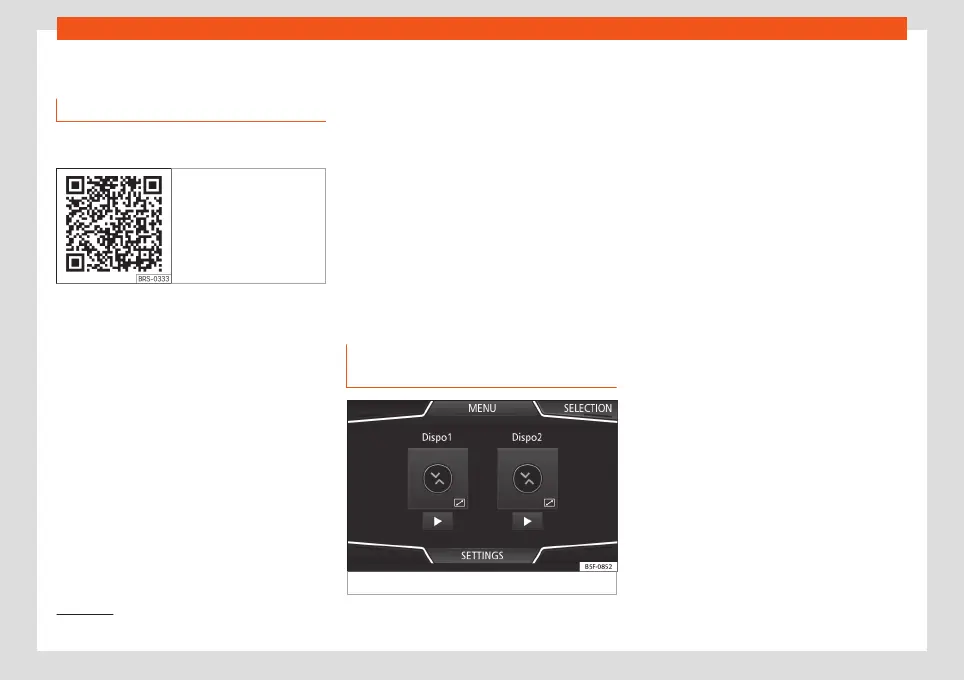
Fig. 21
SEAT Media Control Main menu
The Infotainment System can be operated
from other seats in the vehicle as follows, with
the help of SEAT Media Control:
●
Radio remote control.
●
Multimedia playback remote control.
The following information can be exchanged
between a device and the Infotainment Sys-
tem, depending on the country and the
equipment:
●
Navigation destinations.
●
Traffic information.
●
Social media contents.
●
Audio transmission.
●
Vehicle data.
●
Location-specific information, for example,
POIs.
1)
Availability depends on the country.
27



 To Next Page