&KDSWHU
%DVLF8VHV
BIESSE S.p.A. Woodworking Machinery
(l140h005.fm-141101)
'$1*(5
,WLVVWULFWO\SURKLELWHGWRRSHUDWHWKHPDFKLQHZLWKVDIHW\GHYLFHVGLVHQJDJHG
6WRS
It is possible to carry out different types of machine stops:
5HJXODUVWRS; this is used when it is necessary to suspend any work cycle in progress or to stop
the blade motors. To carry out these type of stop, press the blade stop button (black) located on
the main button pad. (ref. B4, page 3 - 3).
(PHUJHQF\VWRS; this is used when it is necessary to stop immediately the machine operation. To
carry out this stop, press the nearest emergency push-button (ref. F, page 3 - 2); the program
started with the NC software will immedately stop and, consequently, the machine will stop.
3URJUDPVWRS; this is used when it is necessary to suspend any work cycle in progress without
stopping completely machine operation. To carry out this type of stop, press the working cycle
suspension button (black) located on the main button pad (ref. B7, page 3 - 3), or use the special
function in the NC software (see the Software User’s Manual).
5HVWDUW
In case of a sudden stop of the machine - whether this occurs intentionally or casually - to reset the
correct operation and restart the working cycle, proceed as follows:
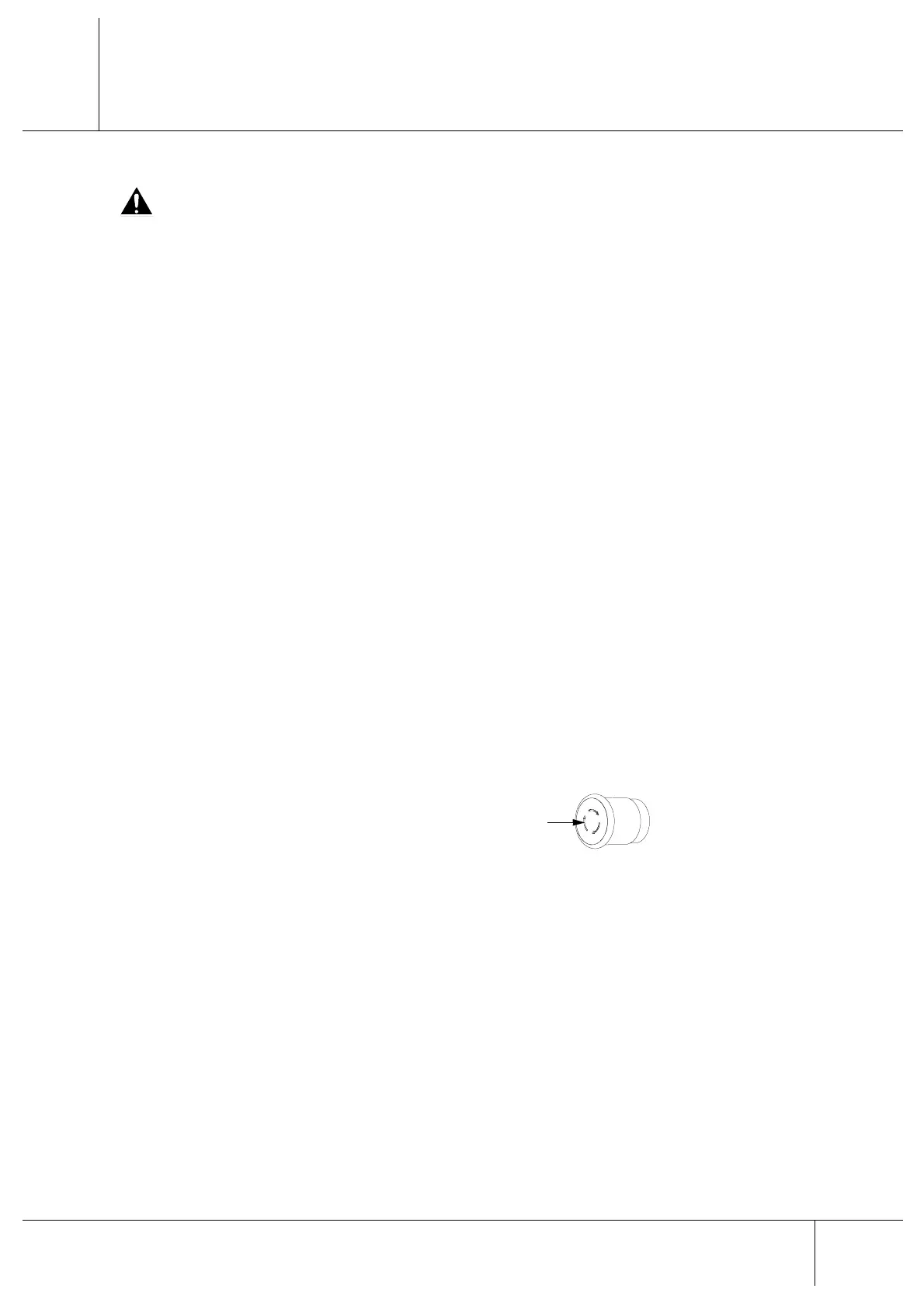
n Should an emergency stop be requested
using the special push-button (ref. F, page
3 - 2), turn the latter in the direction
indicated by the arrows $ located above
the push-button itself.
n Should the operating section access door be open, close it.
n Press the start button (green) on the main button pad (ref. B1, page 3 - 3).
n Should the stop be caused by an interruption in the mains supply, it is necessary to carry out
the axis reset (or calibration) (see the Software User’s Manual). Moreover, in this case, it is
not possible to restart the working cycle from the point where the machine working cycle has
been interrupted.
n To restart the working cycle:
- Should the blade motors be off, press the blade start button (white) located on the main
button pad (ref. B3, page 3 - 3).
- Restart the program by means of the special command on the NC software.
- Press the working cycle start button (white) located on the above mentioned button pad (ref.
B6, page 3 - 3).
$


 To Next Page