20
Service Mode Functions
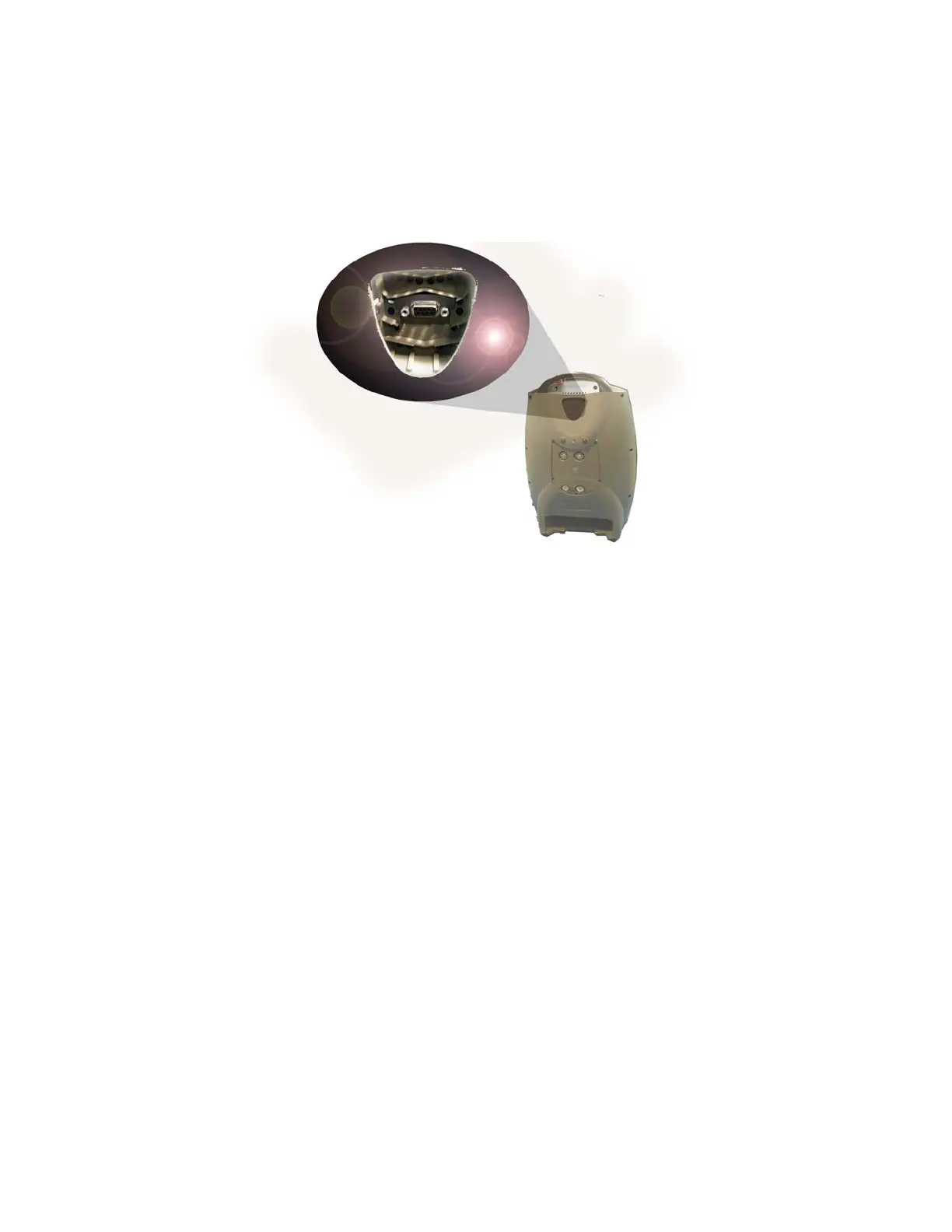
Factory maintenance or service updates may sometimes be required on the Eclipse. Factory and
qualified factory-trained technicians can access service mode software functions by using the Service
Port located on the back of the unit. The Service Port is not for patient use.
Figure 4: Eclipse Service Port
Data Logging
The Eclipse provides various operational data on demand. Data that may be reported includes:
• System Status
• Compressor Speed
• Component Temperature
• Power Cartridge Data
• Oxygen flow rate and purity
• Process pressure and temperature
• Breath detection (Pulse Mode Only)
• Bolus Delivery (Pulse Mode Only)
• External Power
Event History
The Eclipse detects and records events such as changes in status, alarm states, and changes in user
settings.
Usage Meters
The Eclipse usage meter provides the following information:
• Total hours of operation.
• Total hours of operation at High and Low compressor temperatures
• Total hours of operation at Low, Medium, and High compressor speeds



 To Next Page