49
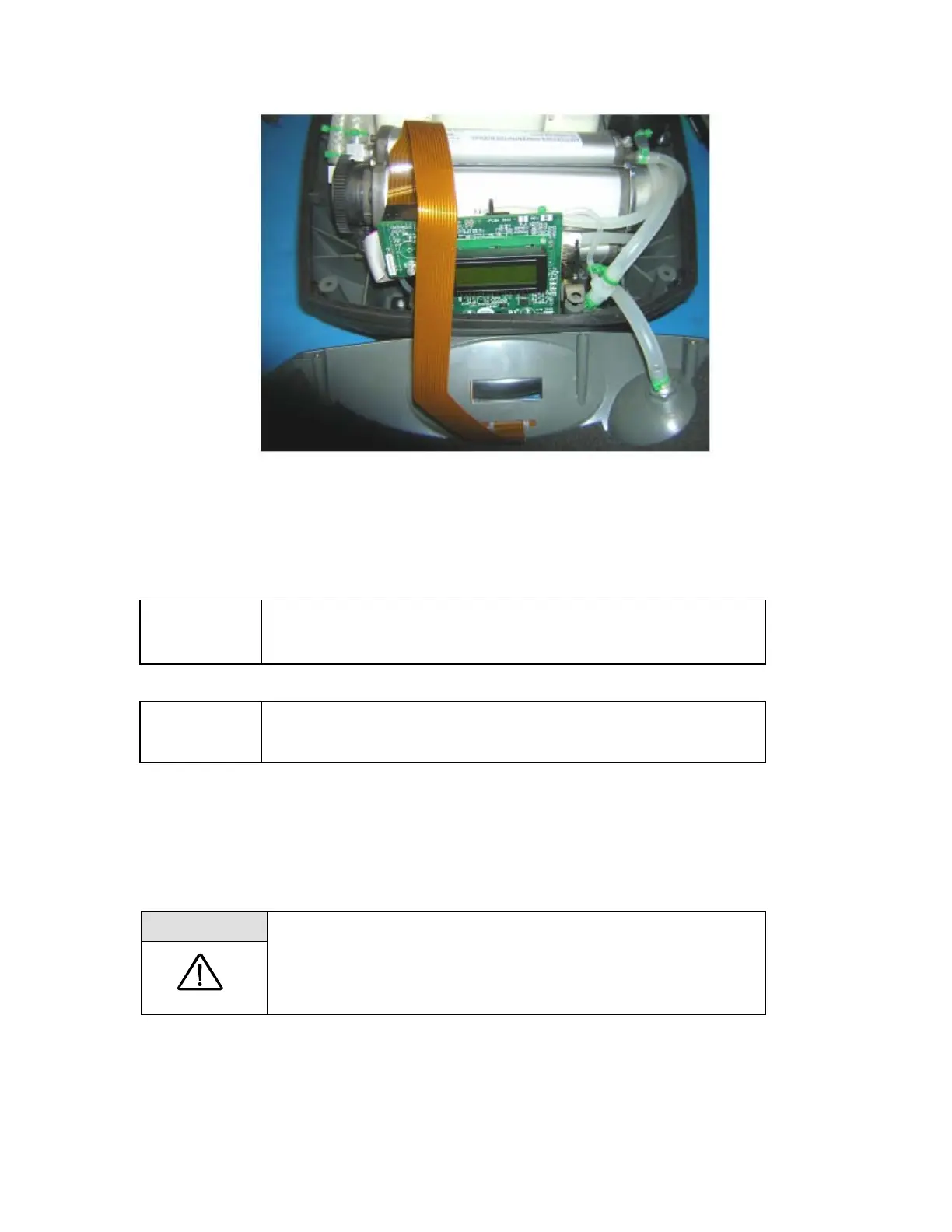
Figure 17: Membrane Panel Ribbon Cable Installation.
Align control panel over control module and then gently position cover. Verify that the black rubber
gasket is aligned and fits properly. Do not over tighten cover screws.
NOTE:
After the cover has been reinstalled, but before installing screws on the
cover, re-connect power and start unit. If alarm sounds, troubleshoot
unit and repeat process.
NOTE:
Whenever the cover of the Eclipse is removed, proper functionality
should be checked by following the Test Procedure described in this
manual.
Remove and Replace 9 Volt Battery
Replace the 9-volt battery when the unit beeps three times at the end of power-on self-test or when
voltage is less than 7.0 Volts. To replace the 9-volt battery, follow these steps:
WARNING:
Disconnect power supplies and remove Power Cartridge before
removing the unit cover. Do not touch exposed circuits during
maintenance.
1. Lift the battery out of the compartment located at the bottom right corner of the unit.



 To Next Page