52
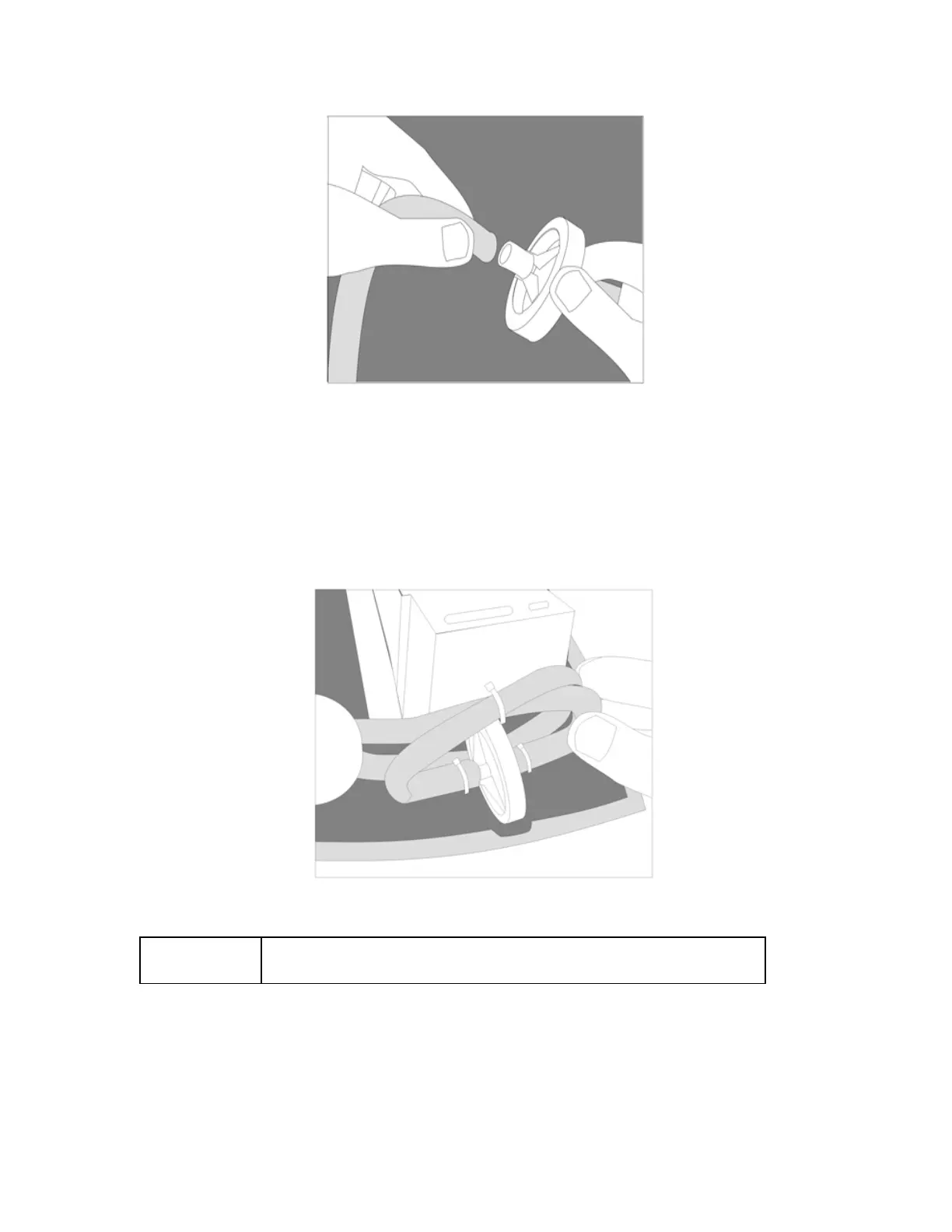
Figure 21: Disconnecting the HEPA Filter.
3. Remove and replace the filter.
4. Reconnect silicone tubes to the filter. Ensure that the feed tubes are not blocked, crimped or
kinked upon completion of the installation or the unit will alarm for no/low oxygen flow after the
warm-up cycle is complete. Route tubing as shown in Figure 22 below. Place HEPA filter into
slot in case.
Figure 22: Installing the HEPA Filter.
NOTE:
Route tubing as shown in Figure 22. Install cable ties loosely as
shown.
3. Re-install cable ties on silicone tubes.



 To Next Page