58
Record Hours of Operation and Software Version
To help maintain the Eclipse, you may obtain the Total Hours of Operation and software version numbers
for the Control System and the Power Manager Systems.
To obtain system information, follow these steps:
Enable Provider Mode Functions:
- If connected to the AC or DC Power Supplies, press the
“No Smoking” icon on the control panel and advance to
the following display mode for each time the icon is
depressed:
• Alarm Code (AC)
• Hours of Operation (H)
• 9-volt Battery Status (9V)
• Software Version (SW)
(Control Board and Power Manager Board)
• Pulse Sensitivity (PS)
• LCD Contrast (CT)
- If external power is not available and the power cartridge
is installed, start by pressing the ON/OFF key for 1
second.
- If no key press is sensed within 5 seconds, the Eclipse will
drop out of Provider Mode.
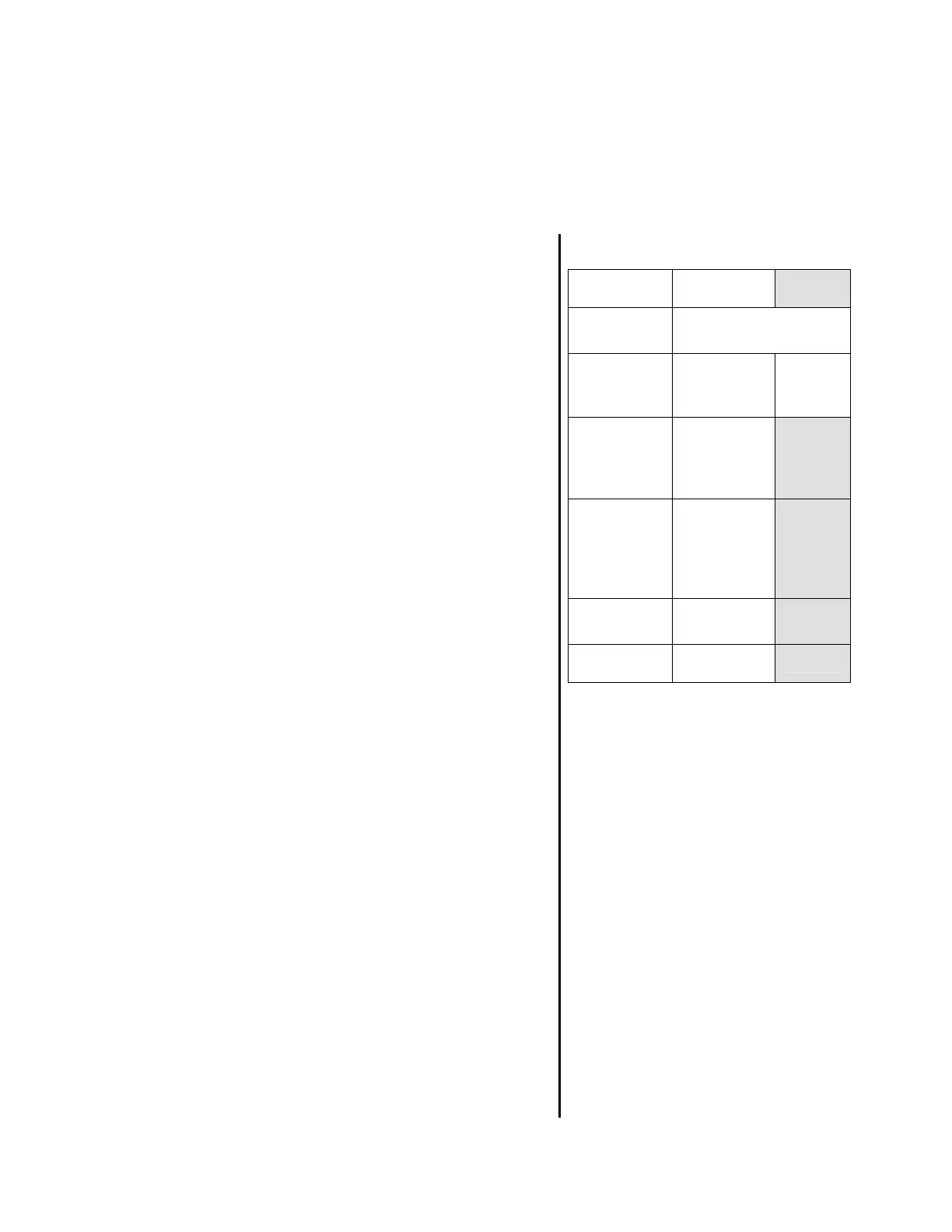
Figure 26: Data Output Form
Alarm Code
Hours of
Operation
9-Volt
Battery
Status
Volts
Control
Board
Software
Version
Power
Manager
Board
Software
Version
Pulse
Sensitivity
Contrast
Log the Results
Notes:
1) The SW is displayed as two
sets of numbers.
SW 21 20
• The left number set (21)is the
Control Board Software
Version
• The right number set (20) is
the Power Manage Board
Software Version
2) The display accrues to
“99,999.9” hours, then rolls over
to “00,000”.



 To Next Page