45
Maintenance Procedures
The following section lists procedures that are necessary to maintain the Eclipse. Service should only be
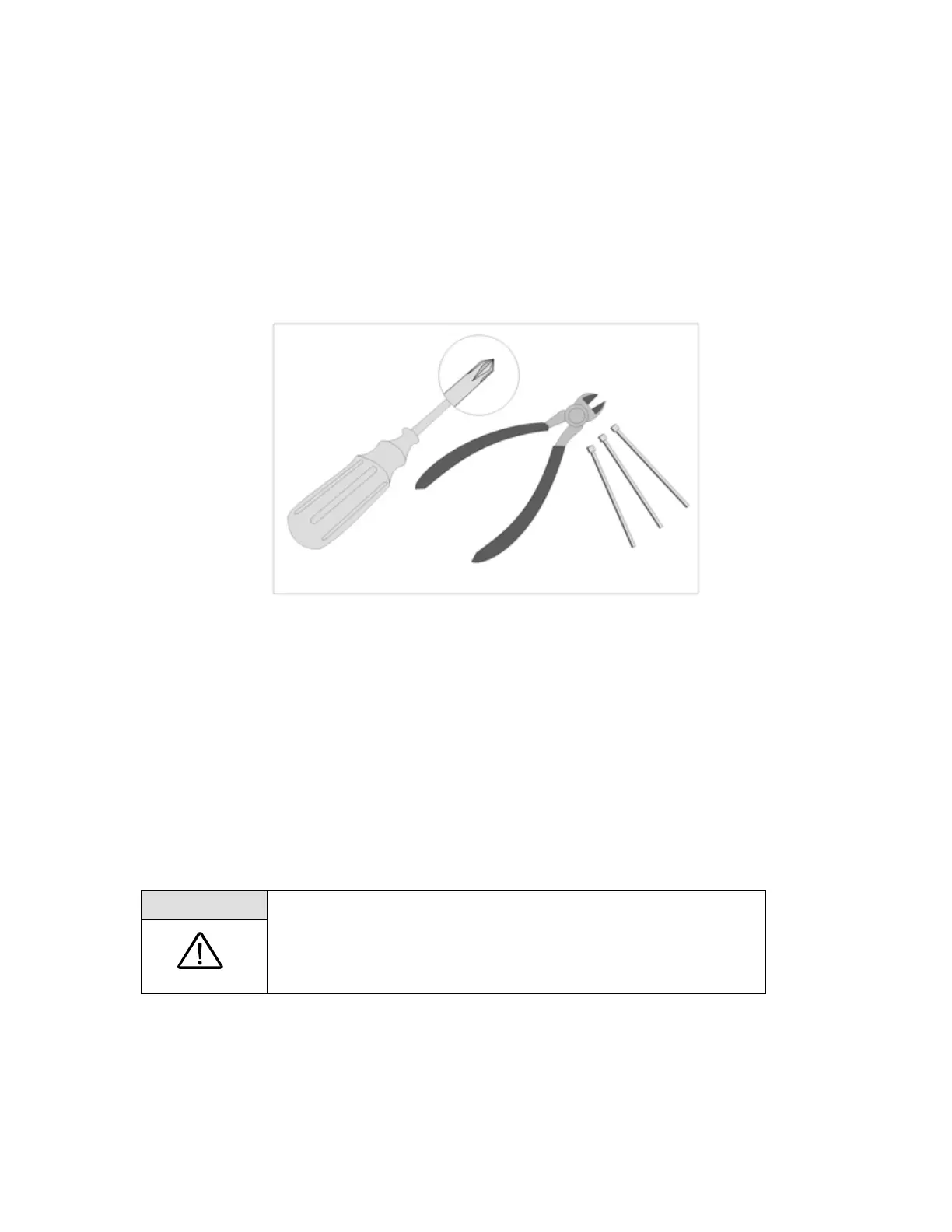
performed by a qualified technician. To perform periodic maintenance, the only tools that should be
necessary are:
• #1 Phillips Screwdriver
• Wire-cutting pliers
• Small cable ties
Figure 11: Maintenance Tools.
Remove and Replace the Unit Cover
1. Disconnect power supplies and remove Power Cartridge before removing the unit cover.
2. Place the unit on horizontally on the front cover.
3. Using a Phillips #1 screwdriver, remove a total of 10 screws (M3x12 Pan Head SEM Screw, P/N
6974-312) from the back of the unit.
WARNING:
• Keep hands out of moving parts
• Disconnect power supplies and remove Power Cartridge before
removing the unit cover.



 To Next Page