46
CAUTION:
The Eclipse contains electrostatic sensitive components. Do not
open or handle except at a static free workstation.
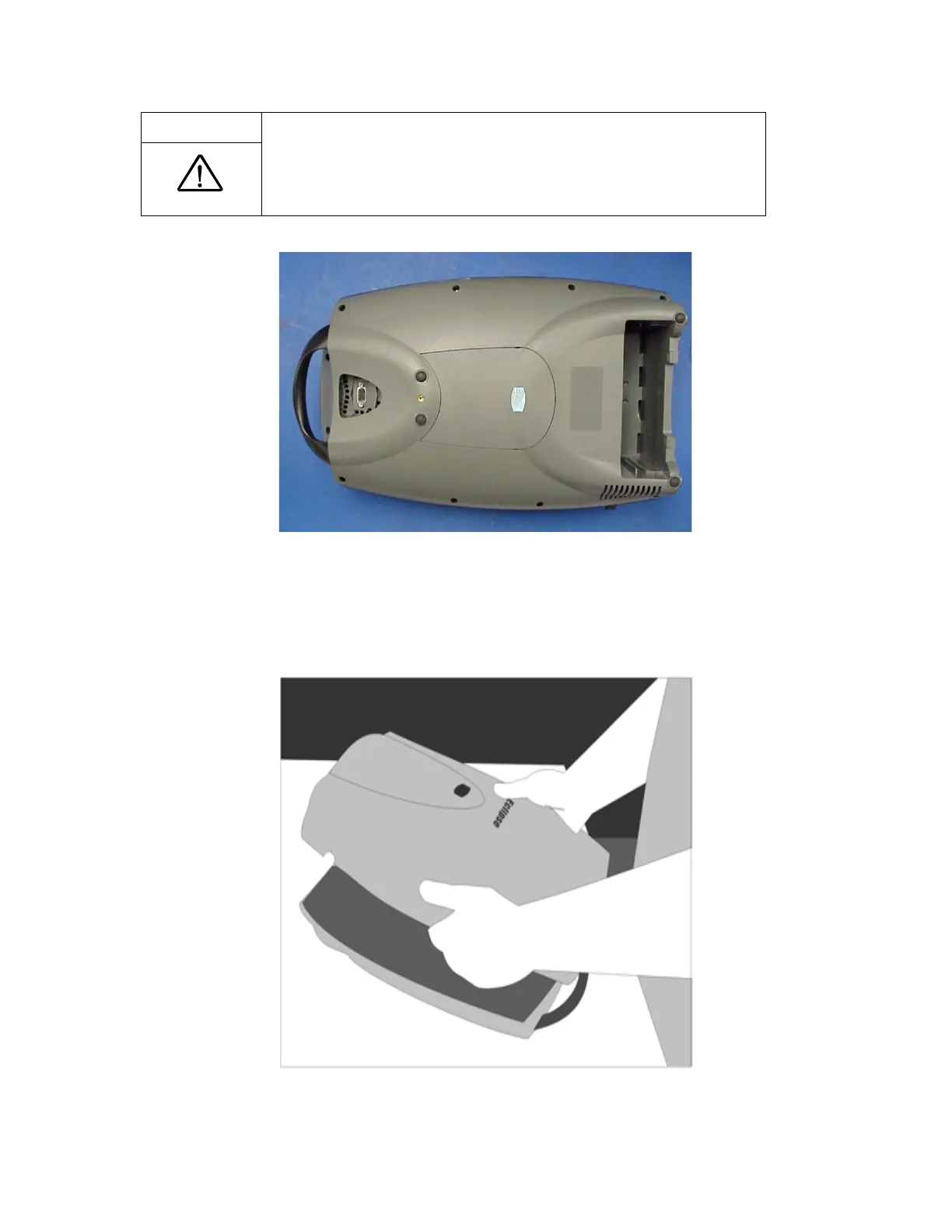
Figure 12: Removing screws to open the Front Cover
4. Place the unit horizontally on the back cover.
5. Remove the front cover -- pop the bottom end off first and rotate it towards the handle. Be careful
not to tear the control panel ribbon cable that is attached to the front cover.
Figure 131: Opening the Front Cover.



 To Next Page