80
Blower Wire
Harness
External Power
Wire Harness
Compressor
Power Wire
Harness
Compressor
Signal Wire
Harness
Cooling Fan
Wire Harness
Screw
Battery Bridge
Board
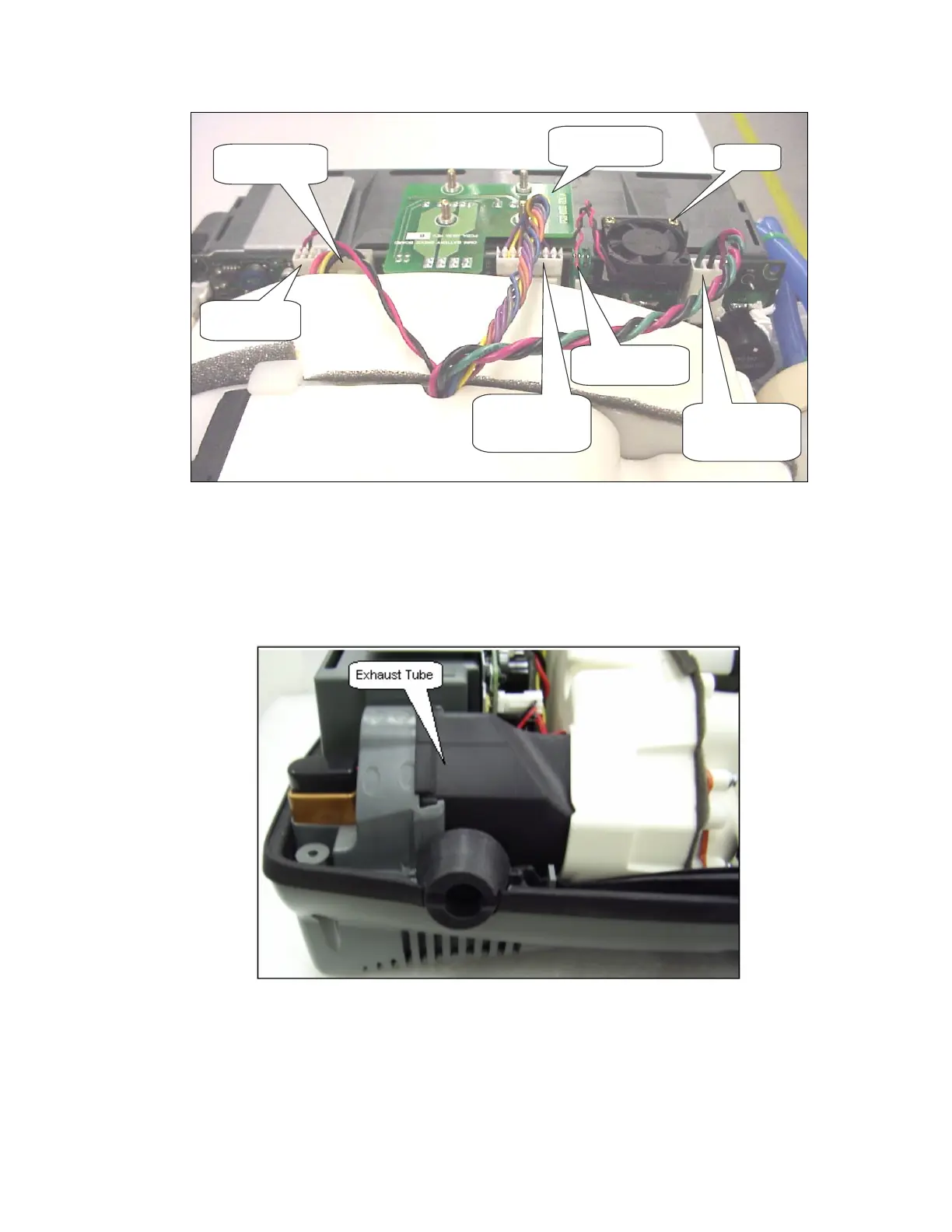
Figure 44: Power Manager PC Board Removal.
4. Unscrew the 2 screws (M2x10 Pan Head Machine Screw, P/N 6961-210) holding the fan shown
in Figure 44. Remove fan.
5. Remove the Exhaust Tube shown in Figure 45
Figure 45: Exhaust Tube Removal.
6. Pull the Power Manager PCB 1” out of the unit case. Gently push the Compressor Box away
from the Power Manager PCB by 1/8”. Disconnect the 2 wire harnesses and the ribbon cable
shown in Figure 46. Remove the Power Manager PC Board.



 To Next Page