47
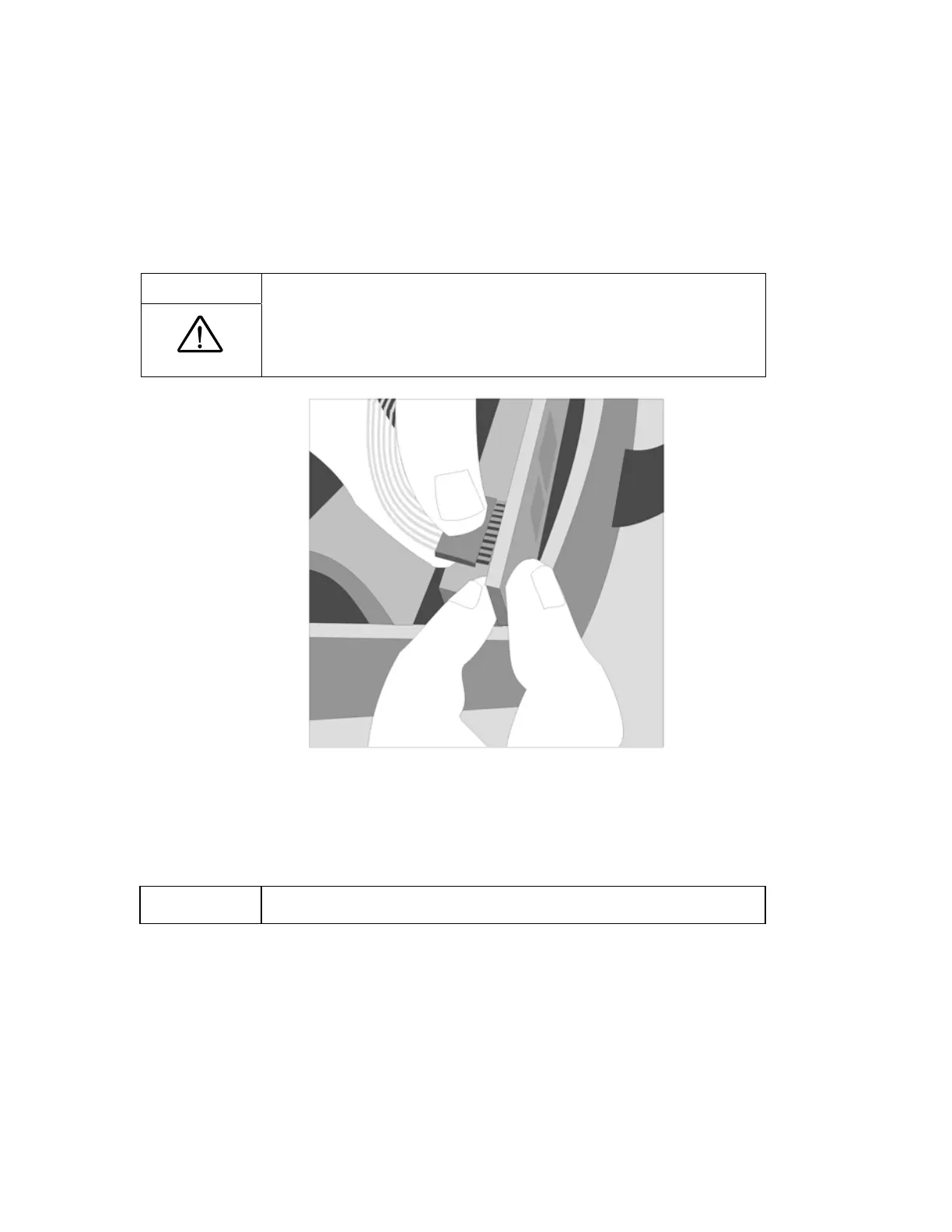
6. Disconnect the cable from the control panel as follows:
a. Grasp the circuit board firmly between your fore fingers and thumb.
b. Grasp the head of the Membrane Panel Overlay cable in your other hand.
c. Gently pull the cable away from the board. It may be necessary to rock the connector slightly
to dislodge the pins of the header.
CAUTION:
Do not disconnect the Membrane Panel Overlay cable by pulling on
the ribbon cable.
Figure 14: Removing the Membrane Panel Overlay Ribbon Cable.
7. Disconnect the silicone tube from the oxygen outlet tube at the top of the cover. First cut the
cable tie, then pull the silicone tube off of the tube.
NOTE:
Always cut head of cable ties to avoid damaging the tubing.



 To Next Page