Note that servers nowadays usually require a hotspot security password to be
set and enabled.
I'm not hearing anything on my radio
Please read the Setting up your transceiver section.
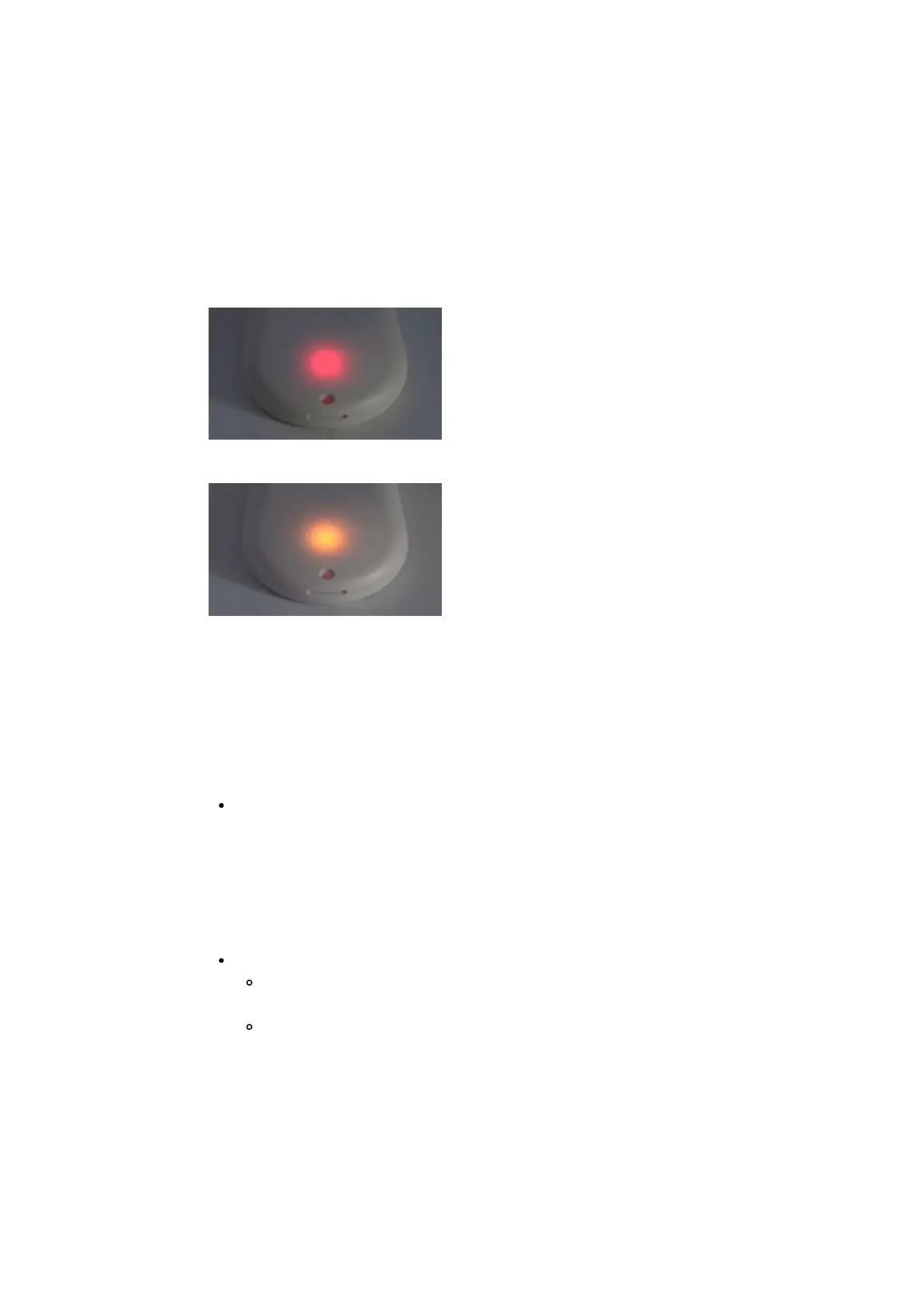
Check if your radio's LED is on when the openSPOT4 is transmitting. The
openSPOT4 is transmitting if its status LED is blinking red:
If it's blinking alternating red/orange, then BCLO is on:
If this is the case then make sure it's turned off by setting it to 0 at the Other
modem settings section.
If your radio's LED does not turn on when the openSPOT4 is transmitting, then
make sure they are on the same RX and TX frequencies.
Make sure the openSPOT4's modem is set to the same mode as your radio, and
the following settings are set:
DMR radio: the color code (CC) match in your radio and the openSPOT4
(example: set it to the default 1). Make sure the talkgroup you want to hear
is set as the TX contact of your DMR radio's currently active channel, or the
talkgroup is in an RX group list which has been assigned to the currently
active channel. You should also add TG9 to your the RX group list and
assign it to the currently active channel to hear the openSPOT4's voice
announcements.
C4FM radio:
The DGID is set to the same value both in your radio and the
openSPOT4 (example: set it to the default 0).
Make sure the Half Deviation setting is turned off in your transceiver,
and use plain C4FM modem mode on the openSPOT4. If there's no
such setting in your transceiver's menu, then you have to use C4FM
Half Deviation modem mode, and run C4FM Half Deviation AutoCal on
the openSPOT4 (or manually change the RX offset on the Modem page
for the lowest BER). Test the connection between your transceiver and
the openSPOT4 using the built-in local echo service.



 To Next Page