SDS1000X-E&SDS1000X-U User Manual
77
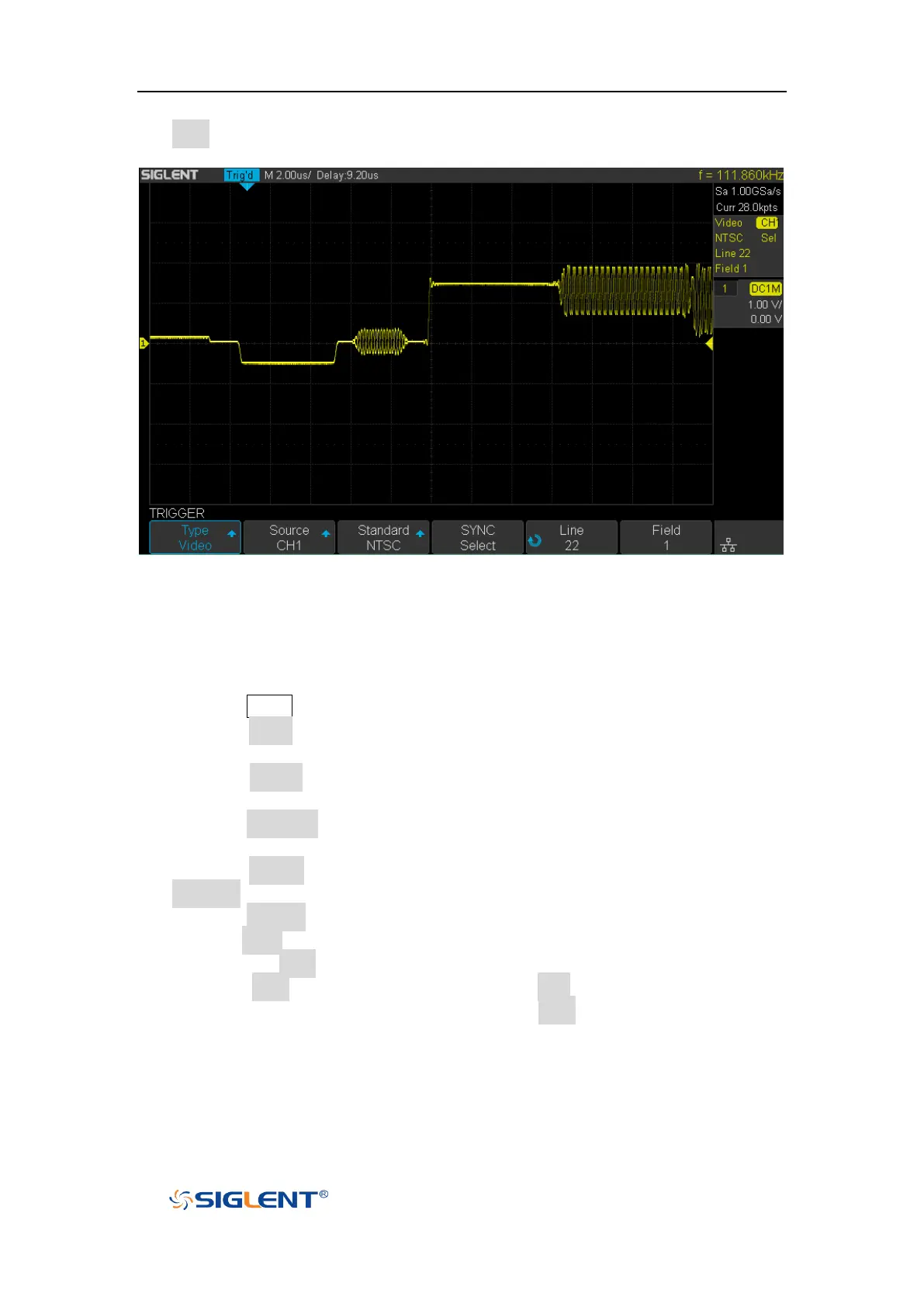
Field softkey and then turn the Universal Knob to select 1 and push the knob to
confirm
Figure 33 Video Trigger
To Use Custom Video Trigger
Custom video trigger supports frame rate of 25Hz, 30Hz, 50Hz and 60Hz, and the
line range is available from 300 to 2000. The steps below show how to set custom
trigger.
1. Press the Setup button on the front panel to enter the TRIGGER function menu.
2. Press the Type softkey; then use the Universal Knob to select Video and push
down the knob to confirm.
3. Press the Source softkey; turn the Universal Knob to select CH1 as the trigger
source, and push down the knob to confirm.
4. Press the Standard softkey; turn the Universal Knob to select Custom, and push
down the knob to confirm.
5. Press the Setting softkey to enter the custom setting function menu. Press the
Interlace softkey; turn the Universal Knob to select the desired value.
6. Press the Of Field softkey; turn the Universal Knob to select the desired value.
7. Press the Sync softkey to enter the TRIG ON menu to set the line and field.
Press the Type softkey to select Select or Any.
If the Type option set to Select, press the Line softkey; turn the Universal
Knob to select the desired value. Press the Field softkey; turn the Universal
Knob to select the desired value.









 To Next Page