SDS1000X-E&SDS1000X-U User Manual
12
Rear Panel Overview
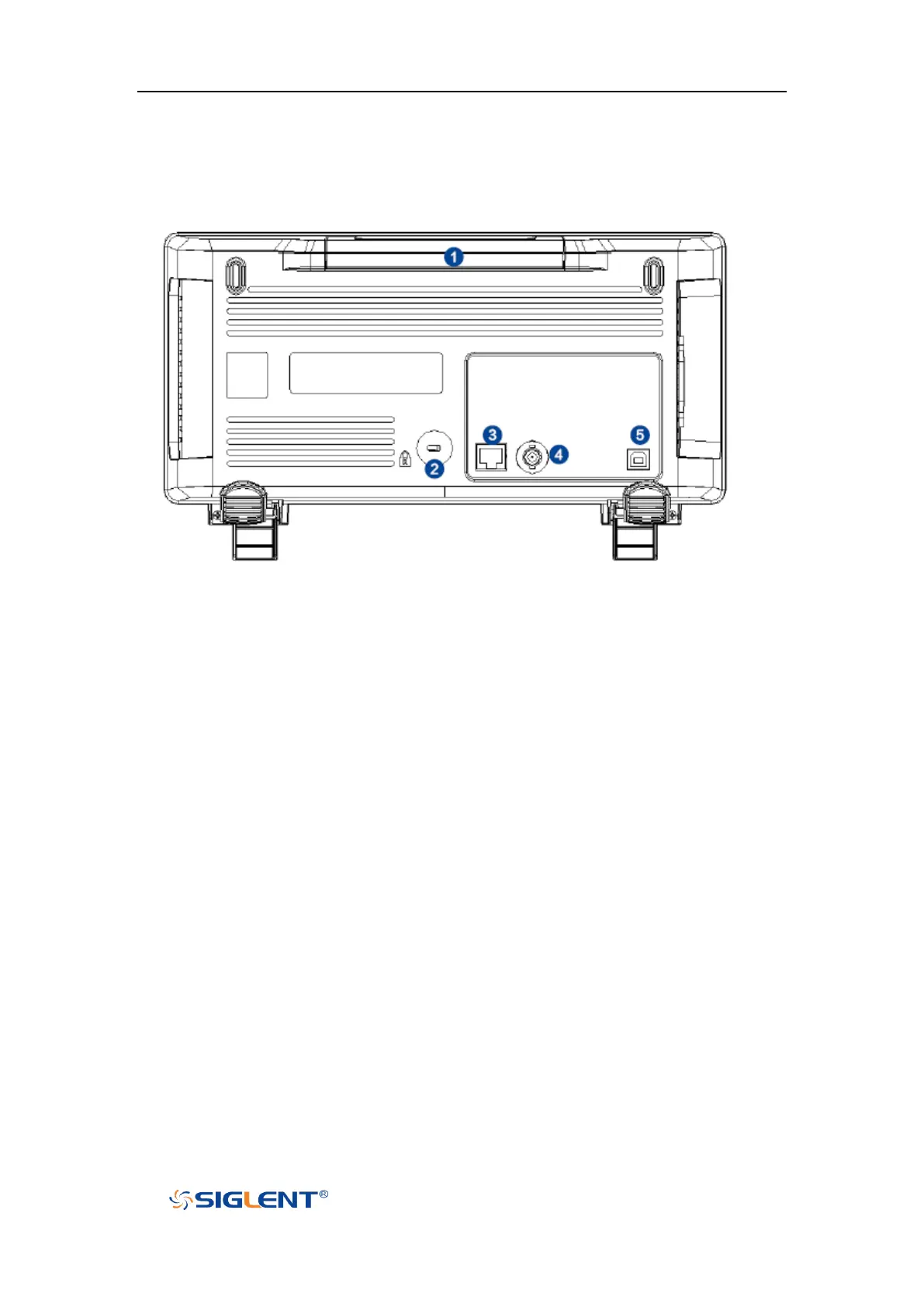
Figure 11 SDS1000X-E 2-Channel Scope Rear panel Overview
1. Handle
Pull up the handle vertically for easy carrying of the instrument. When you do
not need the handle, press it down.
2. Safety lock Hole
You can lock the instrument to a fixed location using the security lock (please
buy it yourself) via the lock hole.
3. LAN
The instrument can be connected to network via this interface to perform
remote control.
4. Pass/Fail or Trigger Out
The BNC port can output a signal that reflects the current waveform capture
rate of the oscilloscope at each trigger or a pass/fail test pulse.
5. USB Device
The oscilloscope support SCPI remote control commands, user can control the
oscilloscope through this interface.









 To Next Page