SDS1000X-E&SDS1000X-U User Manual
194
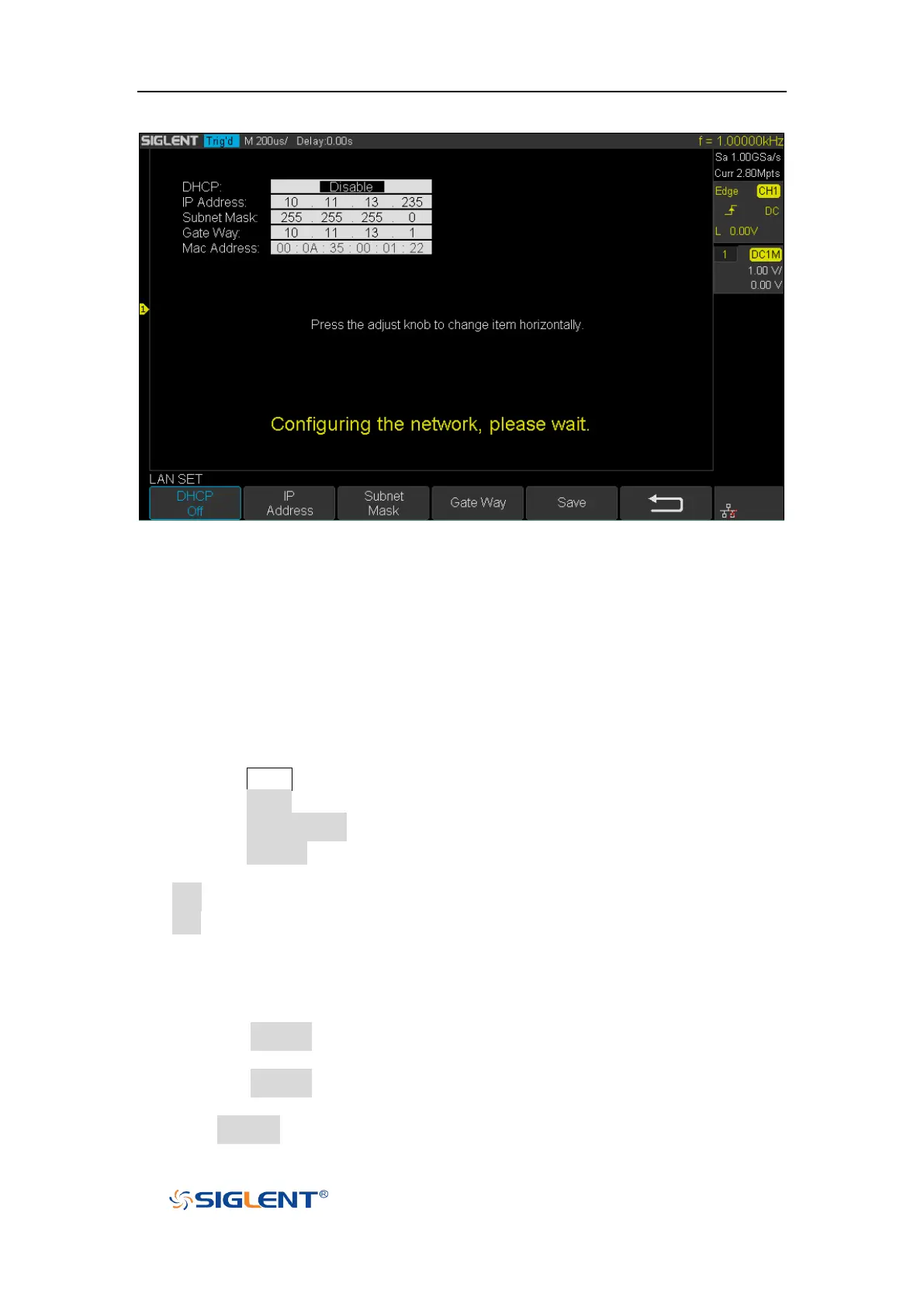
Figure 119 LAN Setting Interface
WLAN(Option)
SDS1000X-E (4-channel) supports this function. Do the following steps to set the
oscilloscope to communicate with PC via WLAN:
1. Connect the oscilloscope USB Host to your wireless network adapter, and make
sure your local wireless network is normal.
2. Press the Utility button on the front panel to enter the UTILITY function menu.
3. Press the IO Set softkey to enter the I/O SET function menu.
4. Press the Net Interface softkey; then; select WLAN.
5. Press the WiFi Set softkey to enter the Wi-Fi set interface.
6. Press the Wi-Fi Operation softkey to turn on or turn off the WIFI set menu.
Off: the WIFI set menu off
On: you can set the SSID and PSK manually.
Manual Scan: press this softkey, the oscilloscope will search the network
automatically. Turn the Universal Knob to select a network; then; press
Universal Knob to confirm.
SSID: press this softkey, a dialogue box will pop up, enter your SSID then
press Confirm.
PSK: press this softkey, a dialogue box will pop up, enter your SSID then
press Confirm.
Connect: press this softkey to connect the wireless network.
7. Press Connect softkey when your SSID and PSK configuration finished.









 To Next Page