SDS1000X-E&SDS1000X-U User Manual
163
External save and recall
Before using external storage and recall, make sure that the USB flash device is
connected correctly. External storage supports all the types of files in save, but in
recall, Picture and CSV are not supported.
Save the specified type of file in the external USB flash device.
1. Press the Save/Recall button on the front panel to enter the SAVE/RECALL
function menu.
2. Press the Save softkey to enter the SAVE menu.
3. Press the Type softkey to select Setup and then press the knob to confirm.
4. Press the Save to softkey to select External.
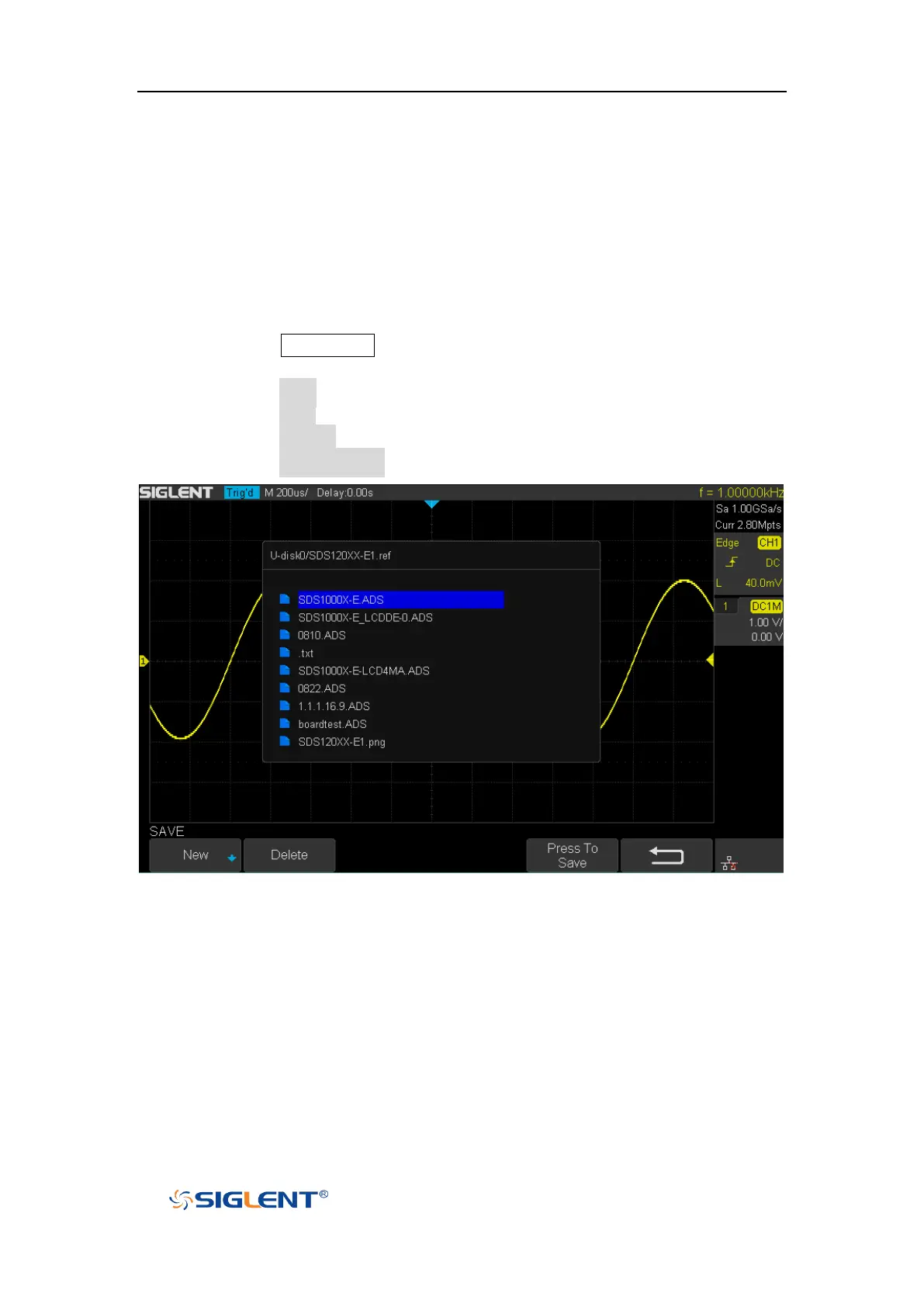
5. Press the Press To Save softkey to enter the SAVE/RECALL file system.
Figure 98 SAVE/RECALL File System
6. Use the Universal Knob to select the desired location. File can be stored
under the root directory or in a certain folder under the root directory of
the USB storage device.









 To Next Page