SDS1000X-E&SDS1000X-U User Manual
179
View System Status
Do the following steps to view the system status:
1. Press the Utility button on the front to enter the UTILITY function menu.
2. Press the System Status softkey to view the system status of the oscilloscope.
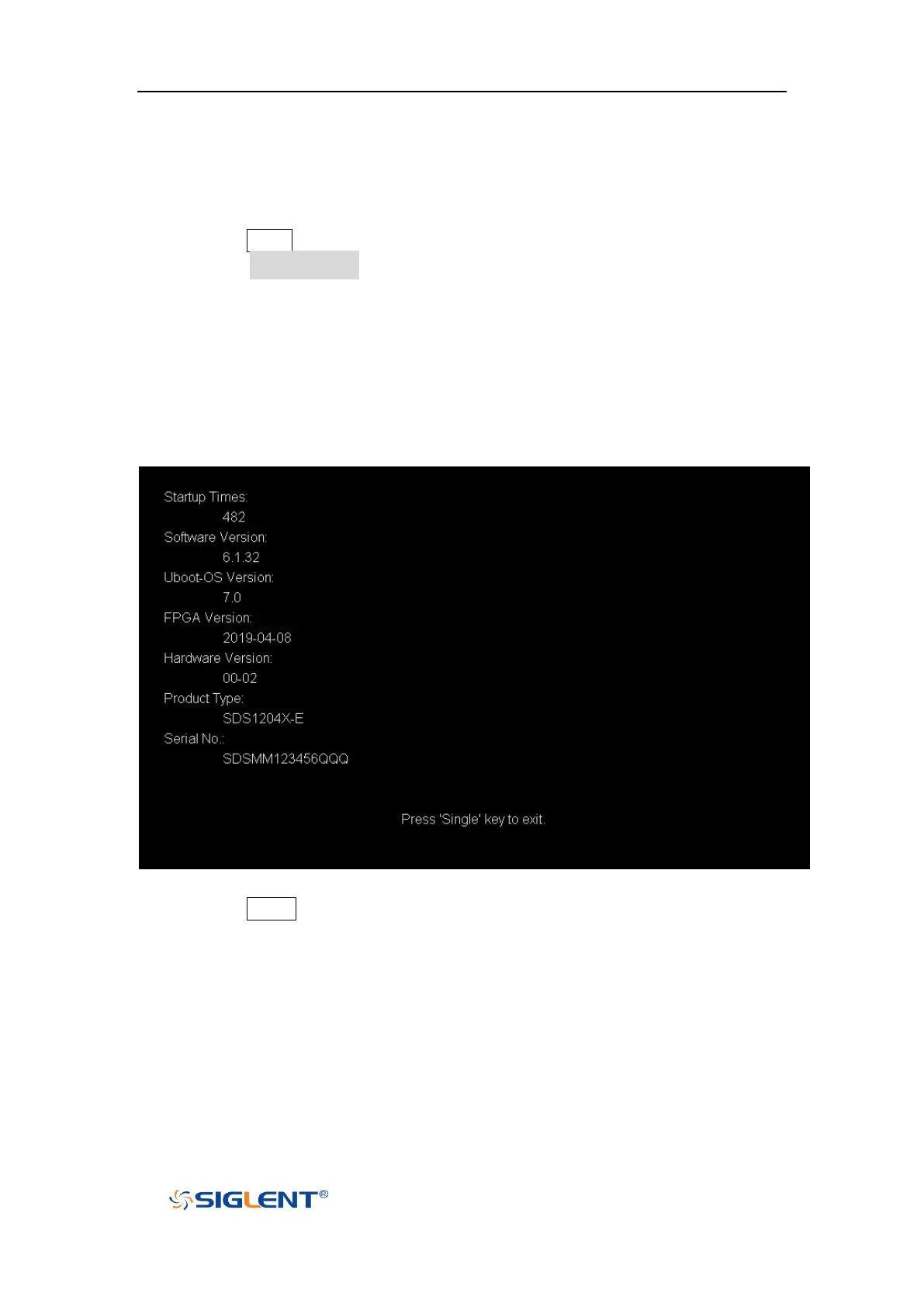
The system status includes the information below:
Startup Times: record the boot-strap times of the oscilloscope.
Software Version: list the current software version of the oscilloscope.
Uboot-OS Version: list the current Uboot and OS version of the oscilloscope
FPGA Version: list the current fpga version of the oscilloscope.
Hardware Version: list the current hardware version of the oscilloscope.
Product Type: display the product type of the oscilloscope.
Serial NO.: list the serial number of the oscilloscope.
Figure 110 System Status
3. Press the Single button on the front panel to exit.
Do Self Cal
The self-calibration program can quickly make the oscilloscope reach the best
working state to get the most precise measurement values. You can perform
self-calibration at any time especially when the change of the environment









 To Next Page