SDS1000X-E&SDS1000X-U User Manual
91
I2C Trigger and Serial Decode
Please in order of “Setup for I2C Signals”, “I2C Trigger” and “I2C Serial
Decode” to trigger and decode the signals.
Setup for I2C Signals
Setting the I2C (Inter-IC bus) signal includes two steps: connecting the serial data
signal (SDA) and serial clock signal (SCK) to oscilloscope, specifying the threshold
voltage of each input signal.
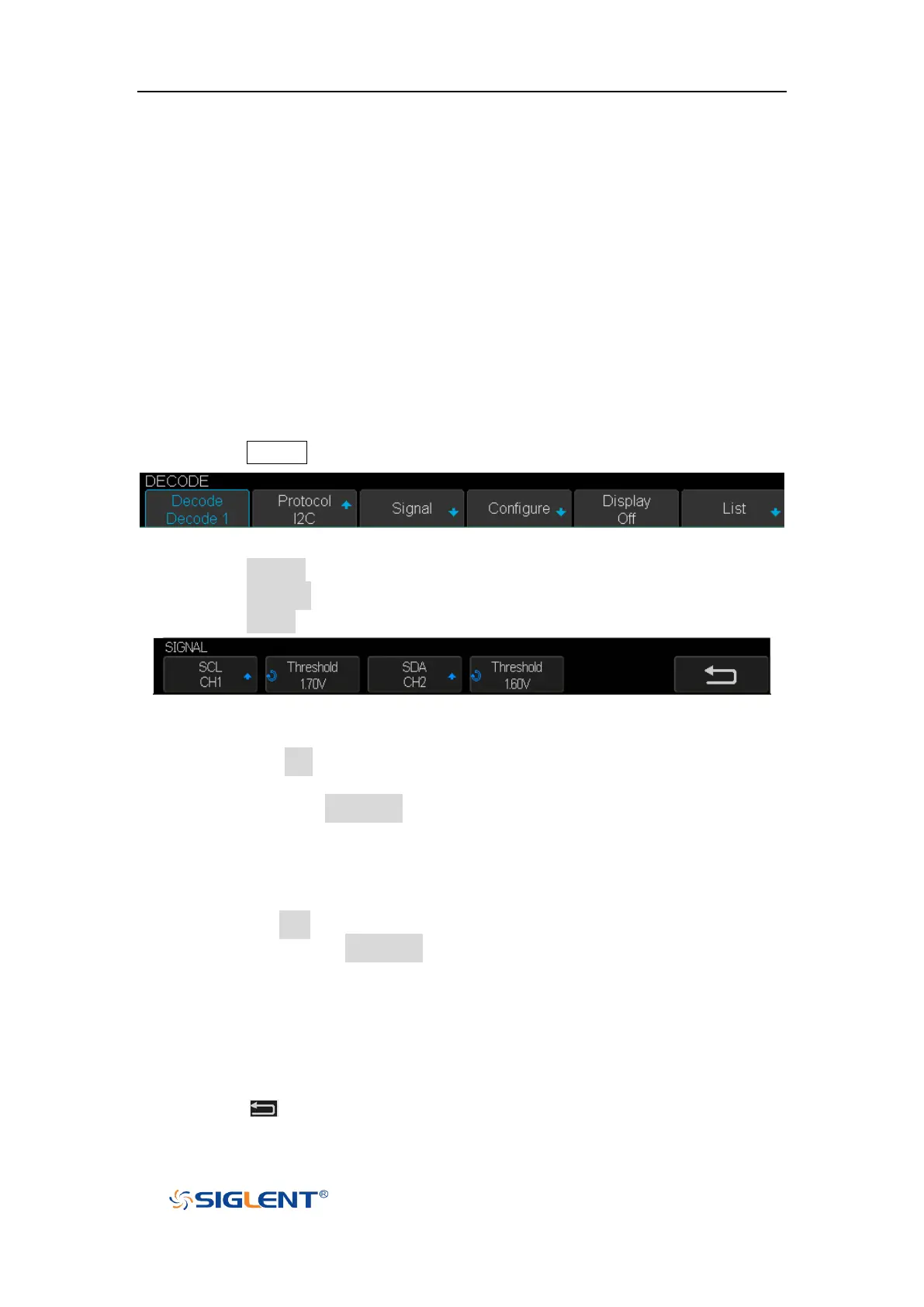
1. Press the Decode key to enter the DECODE function menu as Figure 34 shows.
Figure 41 I2C DECODE Menu
2. Press the Decode softkey and select the desired slot (Decode1 or Decode2).
3. Press the Protocol softkey and then select I2C by turning Universal Knob.
4. Press the Signal softkey to enter the SIGNAL menu as Figure 35 shows.
Figure 42 I2C SIGNALLE Menu
5. Set SCL (I2C’s clock signal):
a. Press the SCL softkey to select the channel that is connected to the I2C
clock signal.
b. Press the first Threshold softkey to set the I2C clock signal’s threshold
voltage level by Universal Knob. The threshold voltage level is for
decoding, and it will be regard as the trigger voltage level when set the
trigger type to serial.
6. Set SDA (I2C’s data signal):
a. Press the SDA to select the channel that is connected to the I2C data signal.
b. Press the second Threshold softkey to set the I2C data signal’s threshold
voltage level by Universal Knob. The threshold voltage level is for
decoding, and it will be regard as the trigger voltage level when set the
trigger type to serial.
(Tips: SDA should keep stable during the whole high clock cycle, otherwise it
will be interpreted as a start or stop condition (data transitioning while the
clock is high))
7. Press the softkey to return previous menu.









 To Next Page