SDS1000X-E&SDS1000X-U User Manual
56
Sequence Mode
Sequence is also a kind of acquisition mode, which does not display waveform
during sampling process. It improves the waveform capture rate, and the maximal
capture rate is 400,000 wfs/s. So it can capture the small probability event
effectively.
The oscilloscope runs and fills a memory segment for each trigger event. The
oscilloscope is busy acquiring multiple segments. The oscilloscope continues to
trigger until memory is filled, and then display the waveforms on the screen.
To use the sequence mode, the HORIZONTAL Format must be set to YT.
Do the following steps to use the sequence mode.
1. Press the Acquire button on the front panel to enter the ACQUIRE function
menu;
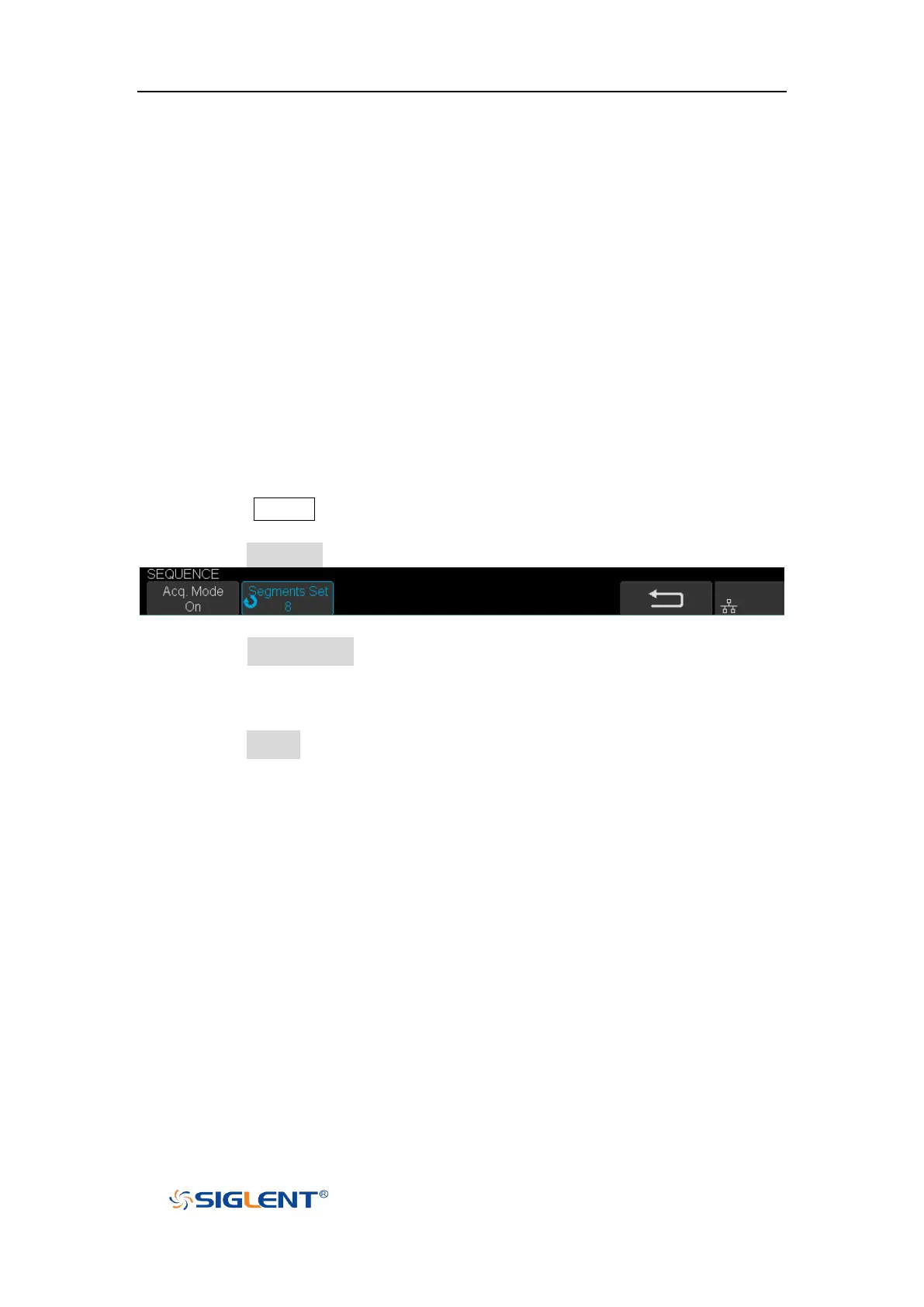
2. Press the Sequence softkey to enter the SEQUENCE function menu.
Figure 26 SEQUENCE Function Menu
3. Press the Segments Set softkey; and then turn the Universal Knob to select the
desired value.
Do the following steps to replay the sequence waveform under history mode:
1. Press the History softkey to enable HISTORY function.









 To Next Page