SDS1000X-E&SDS1000X-U User Manual
33
menu.
3. Press the Invert softkey to turn on or off the invert display.
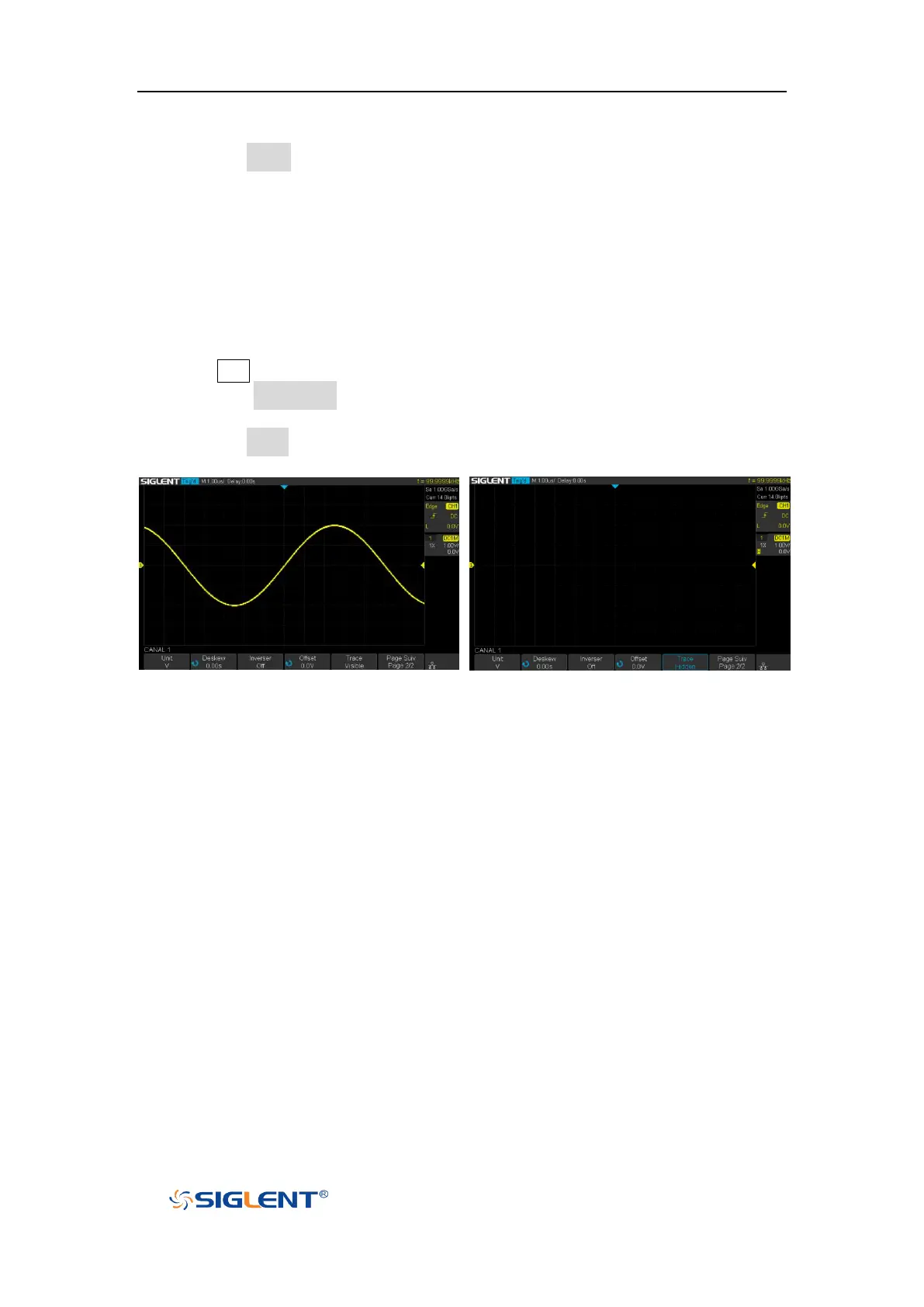
Trace Visible/Hidden
Set whether the current channel waveform is visible.
1. Press CH1 button on the front panel to enter the CH1 function menu.
2. Press the Next Page softkey to enter the second page of the CH1 function
menu.
3. Press the Trace softkey to visible or hidden the channel waveform









 To Next Page