SDS1000X-E&SDS1000X-U User Manual
209
Example
The following are examples to familiarize you with bode plot.
Simple Sweep Operation
Vari-level Sweep Operation
Simple Sweep Operation
1. Press Utility button on the front panel to enter the UTILITY function menu, and
then press the Next Page soft key to enter the second page. Press Bode Plot Ⅱ
to enter the BODE PLOT function menu. Press Config to enter Configure menu.
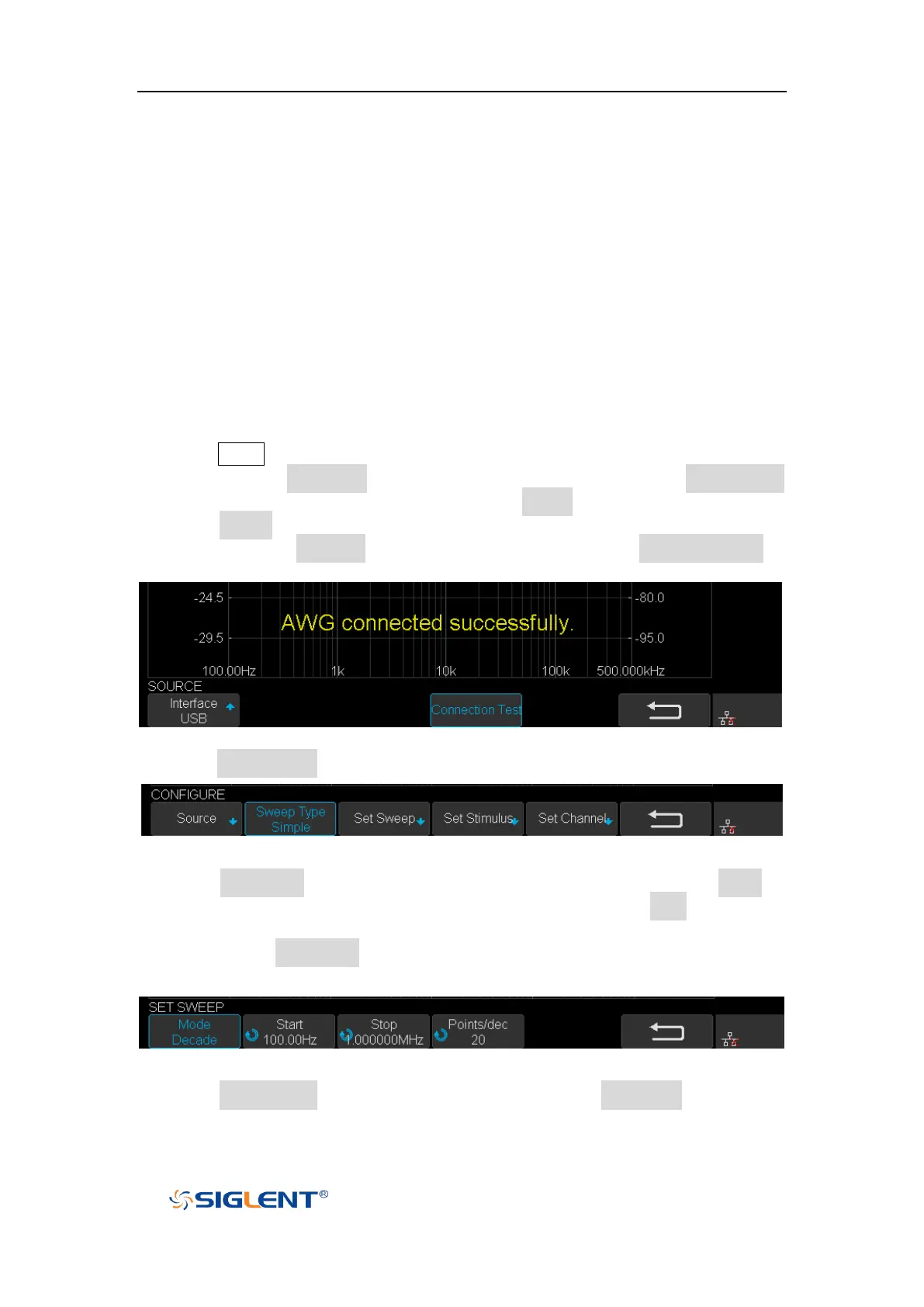
2. Press Source to enter Source menu to select the waveform generator. In this
example, press Interface to select “USB”, and then press Connection Test to
verify setting. Then return to the Configure menu.
Figure 135 Bode Plot Interface Connection
3. Press Sweep Mode to select “Simple”.
Figure 136 Sweep Configure Menu
4. Press Set Sweep to enter Set Sweep menu. In this example, press Mode to
select “Decade” to sweep frequency logarithmically. Press Start and use the
Universal Knob to set the start frequency to 100 Hz. Then set stop frequency to
1 MHz. Press Points/dec and use the Universal Knob to set the frequency point
to 20 points per decade. Then return to the Configure menu.
Figure 137 Set Sweep Parameters Menu
5. Press Set Stimulus to enter Set Stimulus menu. Press Amplitude and use the
Universal Knob to set the signal amplitude to 2 V. All the other options remain









 To Next Page