SDS1000X-E&SDS1000X-U User Manual
154
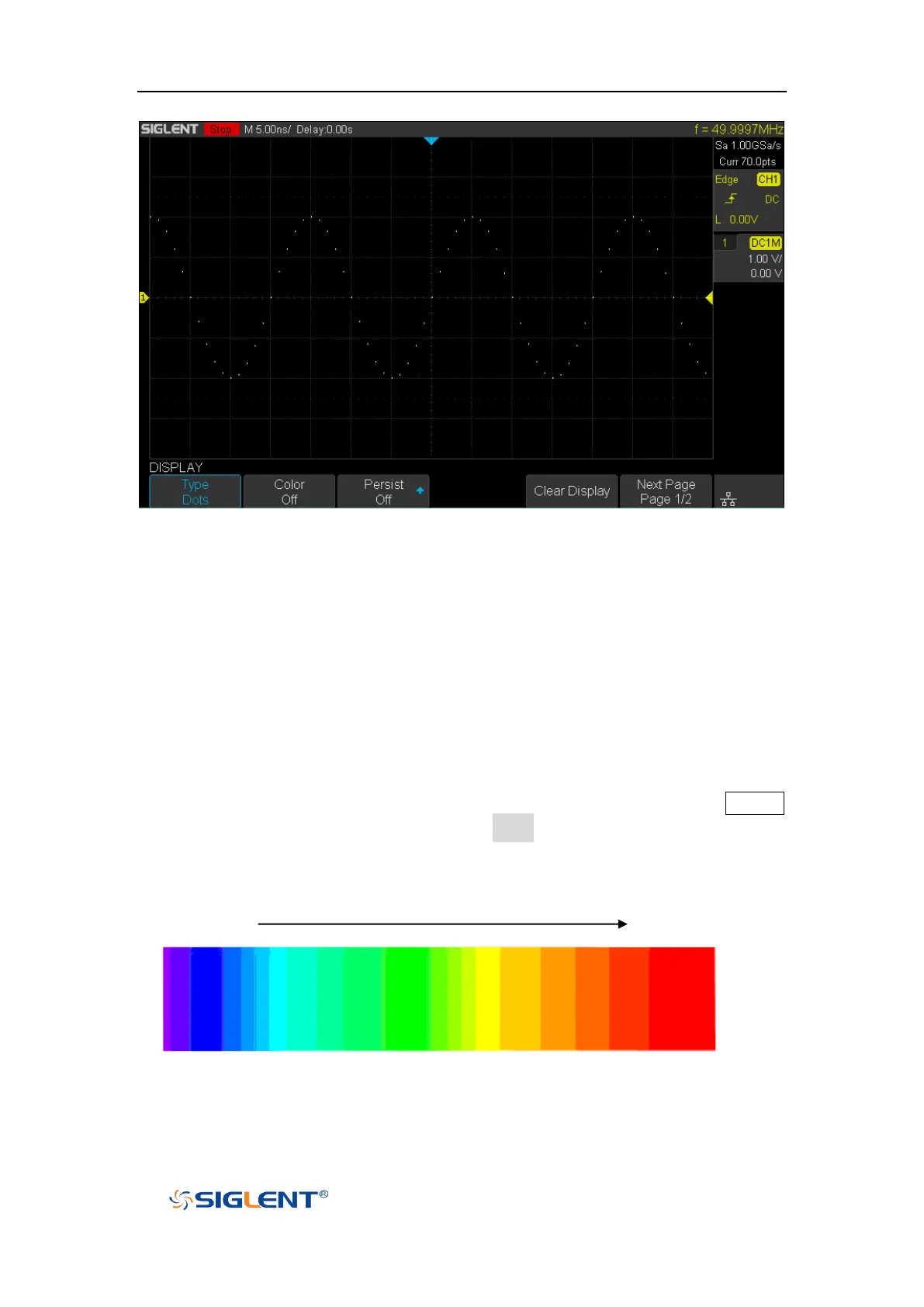
Figure 95 Dots Display
Color Display
Color temperature adopts the change of waveforms’ color to reflect the change of
the waveforms’ appearing probability. The greater the probability that the
waveform appears, the warmer the color is; the smaller the waveform appears, the
colder the color is.
The picture below shows the change of color from cold to warm. Press the Display
button on the front panel, and then press the Color softkey and set the option to On
to turn on the color temperature function. You can compare the waveform’s color
with the picture below to just the probability that the waveform appears.
Cold Color Warm Color
Figure 96 Color Temperature









 To Next Page