SDS1000X-E&SDS1000X-U User Manual
203
Option Management
The SDS1000X-E and SDS1000X-U provide multiple options to fulfill your
measurement requirements. Please contact your SIGLENT sales representative or
SIGLENT technical support to order the corresponding options. You can view the
options currently installed on the oscilloscope or activate the newly purchased
option license codes through this menu.
Do the following steps to install the option on the oscilloscope:
1. Press the Utility button on the front panel to enter the UTILITY function menu.
2. Press the Next Page softkey to go to the third page of the UTILITY function
menu.
3. Press the Options softkey to enter the OPTION function menu.
Figure 126 OPTION Function Menu
4. Press the Type softkey; then turn the Universal Knob to select the module to be
installed and push down the knob to confirm.
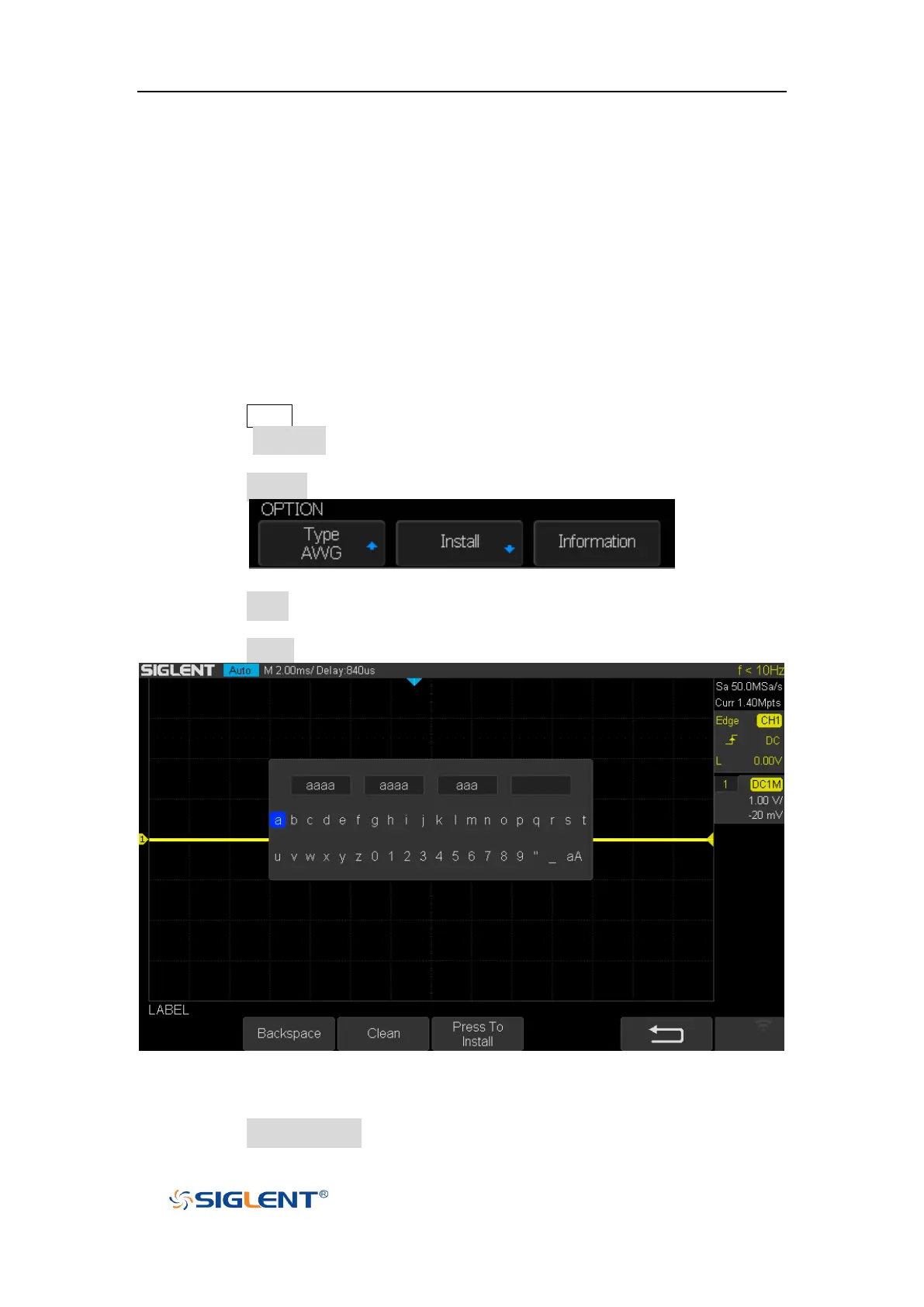
5. Press the Install softkey to enter the LABEL function menu to input the license.
Figure 127 LABEL Function Menu
Turn the Universal Knob to select character
Push down the Universal Knob to confirm the characters
Press the Press To Install when license key input done,









 To Next Page