SDS1000X-E&SDS1000X-U User Manual
176
System Setting
System Status
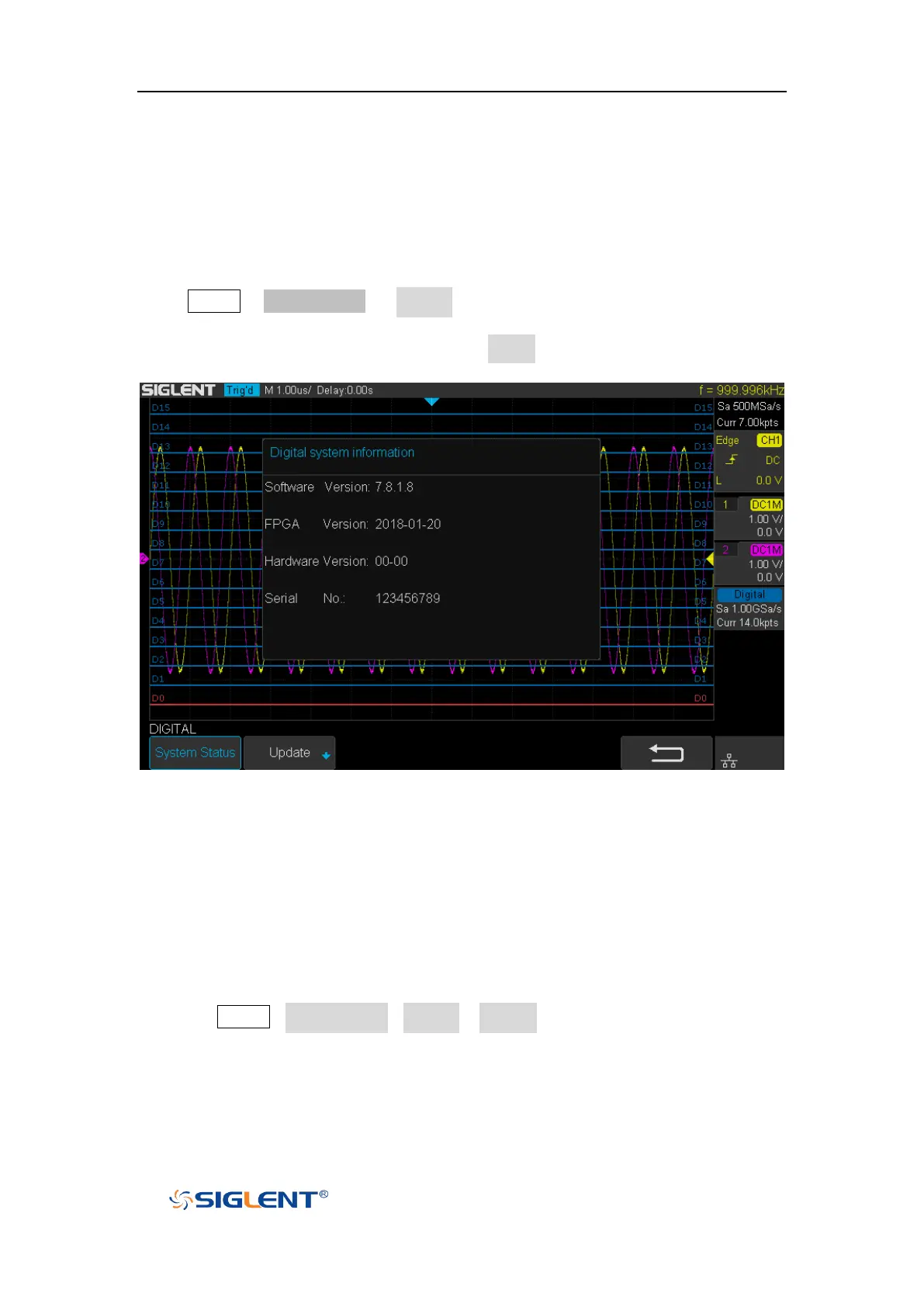
Press Digital→ NextPage2/2 → System ,then select the System Status option to
view the digital system information , including software version, hardware version,
and serial number. After finished, press the return soft key to quit the interface of
system information.
Figure 108 Digital System Information Interface
Update
The software version file of the Digital can be updated directly via U-disk. Follow
the steps below:
1. Insert U-disk with firmware update file (*.ads) to USB host interface on the front
panel of the oscilloscope. Then a message “USB Flash Drive detected!” will
be displayed.
2. Press Digital→NextPage2/2→System →Update
3. Expand the U disk directory, Select the firmware file (*.ads), then press the
Press to update, an upgrade progress bar will be display on the interface.









 To Next Page