SDS1000X-E&SDS1000X-U User Manual
188
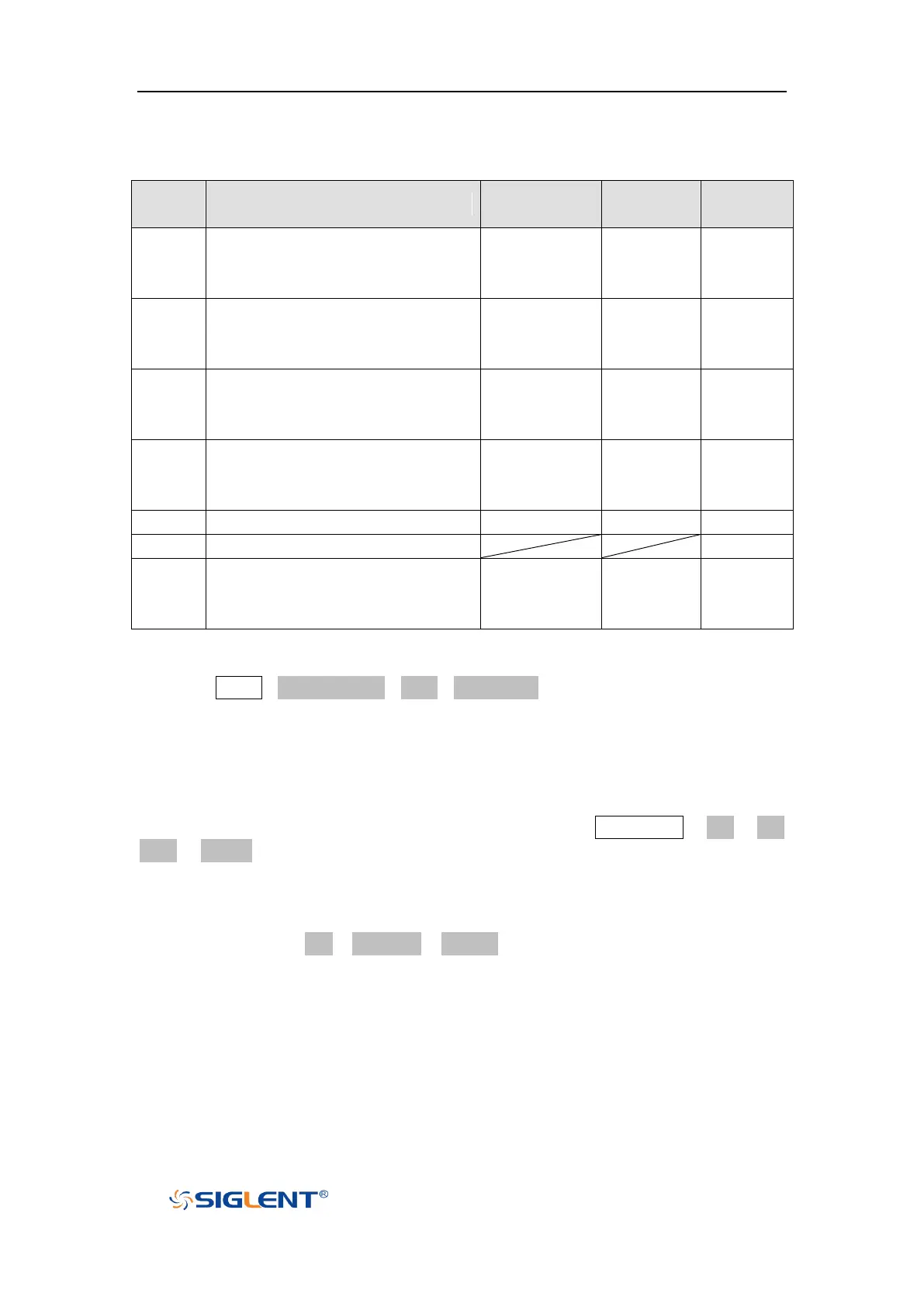
According to the selected waveform, to set the waveform parameters through
Universal Knob and the corresponding function software under the menu.
Frequency/Period/Amplitude/Hi
gh-Level/Offset/Low-Level
value.
Frequency/Period/Amplitude/Hi
gh-Level/Offset/Low-Level/Duty
value.
Frequency/Period/Amplitude/Hi
gh-Level/Offset/Low-Level/Sym
metry value.
Frequency/Period/Amplitude/Hi
gh-Level/Offset/Low-Level/
Width/ Width Fine value.
Frequency//Period/Amplitude/H
igh-Level/Offset/Low-Level
value
To set Arb waveform
Press the Utility→Next Page4/4→AWG→Wave Type, then select the Arb, and it has
two types:
Stored Arb
Users can edit the Arb through the PC which has installed the EasyWave
software .Send the edited Arbot to the instrument through remote interface, or
read from the U disk which has stored the Arb. Choose Wave Type→ Arb→ Arb
Type→ Stored, enter the Stored Arb interface and invoke the waveform in the
external storage device.
Built-in Arb
Choose Wave Type→ Arb →Arb Type→ Built-in to enter the following interface,
Rotate the knob to move the cursor, press the knob to select to the desired
waveform, and then return back to Built-in waveform interface.









 To Next Page