Sirona Dental Systems GmbH 14 SIVISION 3 / SIROCAM 3 / SIROCAM C
C3
+
14.7 SIROCAM 3 / SIROCAM C integrated in the dentist element (PC)
59 06 404 D 3390
D 3390.201.01.18.02
101
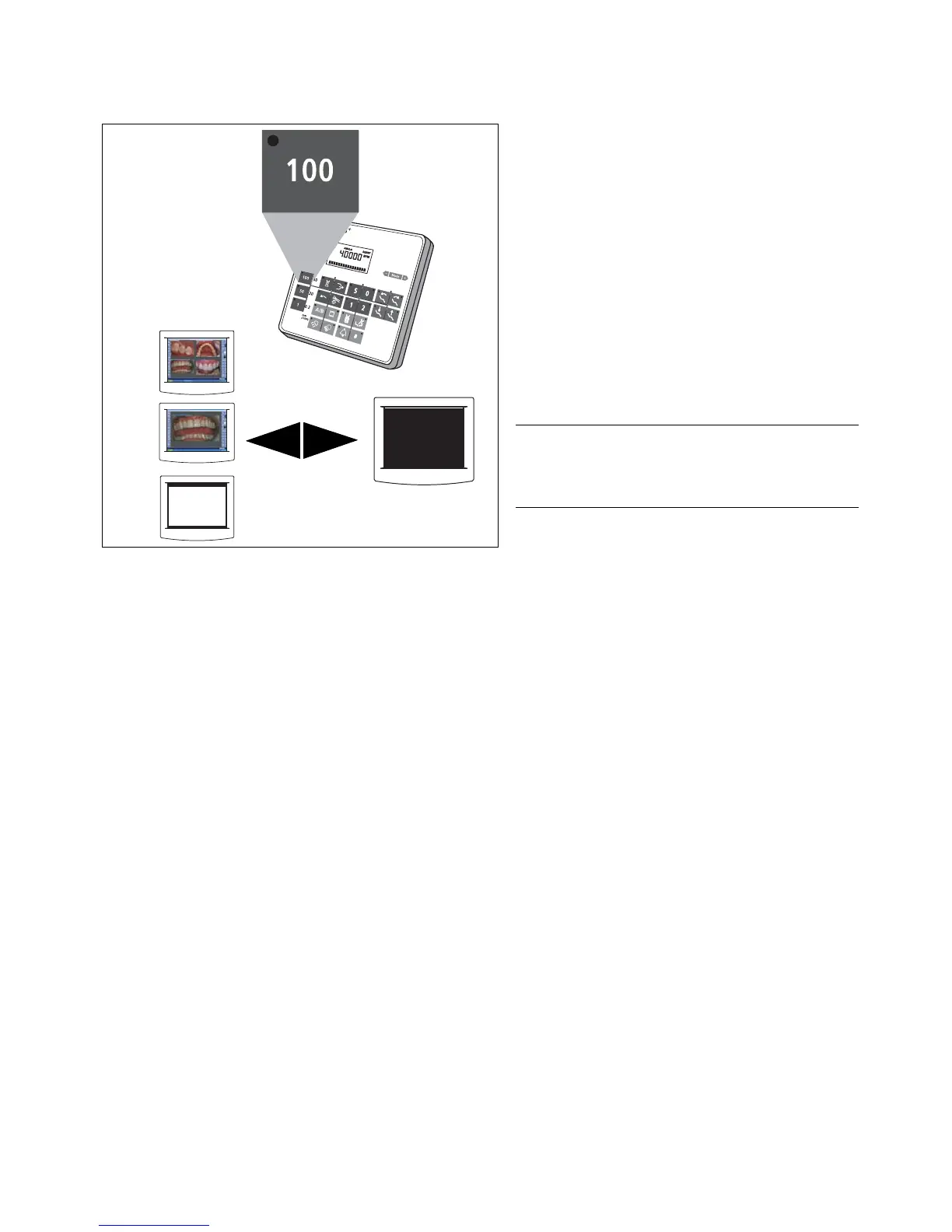
BLACK SCREEN
"100" quick adjustment key
Manually or by cursor (using the foot switch) with instru-
ments in place or camera picked up. Cursor forward if
the cursor LED next to the quick adjustment keys lights
up.
• Toggling between any view and a BLACK SCREEN.
• The previous view reappears when you press this
key again.
WHITE SCREEN / BLACK SCREEN is only possible
when "AUTO" is set on the monitor (see SIVISION 3
"Operating Instructions for the Flat-Screen Monitor")













 To Next Page