14 SIVISION 3 / SIROCAM 3 / SIROCAM C Sirona Dental Systems GmbH
14.7 SIROCAM 3 / SIROCAM C integrated in the dentist element (PC) C3
+
59 06 404 D 3390
100 D 3390.201.01.18.02
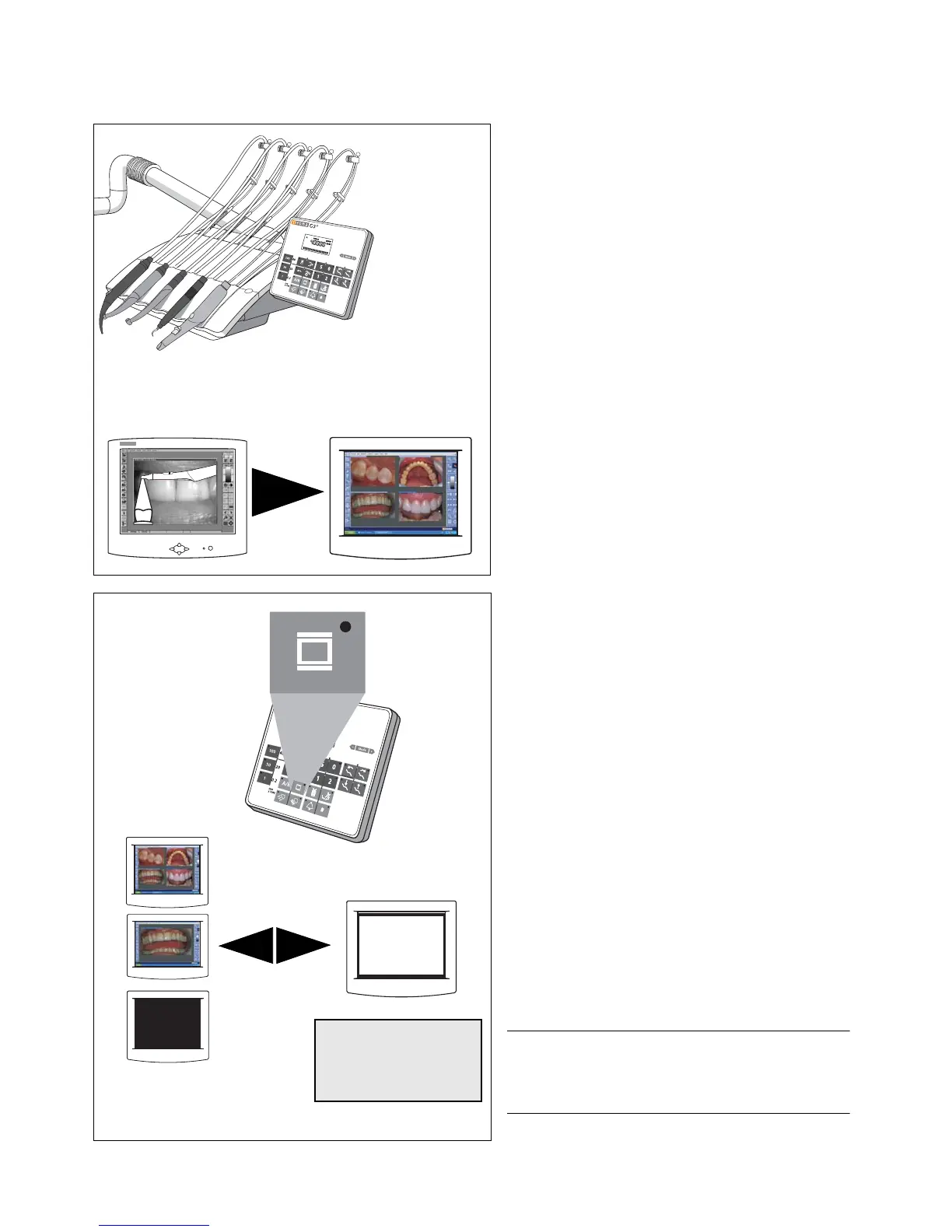
Putting the camera back
•The LIVE IMAGE window closes.
The displayed STILL IMAGE or any saved images
remain open.
WHITE SCREEN
X-ray image viewer ON / OFF key on the control
panel
• Switch X-ray image viewer or WHITE SCREEN on
the SIVISION monitor ON / OFF.
Presetting is possible in the "Mode: WEISSBILD JA /
NEIN" mode menu on page 76:
– only X-ray image viewer ON / OFF if NO flashes
or
– X-ray image viewer and WHITE SCREEN on the
SIVISION monitor ON / OFF if YES flashes.
WHITE SCREEN - NO should be selected if an X-ray
image viewer is installed. If no X-ray image viewer is
installed, select WHITE SCREEN - YES.













 To Next Page