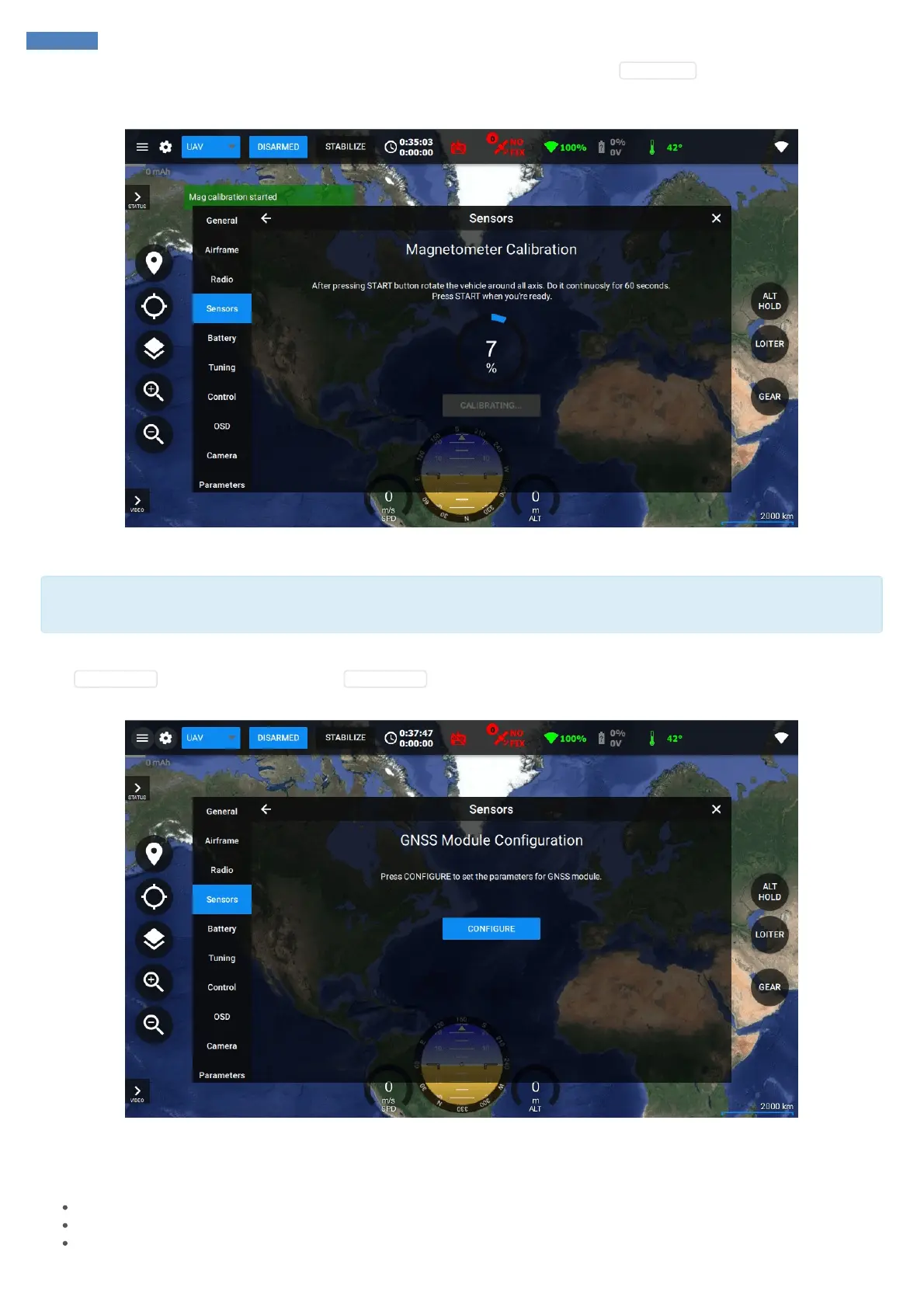
have any metals around and in your pockets (e.g. keys, cell phones, etc) before calibration. Press CALIBRATE near magnetometer data follow
further instructions. You will need to rotate the vehicle around three major axes (roll, pitch, yaw). After 60 seconds magnetometer calibration will
be automatically completed and pop-up calibration message will go out.
GNSS Configuration
Make sure that the GPS module is connected to the autopilot before proceeding to this step. Also, make sure that the green LED indicating
power supply of the module is solid green.
Sensors tab allows to configure GNSS module with the default parameters and messages required to work properly with SmartAP Autopilots.
Click CONFIGURE button near GNSS data. Click CONFIGURE in the new window again and configuration changes will take an effect after
system reboot.
Battery
Set battery sensor type. The system supports several battery sensors:
Generic power module
SmartAP PDB
SmartAP 3.x internal monitoring



 To Next Page