Geotag images
SmartAP autopilot along with SmartAP GCS allows to precisely geo tag images for further post-processing. When the camera feedback pin is
connected to the autopilot the autopilot knows the exact moment when the picture was actually taken and writes this information into log file. It
contains the following information:
ID - image sequence number
Latitude - latitude location of the image
Longitude - longitude location of the image
Altitude - altitude of the image (MSL - above mean sea level)
Roll - roll of aircraft
Pitch - pitch of aircraft
Yaw - yaw of aircraft
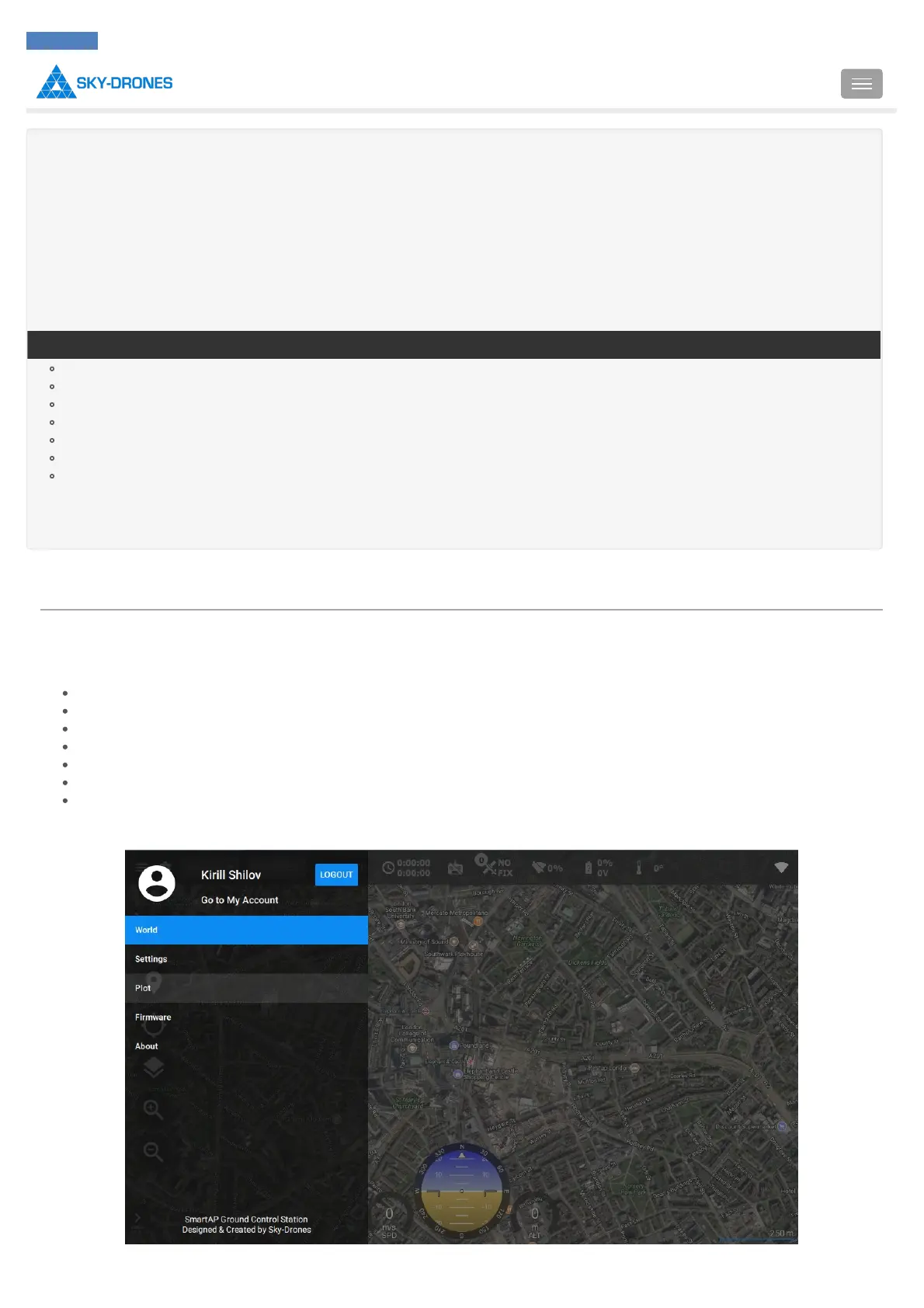
To geotag images firstly download the log file. Then open SmartAP GCS, pull out the left drawer:



 To Next Page