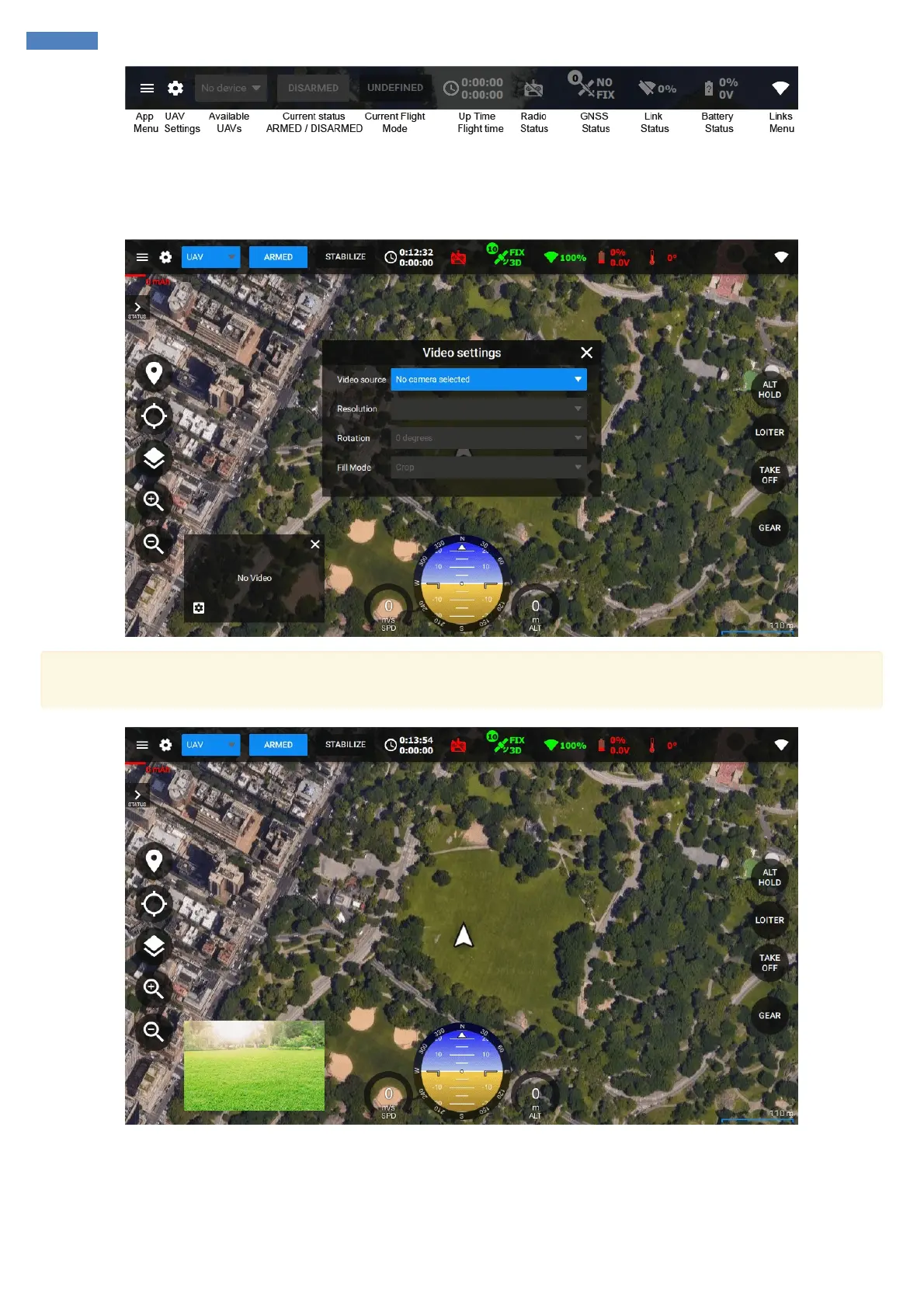
Getting the video feed
SmartAP GCS allows to see the real-time video feed right in the application. Click on the Gear icon in the bottom-left corner and select the video
source you would like to use. You can change resolution and apply image rotation if needed.
If you can't see your video source in the list of available devices, make sure to connect the video source to your computer before starting
SmartAP GCS application.
You can also enable full-screen video mode by clicking on the small video window. Map and video widgets will be swaped.



 To Next Page