level.
4. If you can see low-frequency oscillations – it means that your Stabilization Angle Roll / Pitch is too high and you need to decrease it. This
value lays in range between 3 - 6.
Navigation gains can be tuned using the same approach, however, this is not really important to tune this values since they’re fine by default for
the majority of the vehicles.
More information on default gains is available in Standard PID Presets section.
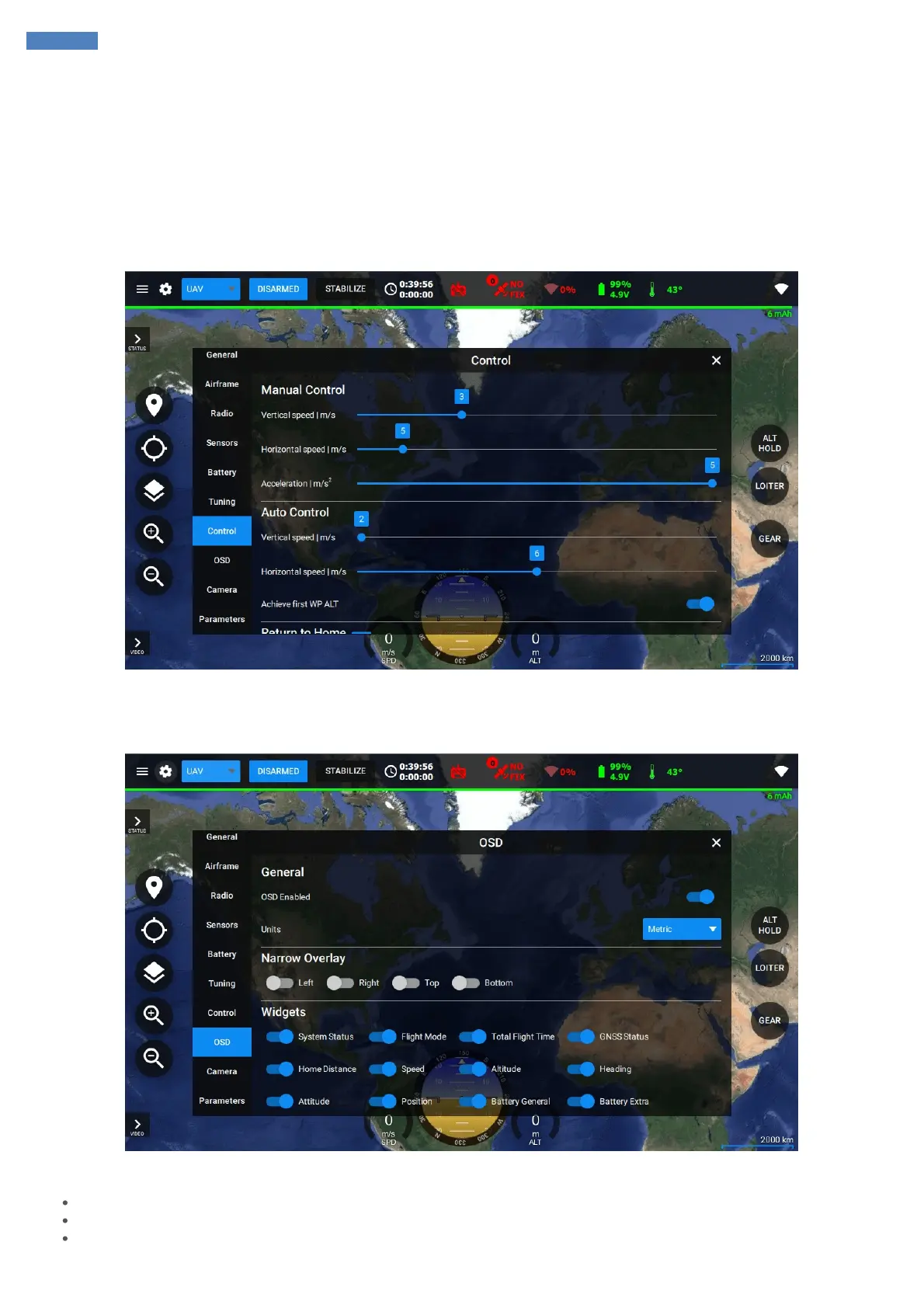
Control
Control tab allows configuring user’s manual control sensitivity, horizontal and vertical speed limits in various modes and failsafe actions.
OSD
OSD tab provides the settings for On-Screen Display module configuration.
In OSD settings you can:
Enable / disable OSD module
Select Metric or Imperial type of the units depending on your preferences
Narrow the overlay area to fit the information on the screen



 To Next Page