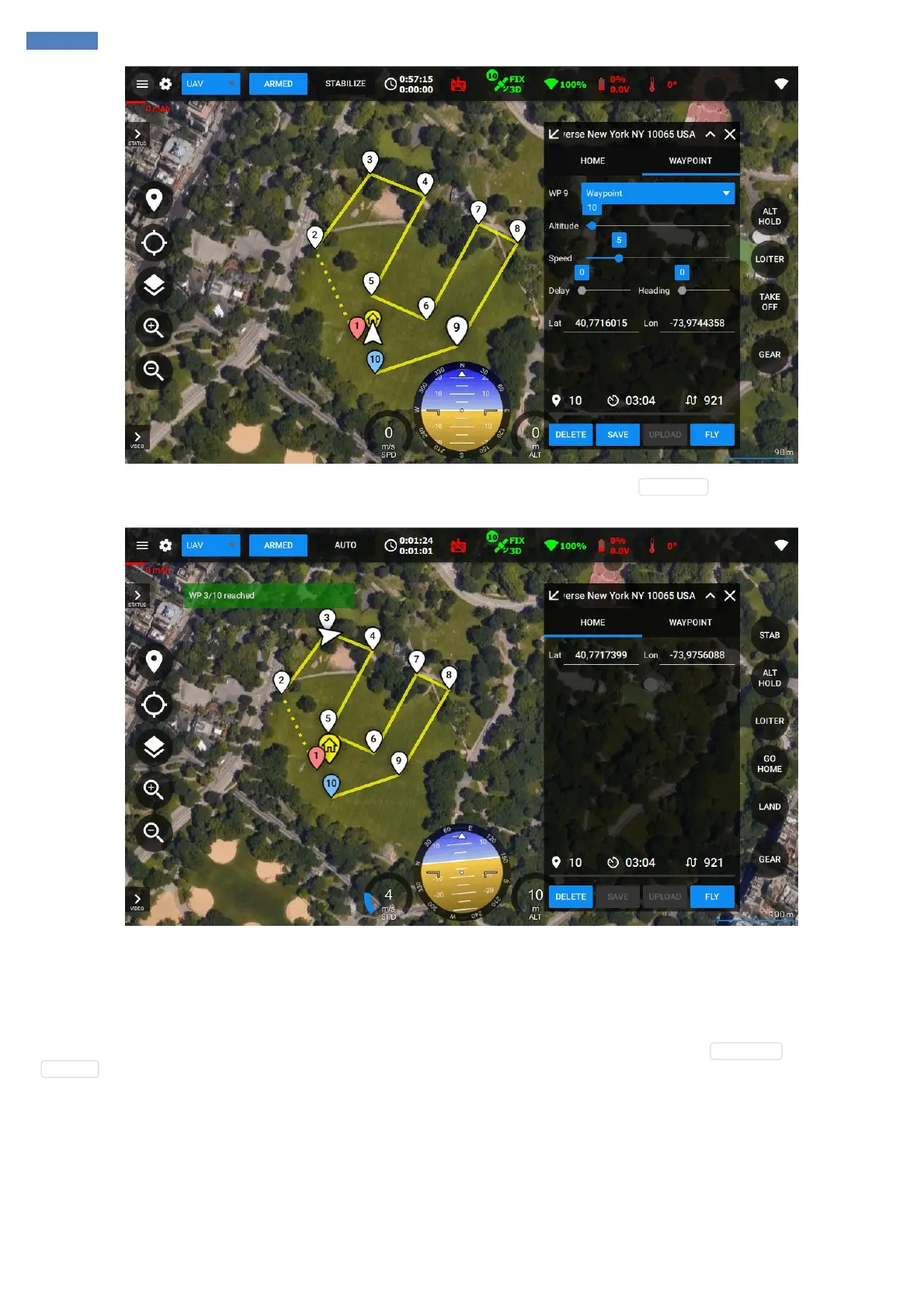
If you don’t have Take off type of the waypoint in your list – you’ll need to take off manually or press TAKE OFF button on the right. After the
vehicle is airborne you can press FLY button or switch to AUTO mode using your RC transmitter. The vehicle will start flying to the first waypoint.
Flight progress can be seen in real-time with the indication of the vehicle path. After the last waypoint reached the vehicle will enter hovering
mode and maintain the altitude and position of the last point or perform landing if it was planned to do so.
Guided flight
Guided flight mode which is also know as "Fly here" mode allows setting and moving the desired position of the vehicle interactively in real-time.
This mode is available only if the vehicle is already flying in the air. To activate the guided flight mode simply click PLANNING button and then
GUIDED button.



 To Next Page