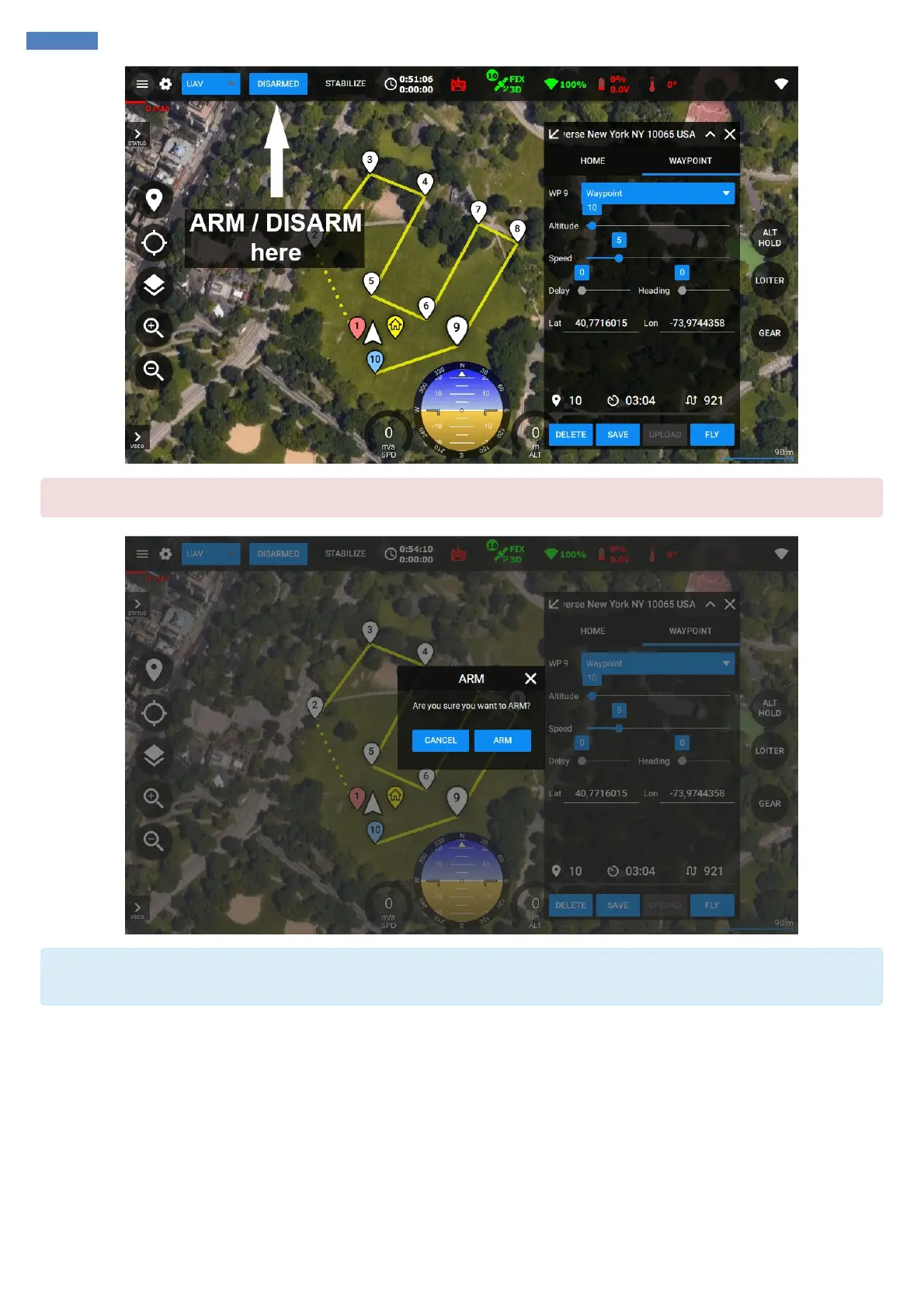
`ARM` command should be confirmed to make sure it wasn't clicked accidentally.
Home position (including altitude) is set on every ARM event. Make sure to ARM the system after it got the stable GNSS satellites signal.
Saving the valid home position and altitude is important for calculating the waypoints altitude.
After you armed the system you can notice the Home icon might moved on the map. This position will be used for RTH (Return to Home) mode
and its altitude will be used as an altitude reference for the waypoints. If you want to change the home position manually you can simply drag &
drop it.



 To Next Page