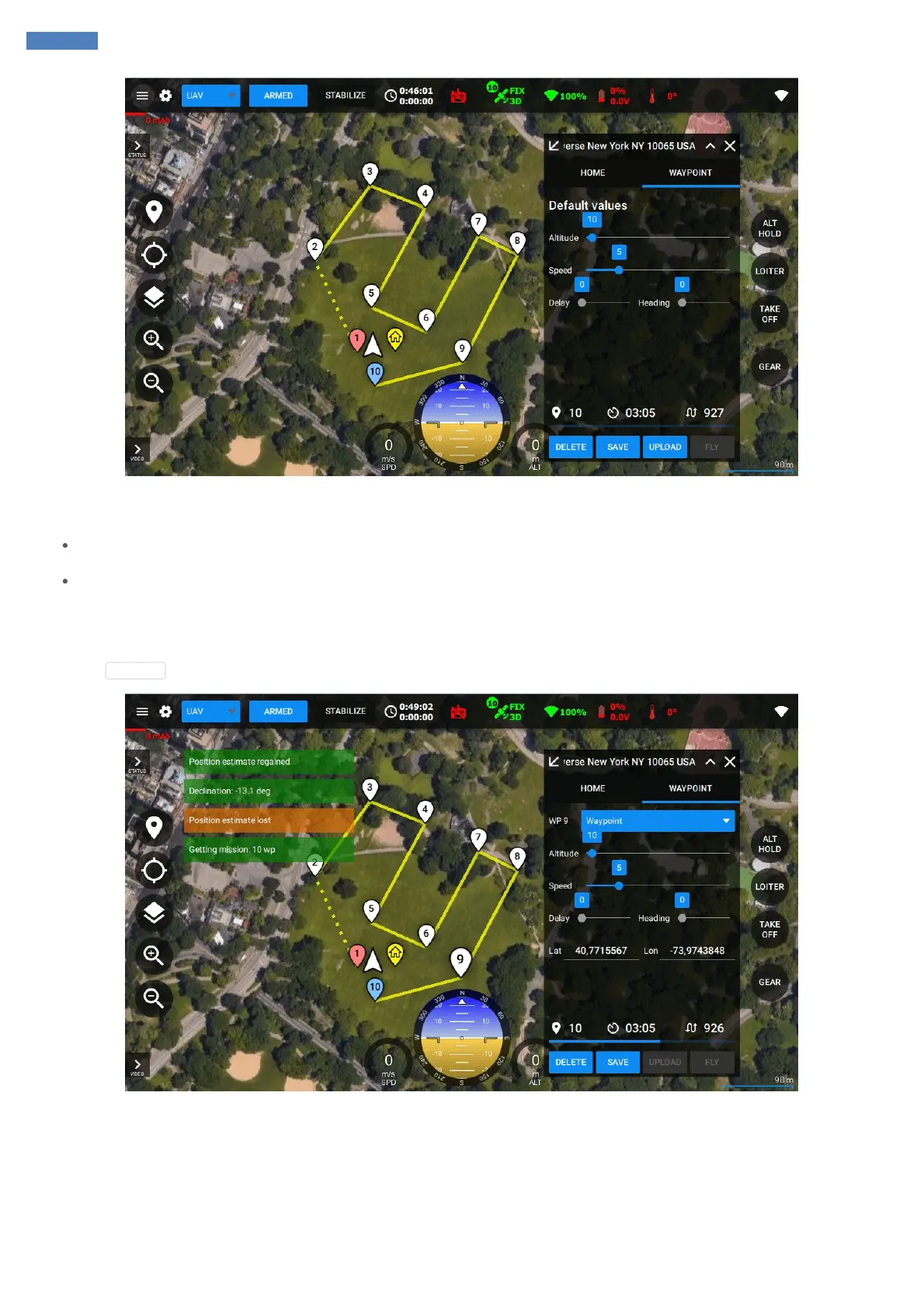
The system allows creating various mission scenarios – including autonomous take off and / or landing point types or having only waypoints type
in the list:
In the first case the vehicle should be airborne before activating autonomous mode. After AUTO mode was activated the vehicle will start
flying to the first waypoint. If the system is not airborne then the vehicle will not allow switching to the autonomous flight mode.
In the second case the vehicle should be on the ground before activating autonomous mode. After AUTO mode was activated the vehicle
will start autonomous take off and then continue flying to the next waypoint. If the vehicle is airborne before starting AUTO it will skip the
Take off waypoint.
After the mission was created it can be saved and / or uploaded to the vehicle.
If you click UPLOAD then you can notice the status of sending the mission in the right-bottom corner of the application:
Finally, you will see Waypoints Received message.
Before the flight you need to ARM the system. The system can be armed using the RC transmitter stick or by clicking the ARM / DISARM button
in the GCS.



 To Next Page